CorsoUX Blog
Guides and resources for UX Design
Practical articles, frameworks and real-world case studies curated by CorsoUX mentors to help you grow as a designer.
User Onboarding: A Guide to First Impressions
User onboarding is the critical first experience that decides if users stay. Discover the key types, best practices, and common mistakes to avoid.
What Are Design Tokens? A Practical Guide
Design tokens are the bridge between design and code in a design system. Learn what they are, the different types (primitive, semantic, component), and how to manage them in Figma.
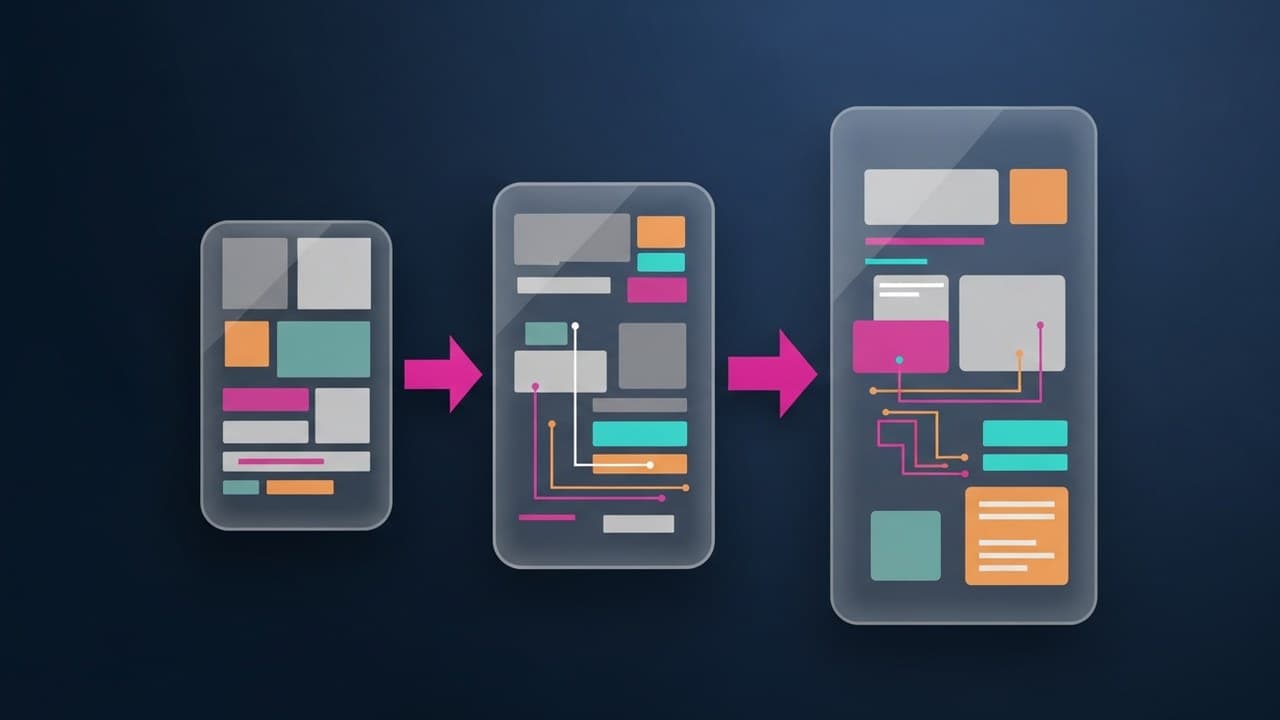
Rapid Prototyping in Figma: A Practical Guide
Rapid prototyping lets you test ideas before writing code. Learn what it is and how to create interactive prototypes in Figma, from frames to user testing.
Adobe XD vs Figma: Why Figma Won the Fight
Adobe XD or Figma? With Adobe abandoning XD, Figma is the clear winner. We break down the key differences, pros & cons, and how to migrate your files.

Essential AI Tools for UX Designers
AI is reshaping the UX designer's workflow. Discover the best AI tools for every design stage and learn how to use them without losing your critical thinking.

Web Accessibility Laws: Your EAA Guide
Starting June 28, 2025, the European Accessibility Act (EAA) makes digital accessibility a legal requirement. Here's who it affects and how to design for compliance.
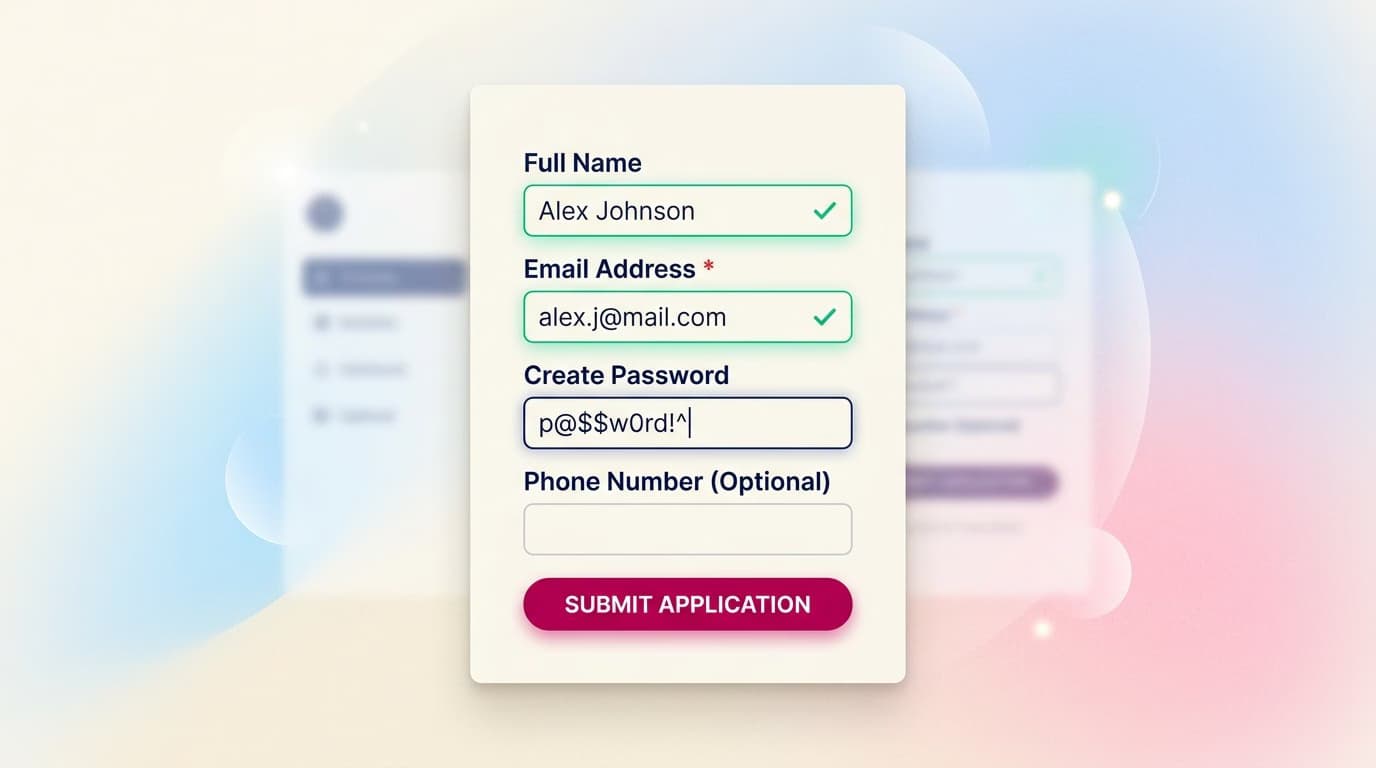
UX Form Design: 10 Rules for High-Converting Forms
Poorly designed forms kill conversions. Learn 10 practical UX form design rules covering layout, labels, validation, mobile, and accessibility.

Usability Testing: A Complete Guide
Your complete guide to usability testing: moderated vs. unmoderated, A/B tests, guerrilla testing, costs, participant numbers, and common mistakes.
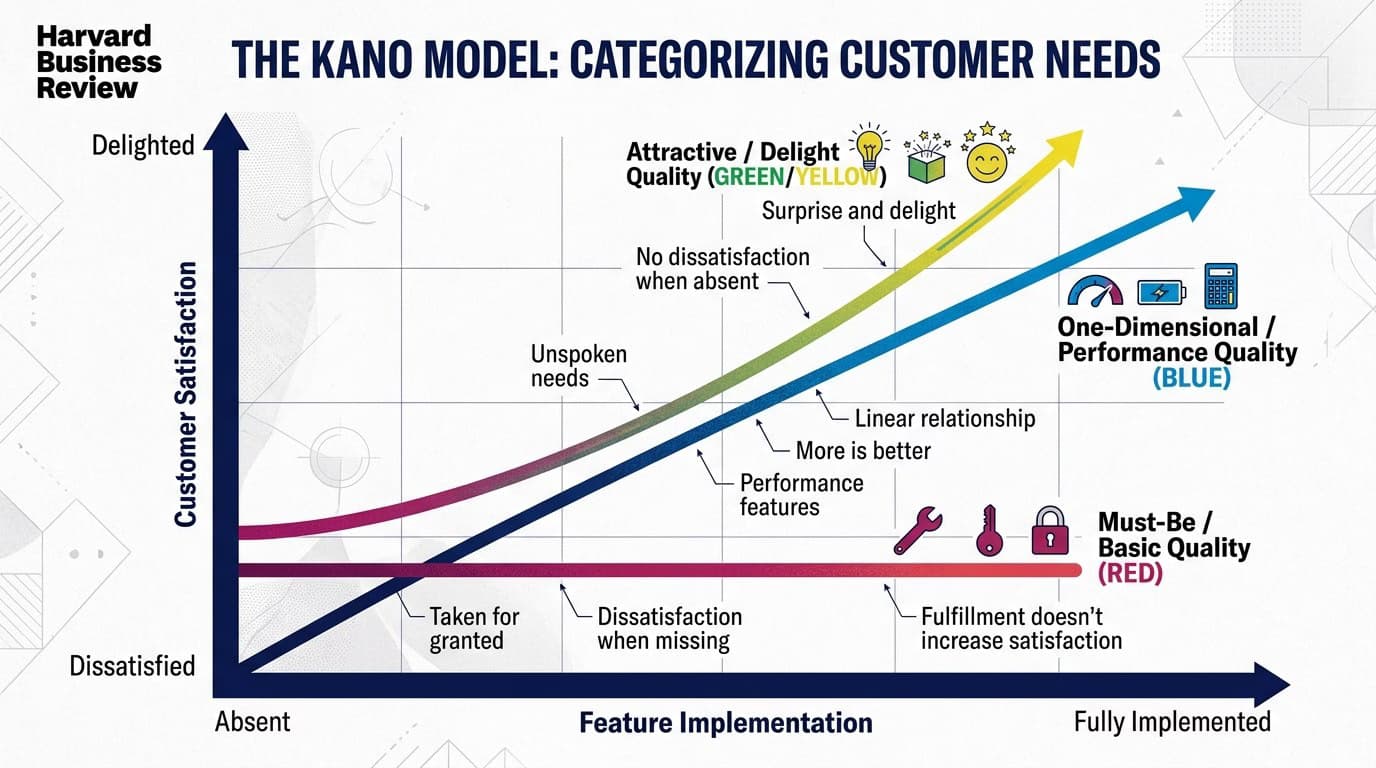
Kano Model: A Guide to Feature Prioritization
The Kano Model helps you prioritize features by classifying them into 5 key types. Learn how to use it to build a product roadmap users will love.
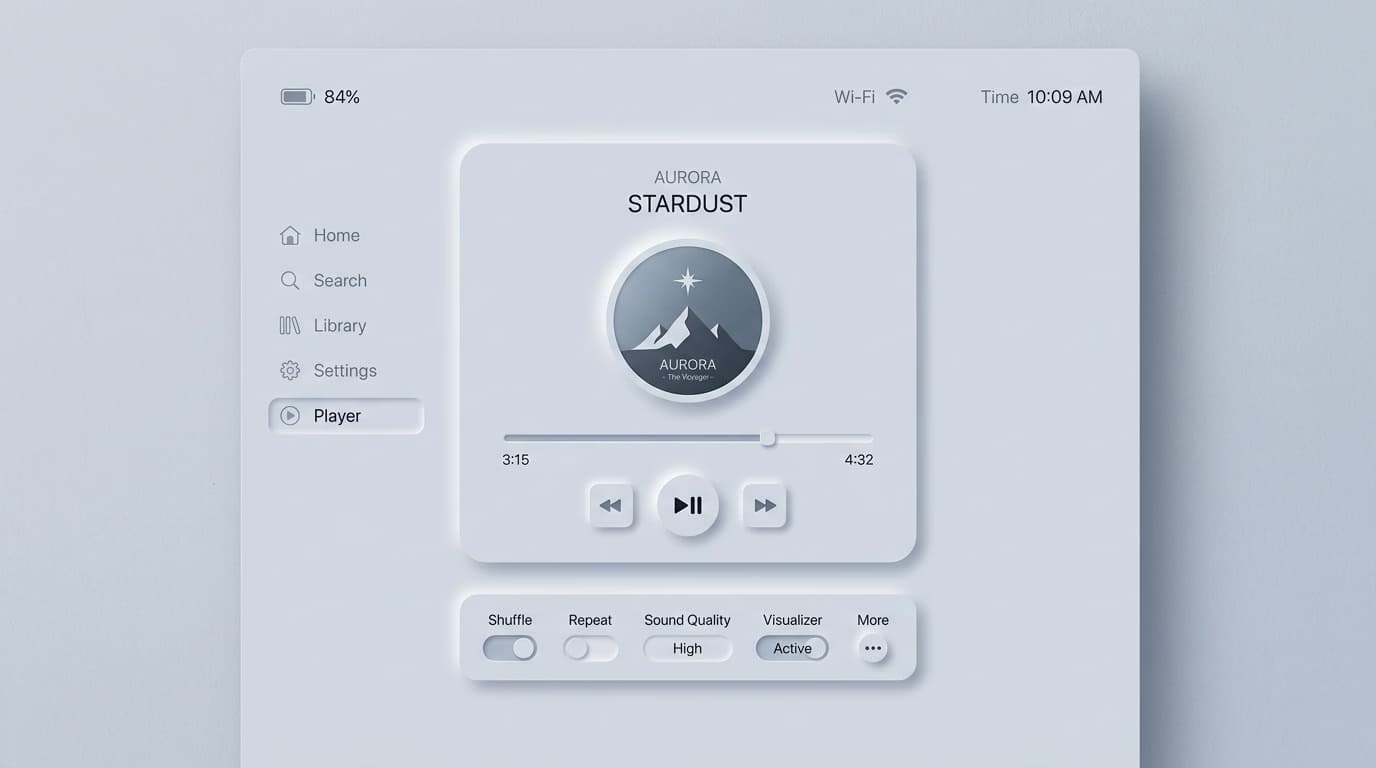
Neumorphism in UI Design: Pros, Cons & Best Practices
Neumorphism is a beautiful but controversial UI trend. Discover what it is, its major accessibility flaws, and the specific use cases where it actually works.
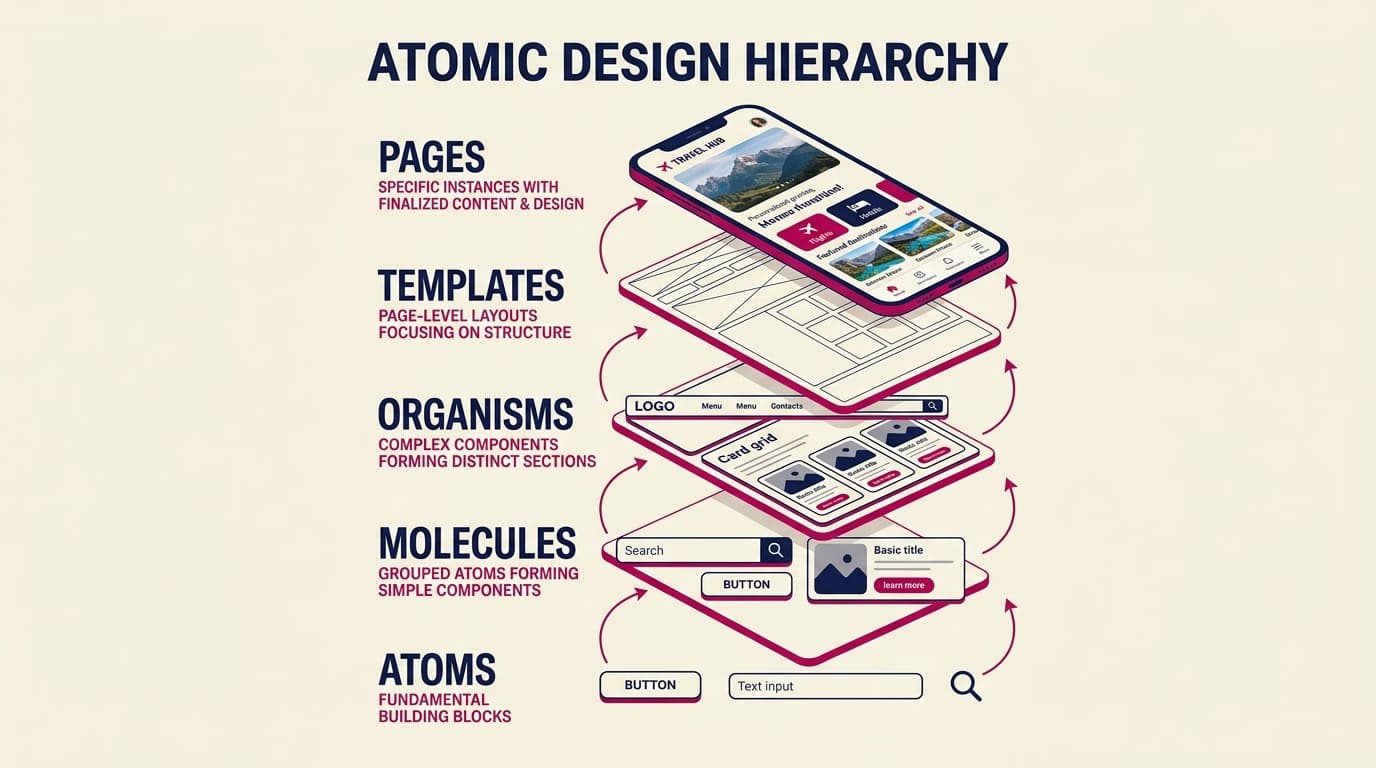
What Is Atomic Design? A Simple Guide
Atomic design is a methodology for creating design systems. Learn its 5 levels (atoms, molecules, organisms, templates, pages) and how to apply them.
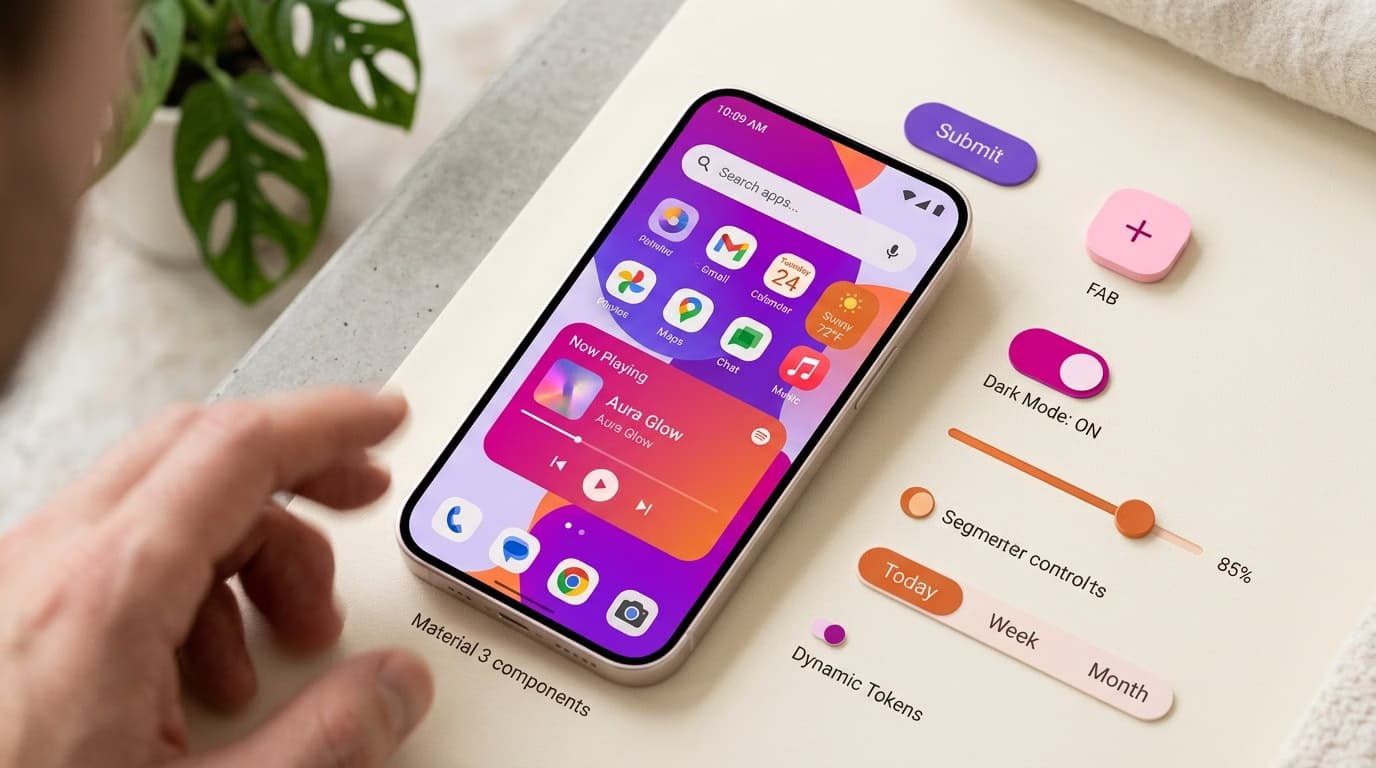
Material Design 3: What's New & When to Use It
Material Design 3 is the biggest overhaul of Google's design system. Learn what's new vs. M2, how dynamic color works, and when you should adopt it.