You know that feeling of opening a new app, facing a blank screen, and having no idea where to start? That moment decides almost everything. It's when a user figures out if the product is for them or if it's getting uninstalled in thirty seconds. That moment has a name: onboarding.
User onboarding is the first experience a person has with a digital product, from their initial login until they perceive its value. It's not a cosmetic detail or a series of decorative screens to skip as quickly as possible; it's the phase where the battle for activation and retention is won or lost. An excellent product with a confusing onboarding process loses users who never got the chance to discover how great it was.
In this guide, I'll explain what UX onboarding is, why it's so decisive, what types exist (product tours, empty states, progressive disclosure, checklists, tooltips), the best practices for designing it well, the most common mistakes, and how to measure its effectiveness.
What you'll learn:
- What UX onboarding is, where it starts, and where it ends
- Why it's the critical point for user activation and retention
- The main types of onboarding and when to use them
- Best practices for designing an experience that delivers value
- The most common mistakes that cause users to churn
- How to measure onboarding with concrete metrics
What is UX Onboarding?
User onboarding is the process that guides a new user from their first contact with a product to the moment they understand and experience its value. In other words, it doesn't end when the user completes registration, but when they reach what's known as the "aha moment"—the instant they realize why they need that product.
It's important to distinguish between two often-confused concepts. Signup is the act of creating an account. Onboarding is the entire journey that leads the user to use the product meaningfully. You can have a lightning-fast signup and terrible onboarding: the user gets in, doesn't understand what to do, and leaves.
Think of a project management tool like Notion or Asana. The aha moment isn't "I created an account," but "I just got my whole team aligned on a board in five minutes." The job of onboarding is to minimize the distance—and friction—between those two points. Everything in between is design: a path that must be mapped with the same care as any other user flow in the product.
Why User Onboarding is Crucial
Two words explain why onboarding deserves so much attention: activation and retention.
Activation is the percentage of users who, after signing up, perform the key action that demonstrates they've understood the product's value. It's the metric most directly influenced by onboarding. A well-designed onboarding process increases activation; a confusing one crushes it.
Retention is the ability to keep users over time. And here's a statistic worth remembering: according to industry data from sources like Glassdoor and the U.S. Bureau of Labor Statistics, most user churn happens in the very first few days, often during the first session. Those who don't understand a product right away rarely give it a second chance. That's why they say onboarding isn't the first impression; for many users, it's the only impression.
There's also a financial aspect. Acquiring a new user costs money—campaigns, advertising, content. If that user churns before activating, the entire customer acquisition cost is wasted. Good onboarding is one of the few points in a product where a marginal improvement in experience translates directly into more active users and higher revenue. It's rare to find a lever with such a high return on investment.
Types of User Onboarding
There is no one-size-fits-all onboarding solution. Different patterns are suited for different contexts. Here are the five main types.
Product Tours
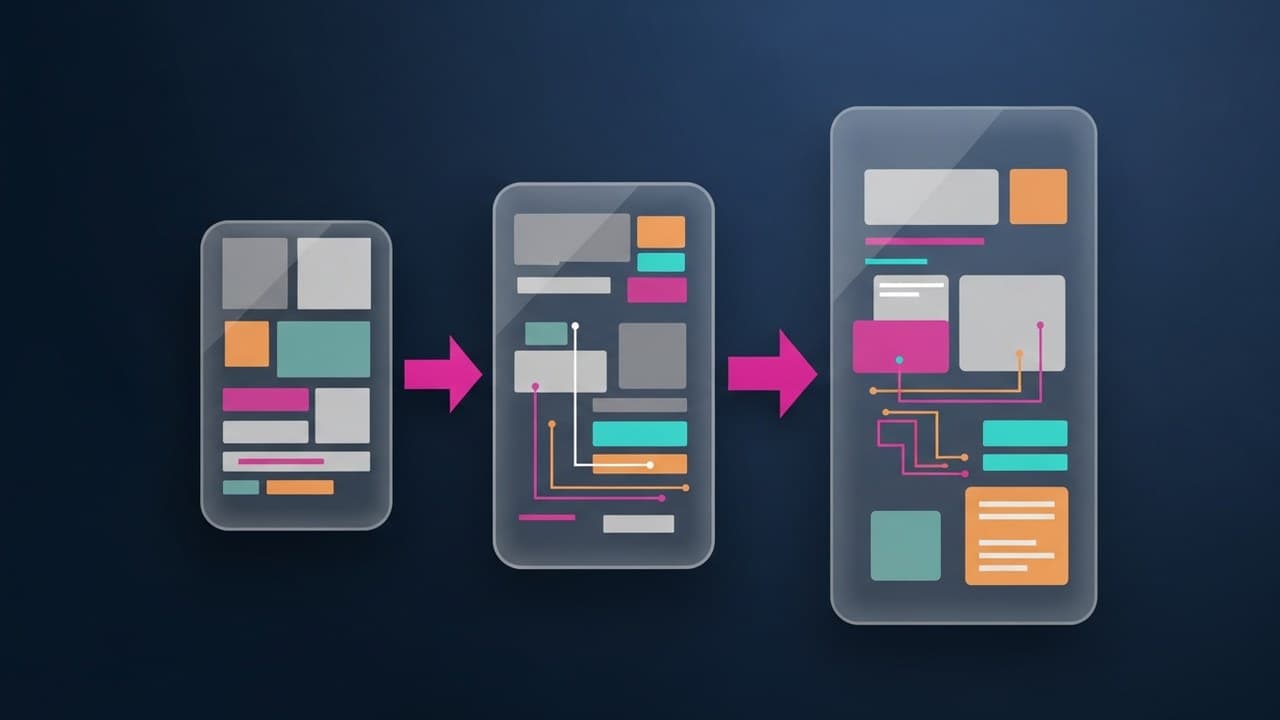
A product tour is a guided sequence that shows the user the main features right after they log in. Think of the classic screens with arrows and descriptions highlighting buttons. It works when the interface is complex and not immediately intuitive, but it's also the most overused pattern. A tour that's too long or forced upon the user becomes an obstacle, not a help. The golden rule is to show less, and only what's needed for the first step.
Empty States
The empty state is what the user sees when a section is still empty: no projects, no messages, no data. Instead of leaving a desolate blank space, a good empty state explains what will go there and prompts action with a clear button ("Create your first project"). It's contextual onboarding at its best: it helps exactly when and where it's needed.
Progressive Disclosure
Progressive disclosure involves showing the user only what they need at the moment, revealing more advanced features as they progress. Instead of overwhelming them with options at first login, you present a simple interface that grows in complexity with their familiarity. It's one of the most powerful principles for reducing initial cognitive load.
Checklists (or Setup Wizards)
A checklist shows the user a list of steps to complete to set up the product: "complete your profile," "invite a colleague," "create your first item." It leverages a simple but effective psychological mechanism—the desire to complete what is incomplete—and gives the user a sense of progress. It's particularly useful in B2B and SaaS products, where initial setup requires multiple steps.
Tooltips and Hotspots
Tooltips are small, contextual hints that appear next to an element to explain its function. Hotspots are indicators (often pulsating dots) that draw attention to a new feature. Used sparingly, they guide the user without interrupting them. Used excessively, they become visual noise that users learn to ignore.
In practice, the best products combine multiple patterns: an empty state that invites action, a few contextual tooltips, and a checklist for setup. The choice depends on the product's complexity and the user's autonomy.
Best Practices for Onboarding Design
Beyond specific patterns, certain principles apply to any well-designed onboarding experience.
Start with the user's goal, not your features. The classic mistake is designing onboarding around "what I want to show" instead of "what the user wants to achieve." Start by identifying the aha moment and build the shortest path to get there. Understanding who your user really is is the foundation of everything, which is why onboarding starts with good research and a solid user persona.
Deliver value as quickly as possible. Every step that separates the user from their first useful outcome is a potential drop-off point. Postpone full registration, optional configurations, and advanced settings. Show the value before asking for commitment: many products allow users to use basic features before even completing their profile.
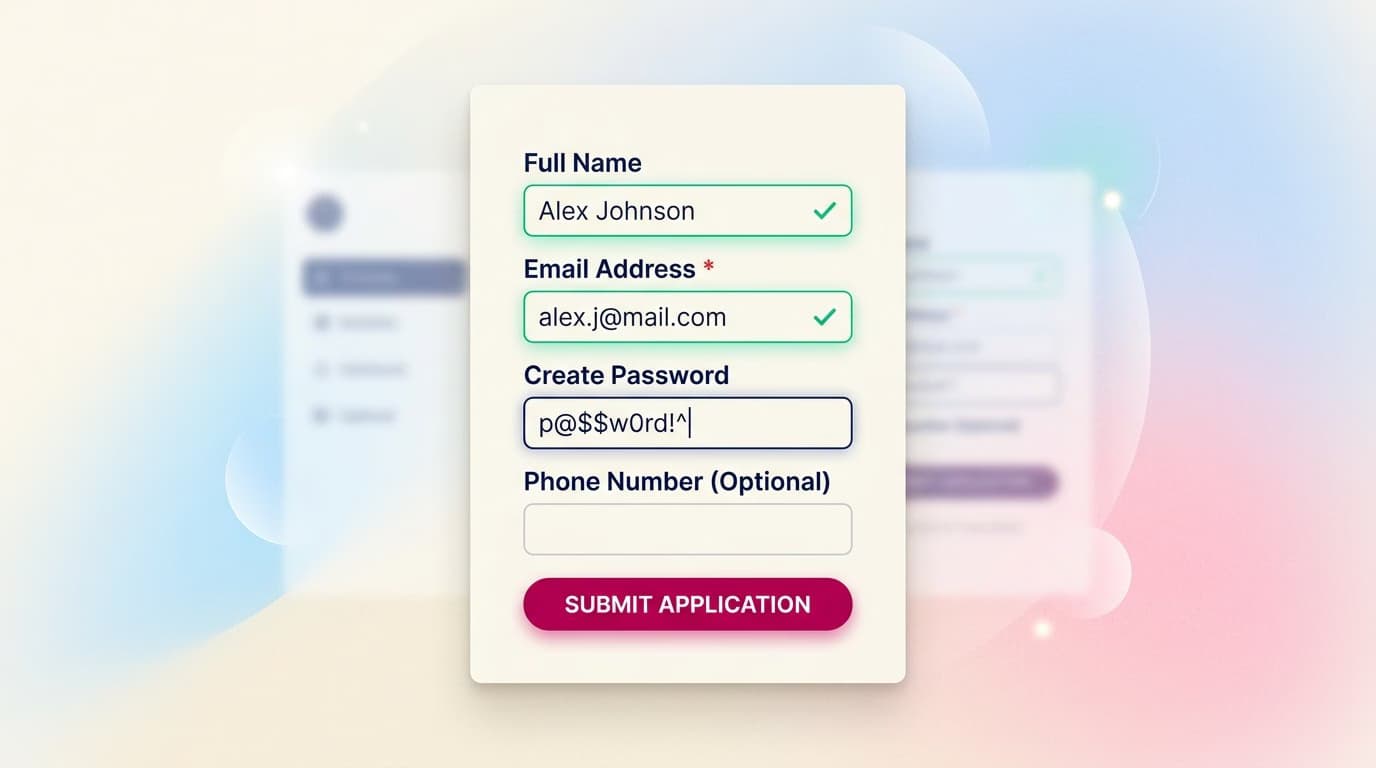
Reduce friction at every step. Pre-fill fields when you can, offer sensible defaults, and eliminate non-essential requests. Asking for less information upfront increases conversions: every extra field is another reason to leave.
Personalize the journey. A user who signs up for one specific need shouldn't see the same onboarding as someone with a different goal. A simple initial question ("What do you want to do first?") can help tailor the experience and show only what's relevant.
Craft your microcopy. The words in your onboarding matter immensely: titles, descriptions, button labels, status messages. Clear, friendly text guides users; bureaucratic or ambiguous text blocks them. We have a collection of microcopy examples you can draw inspiration from.
Show progress. If the onboarding has multiple steps, clearly indicate where the user is and how much is left. A progress bar or a checklist reduces uncertainty and increases the likelihood of completion.
Always provide an exit. Allow users to skip non-essential steps. An onboarding flow that traps the user generates frustration. Those who want to explore on their own should be able to, and return to the guidance when they need it.
The Most Common Onboarding Mistakes
Knowing best practices helps, but avoiding common mistakes helps even more. Here are the most frequent ones.
The tutorial wall. Bombarding the user with ten screens of explanations before they can even touch the product. The result: they skip them all without reading, or they give up. People learn by doing, not by watching.
Asking for too much, too soon. Long signup forms, requests for unnecessary data, and invasive permissions on the first launch. Every premature request is a filter that weeds out users who might have otherwise activated.
Onboarding disconnected from value. A tour that shows where the buttons are, but not why they should care. The user learns the map of a territory they have no reason to explore yet.
No personalization. Treating all users the same, ignoring that they arrive with different needs and levels of experience.
One-and-done onboarding. Thinking that onboarding ends after the first login. In reality, learning is continuous: new features, second logins, moments of getting stuck. The best onboarding is ongoing and contextual, not a single event.
Ignoring the data. Designing onboarding based on gut feelings without measuring where users get stuck or drop off. Without data, you're just guessing.
How to Measure Onboarding Success
You don't evaluate onboarding by sight; you measure it. The most useful metrics are few and concrete.
- Onboarding Completion Rate — How many users reach the end of the intended path. Sharp drops between steps signal a point of friction to fix.
- Activation Rate — How many users perform the key action that proves they've understood the value. This is the king of onboarding metrics.
- Time to Value (TTV) — How long it takes from the first login to the aha moment. The shorter, the better.
- 1, 7, and 30-day Retention — How many users return after a day, a week, and a month. This reflects the overall quality of the initial experience.
- Step-by-step Drop-off Rate — In a multi-step onboarding flow, where exactly users are leaving.
The most effective tool for identifying bottlenecks is the onboarding funnel: you visualize each step and see where the percentage of users plummets. That's where you need to intervene. To set up a consistent measurement system, check out our guide to UX metrics.
The process is cyclical: you measure, identify the weak spot, improve it, and measure again. Onboarding is never truly "finished"—it's optimized over time, one point of friction at a time.
In Summary
UX onboarding is the first experience a user has with a digital product, from their first login to the aha moment when they perceive its value. It is the most critical phase for activation and retention, as most user churn happens in the very first few minutes.
Several patterns exist—product tours, empty states, progressive disclosure, checklists, and tooltips—which can be combined based on the product's complexity. Best practices revolve around one idea: get the user to value as quickly as possible by reducing friction at every step. The mistakes to avoid are the tutorial wall, premature requests, and a lack of measurement. Because great onboarding is designed with data and improved one funnel at a time.
Designing a product's first experience is one of the most in-demand skills for a UX designer because it directly impacts business results. It's one of the topics we dive deep into in our complete UX Designer program: learning to build experiences that not only work, but that guide people to the moment they understand why they should stay.
Frequently Asked Questions
What's the difference between signup and onboarding? Signup is the act of creating an account; onboarding is the entire journey that leads a user to use the product meaningfully and perceive its value. You can have a fast signup and terrible onboarding: the user gets in but doesn't know what to do. Onboarding ends when the user reaches their aha moment, not when they click "sign up."
How long should a product's onboarding be? As short as possible while still delivering value. There's no fixed number of screens or minutes: the goal isn't duration, but the speed at which the user achieves their first useful outcome (the time to value). A single-step onboarding that delivers immediate value is better than a ten-step one that delays it.
How do I know if my onboarding is working? By measuring it. The key metrics are completion rate, activation rate, time to value, and 1, 7, and 30-day retention. Build an onboarding funnel to see where users drop off: the point where the percentage plummets is the first place to focus your improvement efforts.