
"If you can't measure it, you can't improve it." The quote attributed to Peter Drucker is the core principle of modern UX. In 2026, a senior designer doesn't just present "prettier redesigns" to stakeholders: they present numbers that prove the before-and-after impact of a design decision. And to do that, you need to know the right metrics.
UX metrics fall into two families: quantitative (numbers from analytics, surveys, tests) and qualitative (insights from interviews, observation). Both are important, but quantitative metrics are the language of product managers, CFOs, and investors. Without numbers, design remains a "colorful opinion" in the eyes of non-designers.
This guide covers the 3 most common UX metrics in 2026: System Usability Scale (SUS), Net Promoter Score (NPS), and Google's HEART framework. For each, I'll explain what it is, how to calculate it, when to use it, and when it's the wrong tool for the job.
What you'll learn by reading:
- The 4 categories of UX metrics (behavioral, attitudinal, desirability, business)
- System Usability Scale (SUS): the world's most widely used 10-question survey
- Net Promoter Score (NPS): what it is, how it's calculated, and its limitations
- Google's HEART framework: a modern way to measure large-scale products
- How to build a UX dashboard that anyone can understand
- The most common mistakes when using metrics
The 4 Categories of UX Metrics
Before diving into formulas, it's helpful to know that UX metrics are divided into 4 categories with different purposes:
| Category | What it measures | Examples | How it's collected |
|---|---|---|---|
| Behavioral | What users do | Task success rate, time on task, error rate | Usability testing, analytics |
| Attitudinal | What users think/feel | SUS, NPS, satisfaction score | Surveys, questionnaires |
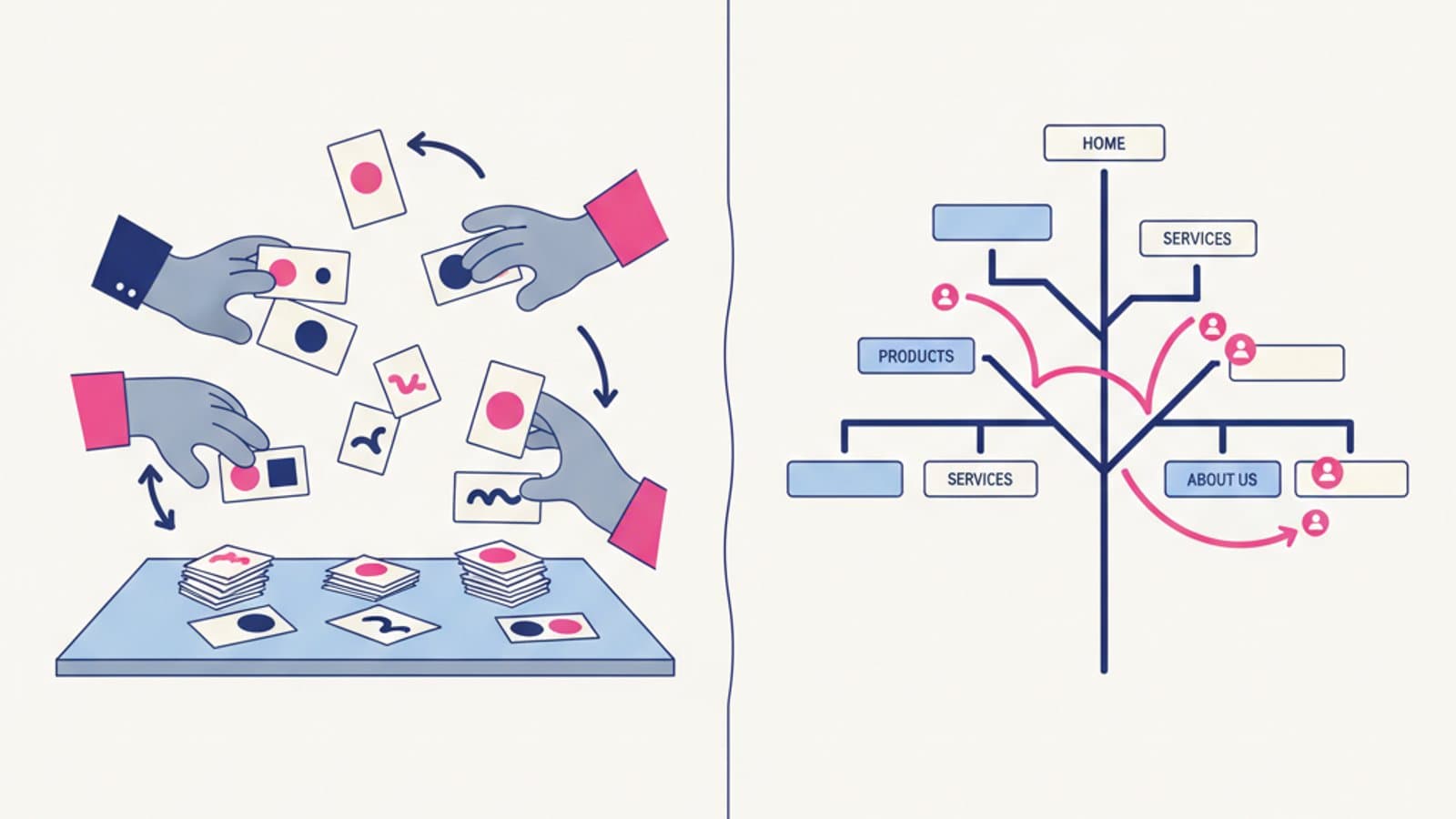
| Desirability | How much they love the product | Word association, top-tasks analysis | Card sorting, qualitative surveys |
| Business | Impact on the business | Conversion rate, churn, LTV | Analytics, CRM |
A senior designer uses all four in complementary ways. Behavioral metrics tell you what's happening, attitudinal metrics tell you how users feel, desirability metrics tell you what they prefer, and business metrics tell you if your work is creating value.
System Usability Scale (SUS)
The System Usability Scale is the most widely used usability questionnaire in the world. Created in 1986 by John Brooke at Digital Equipment Corporation as a "quick and dirty" scale, it has become an industry standard thanks to three key advantages:
- 10 standard questions that are easily translated and comparable
- A single final score from 0 to 100, which is easy for executives to understand
- Industry benchmarks are widely available from thousands of published studies
The 10 SUS Questions
The 10 SUS questions alternate between positive and negative statements. The user responds on a 5-point Likert scale from 1 (Strongly Disagree) to 5 (Strongly Agree). The canonical questions are:
- I think that I would like to use this system frequently.
- I found the system unnecessarily complex.
- I thought the system was easy to use.
- I think that I would need the support of a technical person to be able to use this system.
- I found the various functions in this system were well integrated.
- I thought there was too much inconsistency in this system.
- I would imagine that most people would learn to use this system very quickly.
- I found the system very cumbersome to use.
- I felt very confident using the system.
- I needed to learn a lot of things before I could get going with this system.
How to Calculate the SUS Score
The formula is simple but requires careful attention:
- For odd-numbered questions (1, 3, 5, 7, 9 — positive), subtract 1 from the user's score.
- For even-numbered questions (2, 4, 6, 8, 10 — negative), subtract the user's score from 5.
- Sum all 10 resulting values (you'll get a number between 0 and 40).
- Multiply the sum by 2.5 to get the final score on a 100-point scale.
Practical Example: A user provides the scores [4, 2, 5, 1, 4, 2, 5, 2, 4, 1].
- Odd (score - 1): [(4-1), (5-1), (4-1), (5-1), (4-1)] = [3, 4, 3, 4, 3] = 17
- Even (5 - score): [(5-2), (5-1), (5-2), (5-2), (5-1)] = [3, 4, 3, 3, 4] = 17
- Total Sum = 17 + 17 = 34
- SUS Score = 34 × 2.5 = 85
Interpreting the SUS Score
Researchers Bangor, Kortum, and Miller (2009) published a study with over 2,000 SUS scores from 200+ studies. The standard interpretation scale is:
| SUS Score | Grade | Interpretation |
|---|---|---|
| > 85 | A | Excellent. Users are likely to recommend it. |
| 73-85 | B | Good. Above average. |
| 52-72 | C | OK. Industry average. |
| 39-51 | D | Poor. Needs improvement. |
| < 39 | F | Unacceptable. Redesign required. |
The global average across all published studies is 68. This is your benchmark: if your product scores below 68, it's below the industry average. A score above 80 is considered excellent.
When to Use SUS
- Before and after a redesign: A pre/post SUS score is the most common way to demonstrate the value of design work.
- Competitor analysis: If you can test competitor products, comparing SUS scores is a powerful analysis.
- Continuous tracking: Some teams measure SUS quarterly to track product evolution.
- A/B testing major releases: SUS combined with task success rate is a standard pairing.
When NOT to Use SUS
- For highly specialized products (e.g., an interface for heart surgeons) — SUS is generic; you may need a custom scale.
- When you have fewer than 10 participants — SUS requires a sufficient sample size to be statistically significant.
- For pre-launch products with no real users — without actual use, responses are hypothetical.
Net Promoter Score (NPS)
The Net Promoter Score was introduced in 2003 by Fred Reichheld of Bain & Company as a "customer loyalty" metric. Today, it's used by nearly every B2C and B2B company in the world. It consists of a single question:
How likely is it that you would recommend [product/company] to a friend or colleague? (0-10)
How to Calculate NPS
Based on the 0-10 scores:
- Promoters = respondents who give a 9 or 10
- Passives = respondents who give a 7 or 8
- Detractors = respondents who give a 0-6
NPS = % Promoters − % Detractors
Passives are ignored in the calculation but remain in the denominator for the percentages.
Example: Out of 100 responses, 40 are promoters, 35 are passives, and 25 are detractors. NPS = 40% − 25% = +15
Interpreting NPS
The score ranges from -100 to +100. General benchmarks are:
- > +70: Excellent, the standard for "great companies" (Apple, Tesla, Costco)
- +30 to +70: Strong
- 0 to +30: Good
- < 0: There's a problem
- < -20: A reputational crisis may be underway
Important: NPS benchmarks vary dramatically by industry. A +30 is average in retail, excellent in banking, and the bare minimum in B2B SaaS. Look for industry-specific benchmarks on sites like NiceReply or Customer Gauge.
The Limits of NPS
NPS is widely used but also heavily criticized by the UX community. The main criticisms are:
- A single question isn't enough to decide what to improve. You must always add an open-ended follow-up question like, "What is the main reason for your score?".
- Unreliable benchmarks: Comparing NPS scores across different industries is meaningless.
- It encourages gaming: Many teams chase a higher NPS score instead of improving the product.
- It lacks nuance: The difference between a 6 and a 7 is huge for the NPS score (detractor vs. passive) but might be minimal in the user's actual sentiment.
Jared Spool, a prominent critic of NPS, wrote a famous article "Net Promoter Score Considered Harmful," which we recommend reading before blindly adopting it.
When to Use NPS
- As a trend metric (tracking movement over time) rather than an absolute number
- Paired with an open-ended question to understand the "why"
- In companies where the C-suite demands it (it's a popular metric in leadership circles)
- As a supplement to, not a replacement for, SUS or behavioral metrics
Google HEART Framework
Google created the HEART framework in 2010 (published in a paper by Kerry Rodden) to measure the user experience of large-scale products like Gmail, Maps, and YouTube. Unlike SUS and NPS (single metrics), HEART is a multidimensional framework.
HEART is an acronym for five dimensions:
- H — Happiness: User satisfaction (e.g., ratings, NPS, surveys)
- E — Engagement: The level of user involvement (e.g., DAU/MAU ratio, sessions per user)
- A — Adoption: How many new users try the product (e.g., sign-ups, first use of a feature)
- R — Retention: How many users return over time (e.g., 7/30/90-day retention)
- T — Task success: How effectively users can complete key tasks (e.g., conversion rate, success rate)
How to Apply HEART
HEART is applied using a Goals-Signals-Metrics matrix:
- Goals: For each dimension, define the business goal.
- Signals: How would you know if you're making progress toward the goal?
- Metrics: What specific number will you measure?
A concrete example for an e-commerce app:
| HEART | Goal | Signal | Metric |
|---|---|---|---|
| Happiness | Users love our app | They are satisfied with the service | CSAT > 4/5 |
| Engagement | Users come back often | They use more features | 3+ sessions/week for active users |
| Adoption | New users sign up | Signups from the landing page | Signup rate > 15% |
| Retention | Users stick around | They continue to make purchases | 90-day retention > 40% |
| Task success | They complete checkout | The flow is smooth | Cart abandonment < 50% |
HEART is especially useful for large products with many different stakeholders. Each team (engineering, marketing, product, support) can focus on one dimension without losing sight of the overall picture.
Other Key UX Metrics to Know
Besides SUS, NPS, and HEART, a senior designer should know at least these:
- CSAT (Customer Satisfaction): "How satisfied were you?" on a 1-5 scale. Simple, widely used in post-interaction surveys (e.g., after a support ticket is closed).
- CES (Customer Effort Score): "How much effort did you have to put in to...?" on a 1-5 scale. Particularly predictive of churn in B2B contexts.
- Task Success Rate: The percentage of users who successfully complete a specific task. The bread and butter of usability testing.
- Time on Task: The average time taken to complete a task. An indicator of efficiency.
- Error Rate: The number of errors made per task. An indicator of learnability.
- Conversion Rate: The percentage of visitors who complete a business goal (signup, purchase, form submission). The metric that connects design to revenue.
How to Build a UX Dashboard
A well-designed UX dashboard in 2026 has three characteristics:
- A maximum of 6-8 visible metrics (more is noise, not signal).
- A mix of behavioral, attitudinal, and business metrics (not just one category).
- Trends over time (single data points are meaningless; trends tell a story).
Common tools for UX dashboards:
- Amplitude or Mixpanel for behavioral and business metrics.
- Hotjar or FullStory for session recordings and heatmaps.
- Delighted, Nicereply, or Typeform for in-product NPS and surveys.
- Google Looker Studio (formerly Data Studio) is a free tool to aggregate everything into a single, shareable dashboard.
A mature UX dashboard might show: quarterly SUS, monthly NPS, weekly task success rate, 30-day retention, checkout conversion rate, and support CSAT. These six numbers can tell you almost everything about the health of your product.
Common Mistakes in Using UX Metrics
- Relying on a single metric. Teams that only measure NPS or conversion rate become short-sighted. A balanced mix is essential.
- Metrics without context. Is an NPS of +20 good or bad? It depends on the previous quarter and industry benchmarks.
- Measuring without acting. Collecting metrics is useless if no one uses them to make decisions. Without a plan for "what do we do if this number drops?", they're just decoration.
- Chasing the number, not the cause. Optimizing to increase NPS with persuasive emails is a dark pattern. The score should rise because the product has actually improved.
- Comparing apples to oranges. The SUS score of a medical app vs. a gaming app is not a meaningful comparison. Benchmarks must be category-specific.
- Skipping qualitative follow-ups. Every quantitative metric should be paired with an open-ended "why?" question. The number tells you what, the open-ended answer tells you why.
Frequently Asked Questions (FAQ)
How many participants are needed for a reliable SUS score?
You need at least 12-15 participants for a statistically useful number. Below 10, the margin of error is too large. For pre/post redesign comparisons, 20-30 per group provides much greater confidence.
Can I use SUS for non-English products?
Yes. Validated translations of the SUS questionnaire exist for many languages. It's crucial to use a scientifically validated translation to ensure your results are comparable to global benchmarks and the original English version.
Is NPS better than SUS?
They measure different things. SUS measures usability, while NPS measures loyalty and advocacy. They aren't interchangeable. A product can have a high SUS score (it's easy to use) but a low NPS (users wouldn't recommend it—perhaps it's too expensive or customer support is poor). Use both to cover complementary dimensions.
How should I present UX metrics to leadership?
Three rules: (1) always show trends over time, not single snapshots; (2) always provide a comparison against a benchmark or previous period; and (3) always pair data with an action. ("Our NPS dropped from +30 to +15 this quarter—the root cause was a checkout bug. We are investigating a fix.") Numbers without action are boring. Numbers with action drive decisions.
Do UX metrics affect a designer's salary?
Not directly, but indirectly—very much so. A senior designer who can demonstrate they lifted NPS from +20 to +40 in six months can command a much higher salary (well into the $150k+ range in major US tech hubs) than one who only showcases "beautiful designs." Mature companies reward measurable impact. That's why including SUS, NPS, or HEART results with concrete numbers on your resume is one of the most powerful ways to negotiate raises and promotions.
Next Steps
The ability to measure UX is the skill that most distinguishes senior designers from junior ones in the 2026 job market. Speaking in numbers in front of the CEO is what truly moves design budgets.
The CorsoUX complete UX Design course dedicates 12 hours of hands-on practice to metrics: SUS exercises on real products, NPS calculation simulations, HEART workshops, and building UX dashboards. You'll finish with a portfolio that proves "I can measure the impact of my designs"—a skill that multiplies your chances of landing a senior role.
To learn more:
- The guide to user research — where data for metrics is collected
- Design Thinking: The 5 Phases — how to integrate metrics into the iterative process
- Customer Journey Map — visualizing pain points over time
- User Persona: A Practical Guide — the human context behind the numbers