A user persona is a concise profile that represents a key segment of your real users. It's not a made-up biography ("Sarah, 32, loves coffee and yoga"): it's a working document that distills weeks of interviews, observed behaviors, and product data into a form the team can remember while making design decisions.
User personas are one of the most misunderstood tools in UX. Too often, junior designers build them based on assumptions, using stock photos and quaint details that serve no purpose. Personas built this way are decoration, not a tool. This guide shows you how to build useful personas that are data-driven, concise, and actionable.
What you'll learn:
- What makes a persona useful (and what makes it useless)
- The difference between personas, proto-personas, and empathy maps
- The 5 steps to build a persona from research data
- The minimal template: 8 pieces of info that matter, 20 that distract
- Common mistakes in junior designer portfolios
- Free, ready-to-use Figma templates
What is a User Persona (and What It Isn't)
A user persona is a narrative summary of a user segment based on real data. It has a name, an optional photo, minimal demographic details, and—most importantly—the needs, goals, behaviors, and frustrations that define how they interact with your product.
Personas serve two concrete purposes:
- Align the team: Without a persona, each team member has a different "typical user" in mind. Discussions become clashes of opinion. With a shared persona, they become discussions about what that specific person would do.
- Support design decisions: When you have to choose between two solutions, the persona gives you a criterion. "Would Alex understand this?" is a much more useful question than "Is this clear?".
Personas are not for:
- Impressing clients with colorful slides
- Replacing research (they are the result of research, not an alternative)
- Covering 100% of users (2-3 precise personas are better than one "average user" who doesn't exist)
Personas, Proto-Personas, and Empathy Maps: The Differences
Three similar tools with distinct uses:
- Proto-persona = A persona built in a 30-minute workshop, based on the team's assumptions, not data. Useful in the early exploratory phases of a project before research is done. It must be explicitly labeled as "proto" to avoid confusion.
- User persona = Based on real data (a minimum of 5-8 interviews, analytics, support tickets). It lives in a shared document and guides decisions.
- Empathy map = A snapshot of a single user at a specific moment. More detailed than a persona but less representative of a segment.
A senior designer uses all three at different stages: proto-personas to align the team at the start, empathy maps during interview synthesis, and the final user persona as the output of the discovery phase.
The 5 Steps to Create a User Persona
Step 1 — Conduct Research (Don't Skip This)
A persona without data is fiction. The minimum data for a credible persona includes:
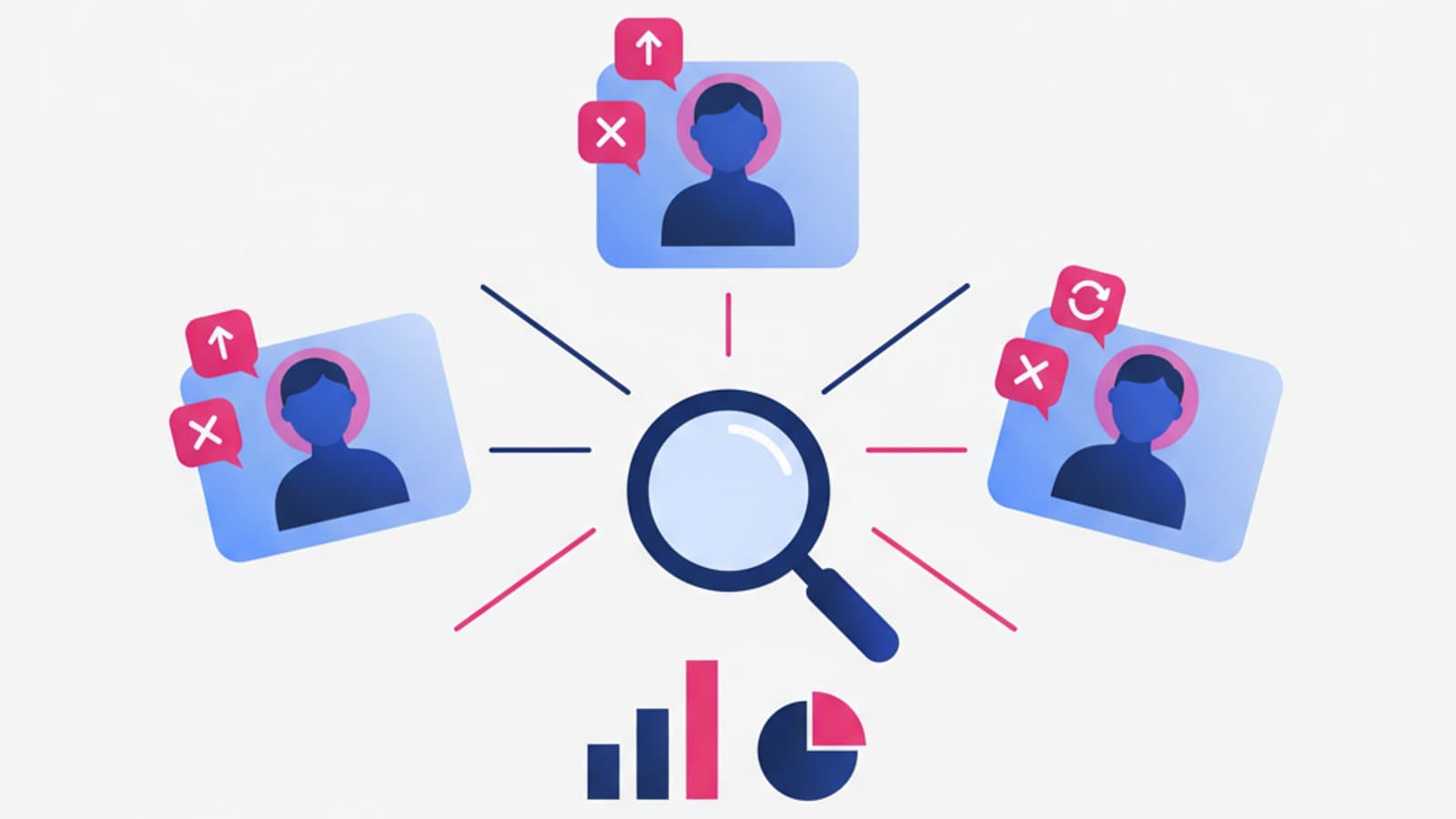
- 5-8 user interviews of 45-60 minutes with people in your target segment.
- Analytics from the existing product (if there is one): Who are the most active users? How many convert? Where do they come from?
- Support tickets categorized by issue: Where are users getting frustrated?
- Reviews and feedback from the App Store, Trustpilot, or Google Reviews.
If you haven't done research yet, read our guide to user research first and then come back here.
Step 2 — Find Patterns in the Data
After research, you'll have notes, transcripts, and stats. The next step is to find groups of users with similar behaviors.
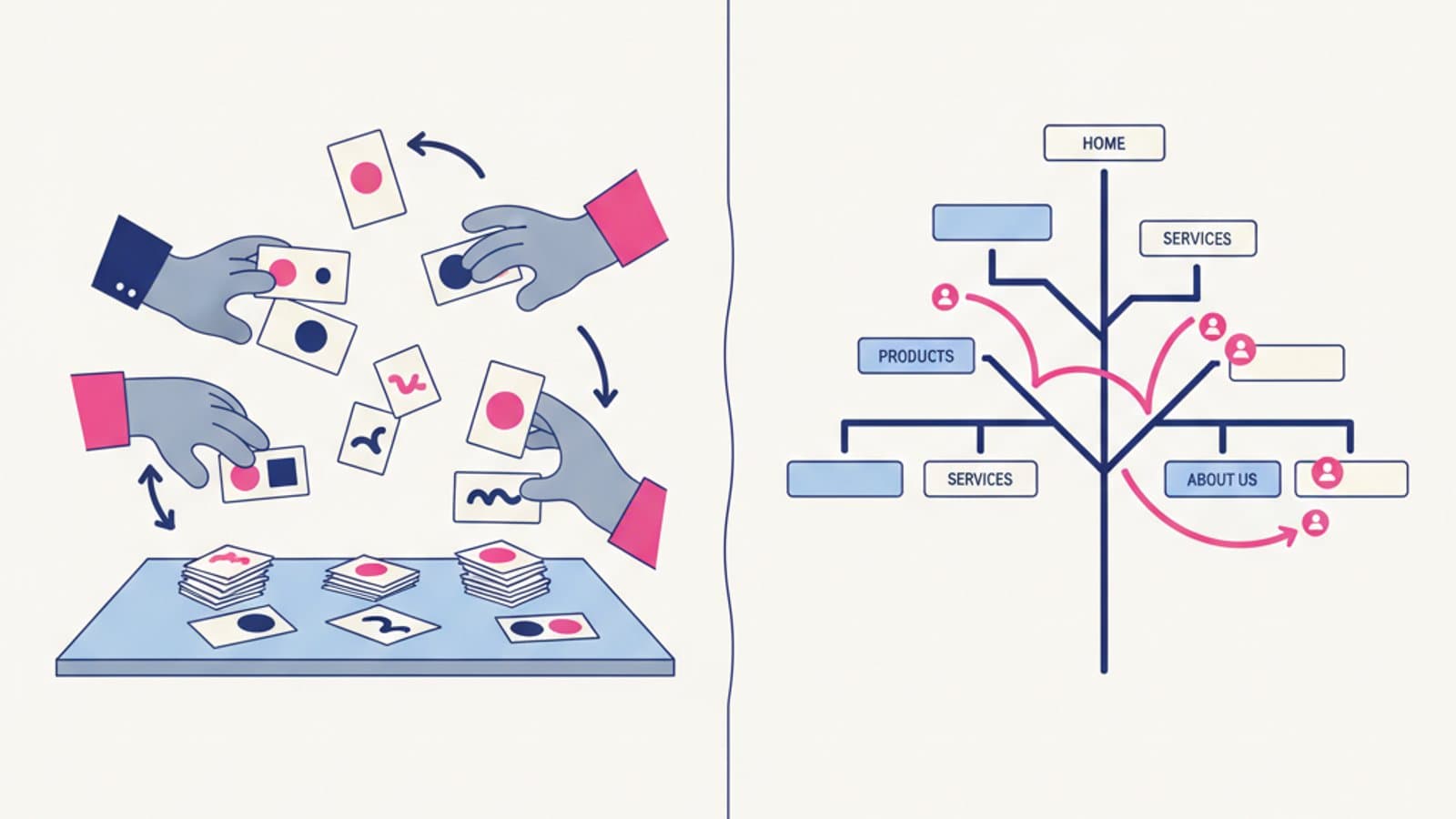
A practical method: write each insight on a sticky note (physical or in FigJam) and group them by affinity. The clusters that emerge are the seeds of your personas. You'll usually find 2-4 distinct groups for an average product. More than five means you're not synthesizing enough.
Look for patterns in:
- Goals (What are they trying to achieve?)
- Context of use (When, where, on what device?)
- Expertise level (Experts vs. beginners?)
- Motivation (What drives them to act?)
- Frustrations (What's blocking them?)
Step 3 — Write the Persona Document
Now you turn the patterns into a narrative persona. The minimal template we recommend has just 8 fields:
- Name and photo: A realistic (even fictional) name and a photo (stock or avatar). It serves to humanize, not define.
- Role / context: "Joanna, 38, HR Manager at a 50-person tech startup." The work/life context that influences product use.
- Primary need: In one sentence, what are they trying to achieve?
- Specific goal in the product: What do they want to do here, with you?
- Key behaviors: 3-5 typical actions observed in interviews.
- Frustrations: 2-3 specific pain points (not generic ones like "technology is hard").
- Real quotes: 1-2 verbatim phrases from interviews that capture their personality.
- Typical scenario: A paragraph describing a day or moment when they would use the product.
What you DON'T need: Exact age, marital status, unrelated hobbies, family photos, neighborhood, or car brand. These are quaint details that don't influence any design decisions.
Step 4 — Validate with the Team and Real Users
A persona written by a designer in isolation is just an opinion. Before publishing it, share it with:
- Customer success / support: They talk to users every day. They'll know if the persona reflects reality.
- Sales / marketing (in B2B): They know the buyer journey and business goals.
- 1-2 target users: "Does this sound like you?" — an honest answer closes the loop.
Iterate quickly: if someone points out an inaccuracy, fix it immediately. A living persona is a document that changes with new data, not an unchangeable monument.
Step 5 — Publish and Use the Persona
A persona that lives in a designer's private folder doesn't exist. It must be published where the team works:
- Product wiki (Notion, Confluence): A page for each persona, linked from the wiki's homepage.
- Figma: A dedicated frame in the design file.
- Kickoff meetings: Mentioned explicitly at the start of every new project.
- Design reviews: Used as a criterion ("Would Joanna understand this button?")
If no one mentions the persona in discussions after three months, you've created decoration, not a tool. Go back and rebuild it with better data.
User Persona Template: The Minimal Format
Here's a text template you can copy and adapt. Replace the bracketed content with your real data.
┌─────────────────────────────────────────┐
│  [Photo]   JOANNA MILLER                │
│           HR Manager, Austin, TX        │
│           Age 38                        │
├─────────────────────────────────────────┤
│  PRIMARY NEED                           │
│  Wants to simplify the onboarding       │
│  process for new hires without buying   │
│  expensive enterprise software.         │
├─────────────────────────────────────────┤
│  GOAL IN PRODUCT                        │
│  Upload all documents for a new         │
│  employee in under 10 minutes.          │
├─────────────────────────────────────────┤
│  BEHAVIORS                              │
│  • Works from a desktop, not mobile     │
│  • Takes screenshots and sends via email│
│  • Asks colleagues for help before      │
│    reading documentation                │
├─────────────────────────────────────────┤
│  FRUSTRATIONS                           │
│  • Forms with too many optional fields  │
│  • Systems that log her out after 5     │
│    minutes of inactivity                │
├─────────────────────────────────────────┤
│  QUOTE                                  │
│  "I don't have time to learn a new      │
│  tool, I just need it to work."          │
└─────────────────────────────────────────┘
How Many Personas Do You Need?
For an average product, 2-3 personas are almost always sufficient.
- 1 persona: Risks oversimplification. Only for highly focused products (e.g., an app for serious runners).
- 2-3 personas: The sweet spot for most products. The personas represent distinct segments with different needs.
- 4-5 personas: For complex products with many roles (e.g., a B2B marketplace with buyers, sellers, and admins).
- 6+ personas: Almost always a sign that you're over-describing. Consolidate some of them.
For each persona, set a priority: the "primary persona" is the one that guides major decisions. The others are secondary and shouldn't block the design if they conflict with the primary.
Common Mistakes in Junior Portfolios
The mistakes we see most often in personas created for courses or case studies:
- Detailed personas with no data. Photos, hobbies, quotes—all invented. A seasoned hiring manager will spot this in 10 seconds and question your portfolio.
- Too much irrelevant information. "Mark is passionate about motorcycles and loves to travel in Asia" — if you're designing an invoicing app, this info is useless.
- A single "average" persona. In real research, the average user doesn't exist. Segments do.
- Personas that are actually marketing segments. "Women 25-34, urban, college-educated" is not a persona; it's a demographic segment. A persona must have behaviors, goals, and frustrations—not just labels.
- Lack of credible frustrations. "Her frustration: complicated technology" is not a pain point; it's a cliché. Look for specific, verifiable frustrations.
Free Figma Templates
Starting from scratch is a waste of time. These are the most-used Figma templates in 2026:
- User Persona Template — Figma Community: Search for "user persona" in the Community. The most downloaded ones have a clear, minimal format.
- NN/g Persona template — Nielsen Norman Group offers free downloadable PDF templates in their article "Personas: Study Guide".
- CorsoUX internal template: In our full course, we provide our battle-tested template from real projects, with slots for quotes, behavioral metrics, and automatic mapping to journey maps.
When You DON'T Need Personas
Three situations where creating personas is a pointless activity:
- The product is pre-launch and you have no users. Use proto-personas, not real ones. You know they are hypotheses.
- The team is very small (1-2 people) and already aligned. The benefit of a persona is alignment, which is already solved by conversation in a tiny team.
- The project is an ultra-specific feature. For "add a filter to the order list," you don't need a persona; you need a user flow.
Frequently Asked Questions
How many interviews are needed to create a persona?
The credible minimum is 5 interviews per segment. With 5 people, you start to see recurring patterns. Below that, you have anecdotes, not patterns. If you have the budget, 8-10 interviews per segment give you much greater confidence. Jakob Nielsen showed that beyond 5 interviews on a homogeneous segment, the ROI of new insights rapidly diminishes.
Should personas have a fictional name?
Usually, yes—the name helps make it memorable ("Joanna would say..." is stronger than "Persona 2 would say..."). But do not use the name of a real user you interviewed for privacy reasons and to avoid confusing the synthesis with a single individual. A fictional name that sounds credible in the target market is the best choice.
Are Personas and Jobs to Be Done alternatives?
They are complementary, not alternatives. The Jobs to Be Done framework focuses on what the user is trying to accomplish (the "job"), while the persona focuses on who the user is. Modern teams use both: JTBD to define the problems to solve, and personas to give human context to those problems.
Can I use AI to generate personas?
You can use it as a structural accelerator, not as a source of truth. An LLM can help you write a persona from your research notes faster or suggest different framing options. But a persona generated from scratch by an AI, without real data, is fiction with a veneer of competence. Experienced recruiters will spot it.
How often should I update a persona?
A persona should be revisited every 6-12 months or when one of these events occurs: a change in the target market, a major feature launch, significant feedback from customer care, or analytics data showing unexpected behaviors. A persona that hasn't changed in 2 years for a product that has is often obsolete.
Next Steps
User personas are one of the first skills any UX designer needs to master. Knowing how to build them from data, not clichés, is what separates a "bootcamp" junior from a hirable one.
The complete UX Design course by CorsoUX dedicates 10 hours of practice to personas: synthesis exercises from real interview transcripts, team-based creation workshops, and custom templates for different contexts (B2C, B2B, public services). By the end, you'll have 3-4 complete personas in your portfolio, each built from real data and validated with peer feedback.
To dive deeper into the context:
- The guide to user research — how to gather the data that fuels personas
- Design Thinking: The 5 Phases — where personas fit into the process
- Customer Journey Map — the next step: what the persona does over time