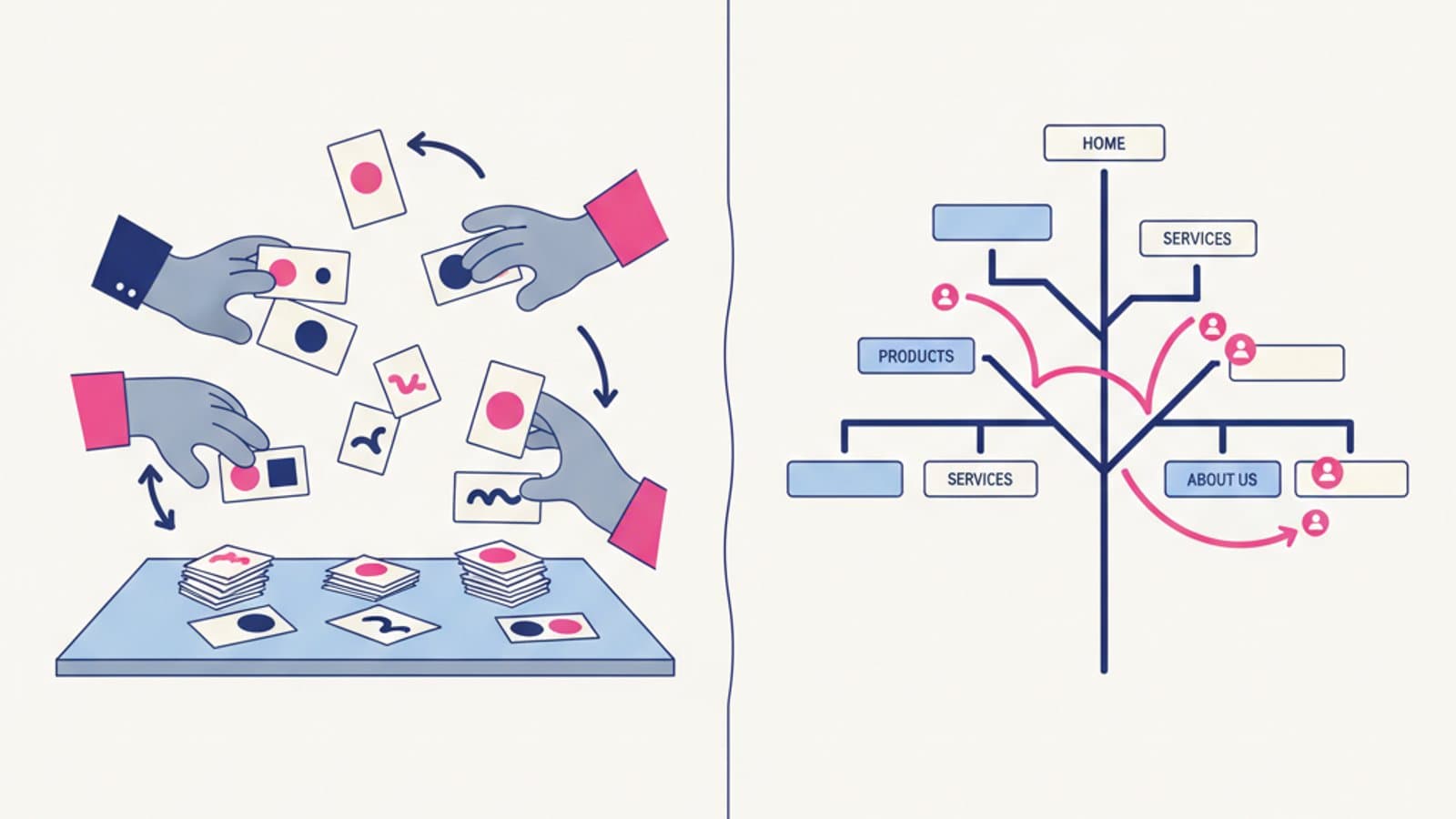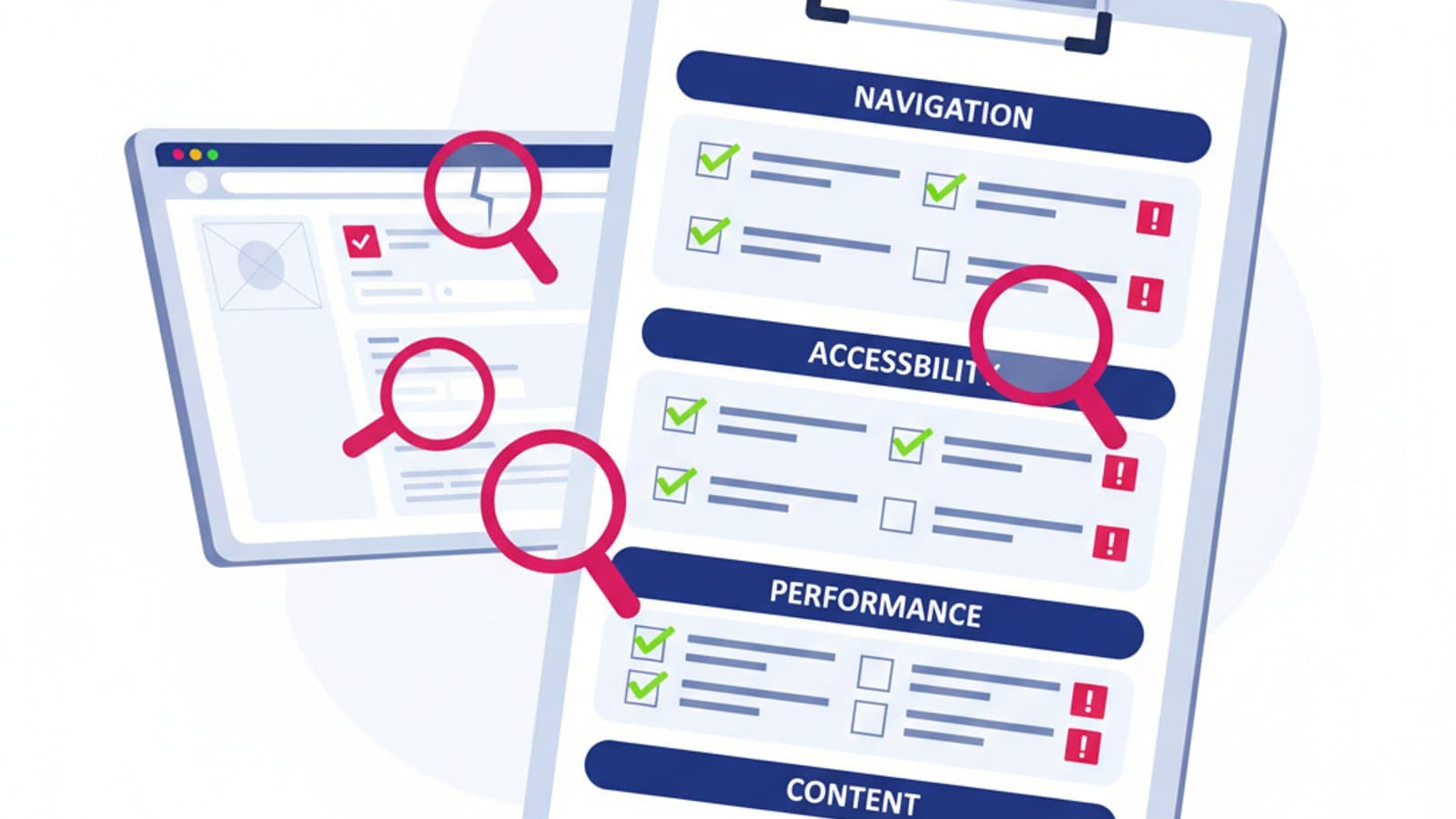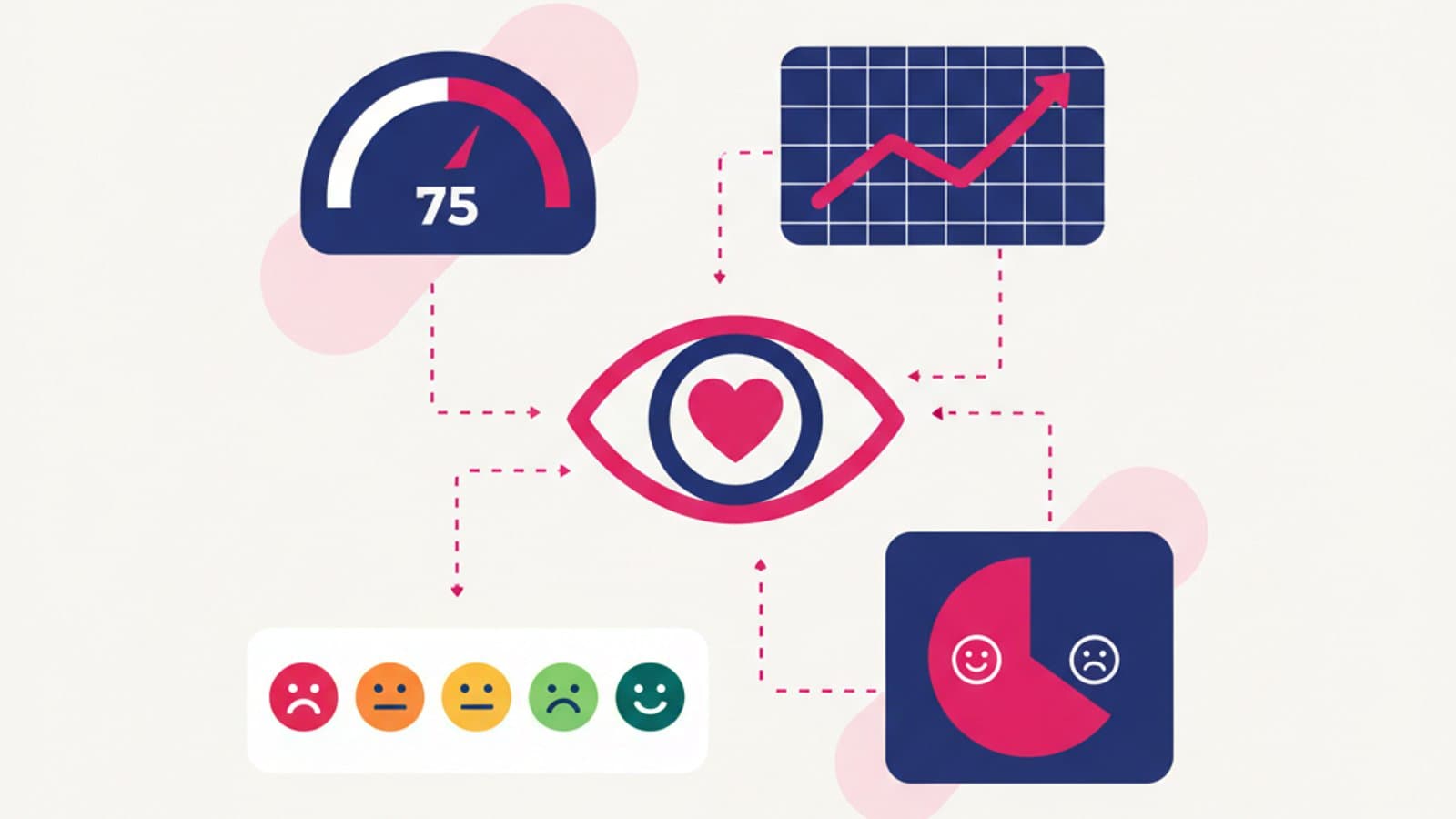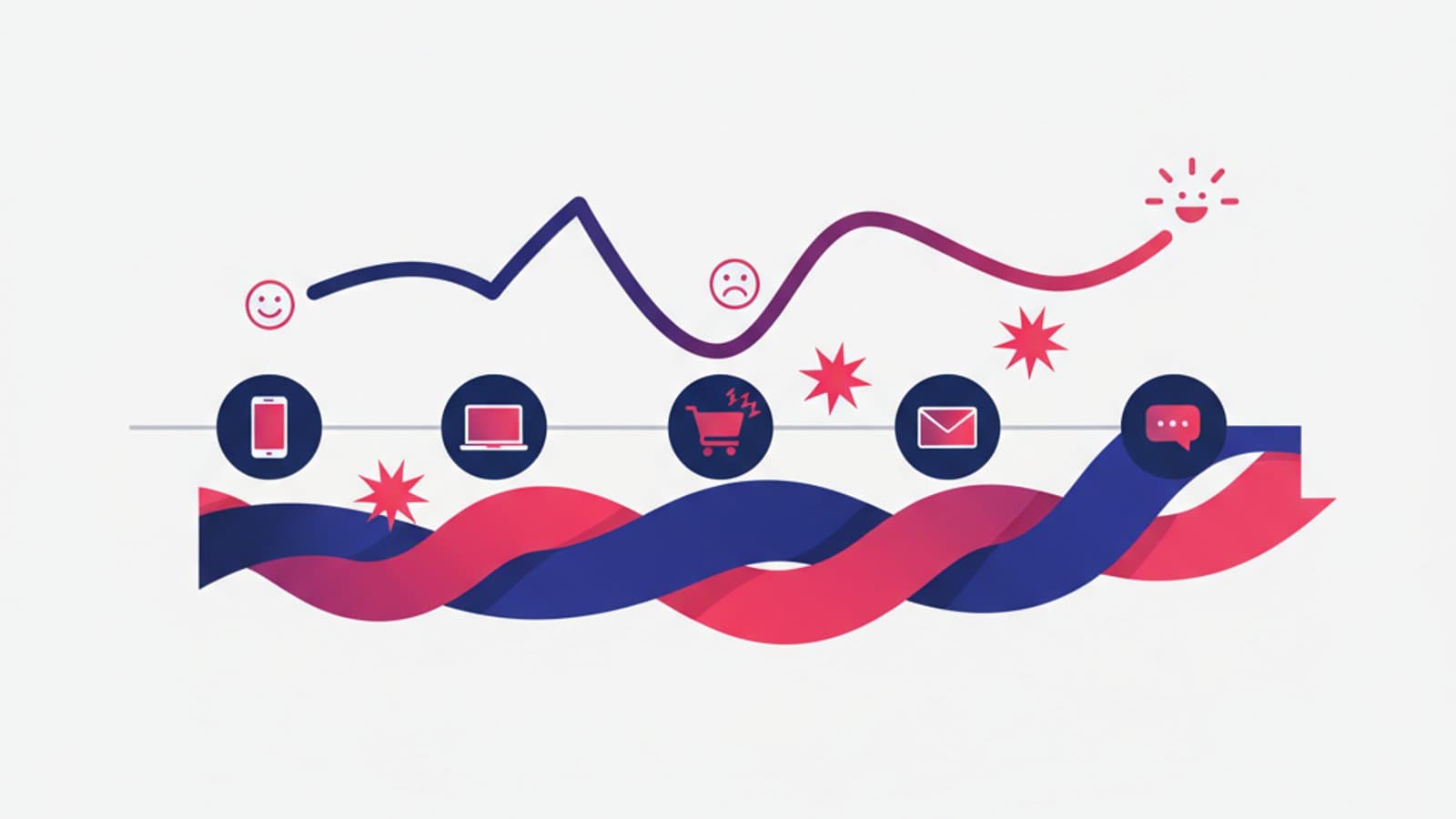
A Customer Journey Map is a visual representation of the path a user takes to achieve a goal with your product or service—from their first contact with the brand to long-term use. It maps all the touchpoints (ads, website, emails, app, customer care), links each to what the user thinks, does, and feels, and identifies where the experience breaks down.
The result is a document that aligns the entire team—product, design, marketing, support—on what a user actually experiences when interacting with your company. Without this map, everyone has a different version of the journey in their head, and product decisions become a battle of conflicting opinions.
In this guide, I'll show you how to build a customer journey map you can actually use in your work, not just an academic model for a slide deck. We'll cover concrete steps, real-world examples for e-commerce, SaaS, and services, and free Figma templates you can copy and adapt today.
What you'll learn:
- The difference between a customer journey map, user flow, and empathy map
- When you actually need one (and when it's a waste of time)
- The 6 steps to build a journey map from scratch
- Three concrete examples: e-commerce checkout, SaaS onboarding, booking a doctor's appointment
- The most common mistakes we see in junior designer portfolios
- Ready-to-use Figma templates
What Is a Customer Journey Map
A Customer Journey Map is a synthetic research artifact that visually tells the story of how a specific user (a persona) moves through a series of moments to achieve a specific goal. It's not an abstract map of "all possible users"; it's the story of one person trying to do one thing, represented in a way that anyone on the team can understand in 30 seconds.
The most common format is a horizontal table with 4-6 rows and 4-8 columns:
- Columns = journey stages (e.g., awareness, consideration, decision, use, loyalty—or stages specific to your product)
- Rows = dimensions of the experience in each stage: actions, thoughts, emotions, touchpoints, pain points, opportunities
You read it from left to right, and each column answers three questions: What is the user doing here? What are they thinking? How are they feeling?
Journey Map vs. User Flow vs. Empathy Map
These three tools are often confused, but they operate at different levels:
- User flow = a sequence of screens and actions within your product. It's operational, tactical, and focused on the interface. It's used to design specific features.
- Empathy map = a portrait of a single user (what they think, say, do, and feel) at a specific moment. It's static. It's used to synthesize user interviews.
- Customer journey map = the movie of the user's experience over time, across multiple touchpoints. It's narrative. It's used to see the big picture and identify where the experience breaks.
A senior designer uses all three at different points in a project. A junior designer often mixes them up, using the wrong term in meetings and losing credibility with product managers and stakeholders.
When Do You Actually Need a Customer Journey Map
A journey map is not a mandatory part of every project. It's powerful in specific contexts and useless in others.
You need one when:
- The product has many touchpoints (e.g., an omnichannel e-commerce brand with a website, app, call center, and physical stores)
- You're working on an end-to-end service experience (banking, insurance, healthcare, telecommunications)
- The team is cross-functional, and you need a shared document to align product, marketing, customer care, and sales
- You need to convince non-technical stakeholders that a problem exists by showing it in the context of the user's life
- You're doing a strategic redesign and want to identify where to intervene for maximum impact
It's a waste of time when:
- You're designing a single feature (a user flow is better)
- The product is simple with a single touchpoint (e.g., a desktop tool that does one thing)
- You have no real research data—a journey map based on internal opinions is a storytelling exercise, not a design tool
- The team is small and already aligned on priorities
The 6 Steps to Building a Customer Journey Map
A solid journey map isn't sketched on a notepad in 10 minutes. It follows a process that starts with data and ends with a shared, living document.
Step 1: Define the Scope and Persona
First, answer two questions:
- Whose journey are we mapping? Focus on one user type at a time. If you try to map the journey for "everyone," you'll map it for no one.
- What is their specific goal? "Book a specialty medical appointment" is a goal. "Use the website" is not.
Every journey map tells the story of one persona trying to achieve one goal. If you need to map three different users, make three different maps. If you need to map three goals for the same user, make three different maps. Don't mix them.
Step 2: Gather Research Data
A journey map without real data is fiction. You need at least one of these sources:
- 5-10 qualitative interviews with users who have recently gone through that journey
- Product data (analytics, heatmaps, session recordings) showing real behaviors
- Customer support tickets categorized by journey stage
- Reviews and feedback from the App Store, Trustpilot, or Google Reviews
- Usability tests where you observed users performing tasks that replicate the journey
If you have none of this, conduct a lightweight user research phase before you start mapping—five interviews are often enough to reveal the main patterns.
Step 3: Identify the Journey Stages
Divide the journey into 4 to 8 high-level stages. The classic marketing funnel stages are:
Awareness → Consideration → Decision → Onboarding → Use → Advocacy
But these rarely work for every product. For an e-commerce site, you might have: Discovery → Research → Comparison → Checkout → Delivery → Post-Purchase. For a SaaS product: Trial → Setup → First Value Moment → Regular Use → Renewal. For a healthcare service: Symptom → Diagnosis → Booking → Appointment → Treatment → Follow-up.
Choose stages that reflect how users talk about their journey, not how you see it internally. The interviews from Step 2 will tell you which stages make sense.
Step 4: Map Out Each Stage's Dimensions
For each stage (column), fill in these four rows:
- Actions: What the user is concretely doing in this stage ("Searches on Google," "Compares 3 alternatives," "Asks a friend")
- Touchpoints: Where the interaction happens (Google, website, Instagram, email, phone, physical store)
- Thoughts: What the user is thinking ("Can I trust this company?", "Is this too expensive?")
- Emotions: An emoji or an emotional curve indicating their level of satisfaction (from 😫 to 😍)
The emotions row is often what changes how stakeholders see the product. An executive who sees an emotional curve plummet during checkout understands the problem in 5 seconds—no conversion rate chart has the same narrative impact.
Step 5: Identify Pain Points and Opportunities
Now that you've visualized the experience, add two summary rows:
- Pain Points: The moments where the user gets stuck, frustrated, or gives up. These should be recurring signals from your research (e.g., "3 out of 5 users abandon when forced to create an account").
- Opportunities: Concrete actions the team can take to improve the stage. Keep it brief and actionable, not a vague wish ("Add a guest checkout option," not "improve the checkout").
These two rows are the real output of the journey map: they turn observations into a roadmap.
Step 6: Present, Share, and Iterate
A journey map that stays in a designer's Google Drive is useless. It needs to be presented to cross-functional teams in a 30-45 minute session, where you can gather questions and notes from different perspectives (customer care knows things you don't, marketing sees other touchpoints, developers can flag technical constraints). After the first review, update the map and publish it as a living artifact in your product wiki.
Three Real-World End-to-End Examples
Example 1: Fashion E-commerce (First Purchase)
Persona: Anna, 32, an office manager, is looking for a dress for a wedding in 3 weeks.
| Stage | Actions | Emotion | Pain Point | Opportunity |
|---|---|---|---|---|
| Discovery | Sees an Instagram ad for a new brand | 😊 Curious | — | — |
| Research | Clicks to the site, browses 12 products | 😐 Uncertain | Sizing is unclear | Contextual size guide |
| Comparison | Searches for reviews on Google, returns to site | 😟 Doubtful | Can't find reviews | Integrate Trustpilot widget |
| Checkout | Adds to cart, fills out details | 😫 Frustrated | Forced account creation | Guest checkout |
| Delivery | Waits 3 days, receives the package | 😊 Relieved | — | Proactive tracking emails |
| Post-Purchase | Wrong size, looks for how to return | 😡 Angry | Complicated returns form | 1-click returns |
Key Insight: There are three critical pain points in the conversion funnel (sizing, mandatory account, complicated returns). The first two likely explain a 30% cart abandonment rate. The opportunities are all concrete features a developer can estimate.
Example 2: B2B SaaS Onboarding
Persona: Mark, 45, an HR Manager at a mid-sized company, has just purchased HR software and needs to set it up himself.
Typical SaaS onboarding stages: Sign-up → Initial Setup → Data Import → First Value Moment → Invite Team → Regular Use.
A common pain point occurs between Data Import and First Value Moment: users spend 2 hours importing employee data, then don't know what to do next and churn. A journey map makes this gap explicit and suggests an opportunity: a "Success Checklist" that appears after the import, highlighting the 3 most important tasks for getting immediate value (e.g., generate the first report, run payroll, share with a colleague).
Example 3: Healthcare Service (Booking an Appointment)
Persona: Sarah, 58, has a referral from her primary care physician for a cardiology appointment.
Typical journey: Referral → Find Specialist → Compare Providers → Book → Prepare → Visit → Get Results → Follow-up.
A healthcare journey map often shows that the critical moments are rarely digital. They are the moments of waiting without information (between booking and the appointment), moments of bureaucratic uncertainty (what to bring, where to go, how much it costs), and the post-visit moments when the patient is left alone with a lab report they can't understand. A healthcare provider that sees this map understands the problem isn't the booking app—it's the entire service design.
Common Customer Journey Map Mistakes
The mistakes we see most often in junior portfolios and poorly run internal projects:
- Too many stages, too much detail. A journey map with 15 columns is unreadable. Keep it to 8 max, ideally 5-6.
- Zero real data. The journey map becomes an internal hypothesis disguised as research. Without at least 5 interviews, the map is fiction.
- One persona fits all. An e-commerce site targeting both B2B and B2C customers can't have a single journey map. You need at least two, one for each segment.
- No pain points or opportunities. Without these two rows, the map is descriptive but not prescriptive. It's decoration, not a tool.
- An executive's slide deck instead of a team tool. A map made only for a board meeting PowerPoint gets used once and archived. A living map is published in Notion/Confluence, updated whenever new data comes in, and referenced in Jira/Linear tickets as a source of truth.
Free Figma Templates
Instead of starting from scratch, use a proven template and customize it. The most popular ones in 2026:
- NNG Customer Journey Map template — The academic standard from Nielsen Norman Group, with 7 columns and 5 rows. Download it here.
- Figma Community — Customer Journey Mapping — Dozens of free templates are available by searching "customer journey" in the Community. Some are very detailed, others are minimal. Look for ones with positive reviews and a high number of duplicates.
- Miro template — If you prefer Miro over Figma, it has ready-made templates available in 2 clicks in the "Strategy and planning" gallery.
- FigJam template by CorsoUX — In our full course, we provide our own battle-tested template from real projects, complete with prompts to facilitate team workshops.
Frequently Asked Questions (FAQ)
How long does it take to create a customer journey map?
With research data already available, a senior designer can complete one in 1-2 working days: half a day to structure the stages, and a full day to populate the cells and review with the team. If you're starting from scratch (no prior research), add 1-2 weeks for interviews. Never less than this—a journey map made in 2 hours is almost always fiction.
Is it the same as a user journey map?
The terms are used synonymously 90% of the time. Some purists make a distinction: a user journey map focuses on a single user within a single product, while a customer journey map focuses on a customer across all of a brand's touchpoints (including offline). In daily practice, the two terms are interchangeable—use whichever your team prefers.
Should I create a journey map before a wireframe?
It depends on the project's scale. If you're designing an isolated feature, go straight to wireframes and user flows. If you're designing a new product or a strategic redesign, the journey map comes first because it defines which stages are worth wireframing. Read our guide to wireframing to understand how to move from the journey to the actual design.
How does it connect to Design Thinking?
The customer journey map is a primary tool in the Empathize phase of Design Thinking. You gather data during research (interviews, observation), synthesize it into a journey map, and use that map as a starting point for the Define phase (where you choose which pain point to tackle first).
What if my team doesn't believe the map's data?
Two tactics work well here. First, invite the skeptics to a user interview. Anyone who sits in on a real user interview tends to drop their skepticism within 20 minutes. Second, attach audio/video clips from interviews directly into the cells of the journey map. Hearing a user say in their own voice, "I don't understand what I'm supposed to do here," is more powerful than any rational argument.
Next Steps
The customer journey map is a tool that separates professional UX practitioners from those who rely on intuition. Designers who know how to facilitate a journey mapping workshop with cross-functional stakeholders are among the most sought-after in the job market.
In the full UX Design course by CorsoUX, we dedicate 15 hours of hands-on practice to building real journey maps based on case studies we provide: e-commerce, SaaS, healthcare, and banking. By the end of the module, you'll have two finished journey maps for your portfolio, built from real data and presented to a simulated stakeholder committee.
In the meantime, to build your foundation:
- The Guide to Design Thinking — where the journey map fits into the process
- The Guide to User Research — how to gather the data that fuels the map
- The 5 Roles of a UX Team — who on a cross-functional team should facilitate the map