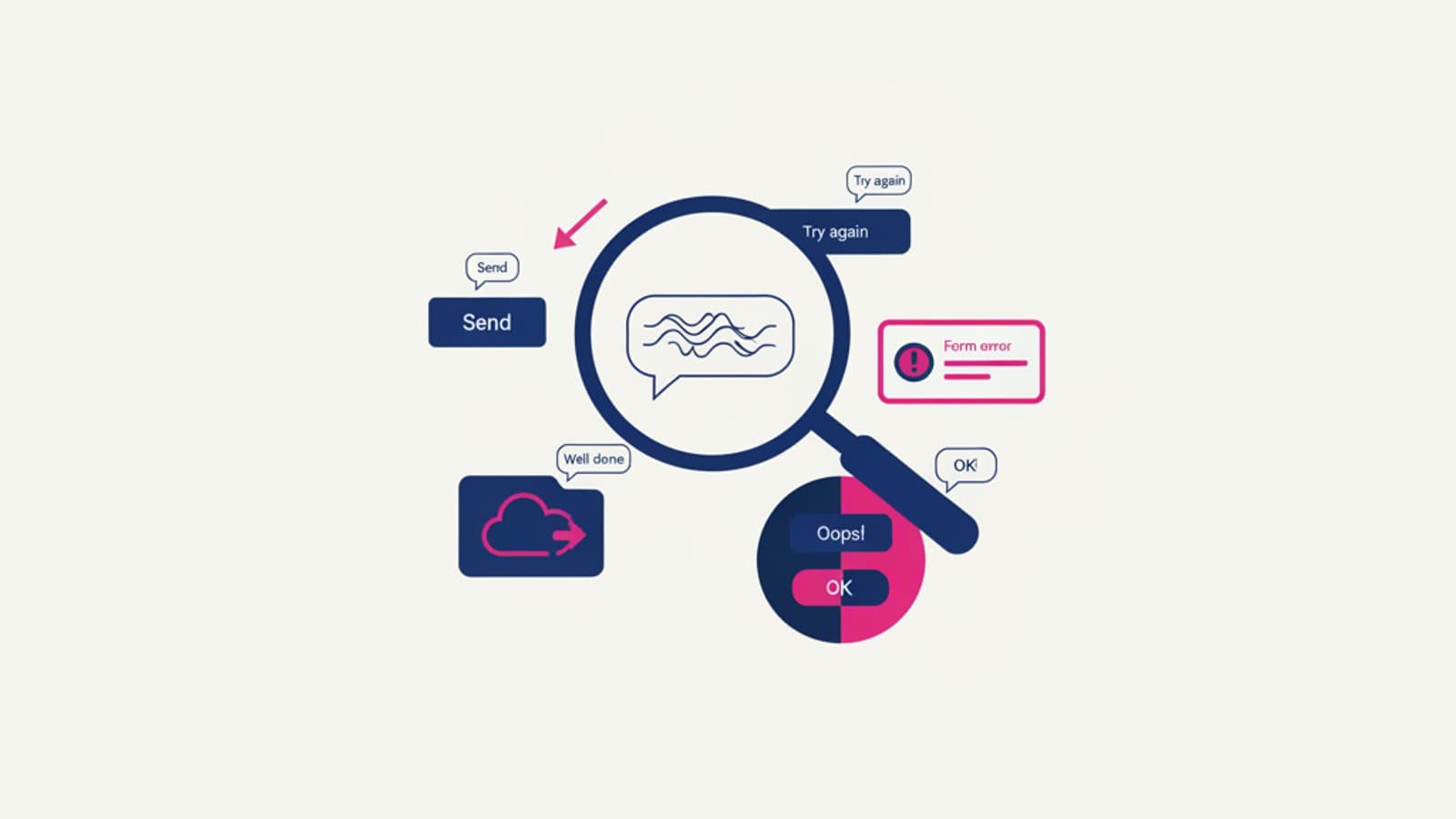
Microcopy is the art of small but mighty words: the button text that convinces you to buy, the error message that explains what went wrong, the empty state title that says, "don't worry, this is normal." These are the 3-5 most-read words on your interface, and they often mean the difference between a user who converts and one who leaves.
When Expedia removed a single, optional "Company" field from its checkout form, revenue increased by $12 million per year. One less phrase, millions more in revenue. When MailChimp changed its CTA from "Submit" to "Send Campaign," the click-through rate jumped by 18%. These aren't exceptions; they're the norm for teams that treat microcopy as a design decision, not an afterthought.
This guide gathers 30 real-world examples of effective microcopy from products that convert. No abstract theories on "tone of voice," just practical examples you can apply to your product today.
What you'll learn:
- What microcopy is and why it matters
- The 6 principles that make microcopy effective
- 30 real-world examples across 6 categories: buttons, errors, empty states, onboarding, CTAs, and confirmations
- How to A/B test your microcopy
- The most common microcopy mistakes we see in projects
What is Microcopy?
Microcopy refers to all the short, contextual phrases within a digital interface: button text, form field labels, error messages, confirmations, tooltips, empty states, onboarding steps, and notifications. By definition, they are brief (1-10 words), functional (they serve a specific action), and contextual (their meaning depends on where they appear).
The term was coined in 2009 by Joshua Porter, an American product designer, who wrote a foundational article that became the discipline's manifesto: "Writing Microcopy." Before that, these phrases were often considered "filler text" or a developer's job. Afterward, they became the focus of a dedicated specialization—the UX writer.
To learn more about the broader discipline, read our guide to UX Writing. For the career path, check out our article on what a UX Writer does.
The 6 Principles of Effective Microcopy
All the examples in this guide follow these six principles. As you write new microcopy, check your work against this list.
1. Be Specific, Not Generic
Bad: "Error" Good: "Password must be at least 8 characters and include a number and an uppercase letter."
Every time you use a generic word (error, success, submit), you're wasting an opportunity to be helpful.
2. Action-Oriented, Not Status-Oriented
Bad: "Purchase complete" Good: "Order confirmed! You'll receive an email in 2 minutes."
Effective microcopy tells the user what happens next, not just what just happened.
3. Concrete, Not Abstract
Bad: "Connection problem" Good: "We can't reach our servers right now. Please try again in a few seconds."
Concrete language reduces anxiety and shows that someone has anticipated the problem.
4. Conversational, Not Corporate
Bad: "The registration procedure has been successfully executed." Good: "You're all set! Let's get started."
Microcopy isn't a legal contract. Write like you speak, with exceptions for regulated industries (like banking or healthcare) where formal precision is required.
5. Brief, But Not Ambiguous
Bad (too short): "OK" Bad (too long): "Click here to confirm your choice and proceed to the next step of the form." Good: "Continue to payment"
The sweet spot for most microcopy is 3-7 words.
6. Empathetic in Tough Moments
Bad: "Operation failed" Good: "Something went wrong. We haven't charged your card."
In moments of user frustration (errors, rejections, blockers), your tone matters just as much as the content.
30 Real-World Microcopy Examples
🔘 Action Buttons (6 Examples)
- Slack — sending a message: The button says "Send" on desktop but becomes a "↵" (enter icon) when a text field is active. Different context, different copy.
- MailChimp — sending a newsletter: The button is "Send Campaign," not "Submit." The word "Campaign" frames the gravity of the action you're about to take.
- Netflix — catalog: The CTA isn't "Sign Up" but "Join Netflix." "Join" creates a sense of community, while "sign up" feels bureaucratic.
- Dropbox — upload: "Drop files or click to upload." Five words that explain two different interaction modes (drag-and-drop and click).
- Amazon — checkout: "Place your order." "Your" creates a sense of ownership, while "place" is a less aggressive action verb than "Buy" or "Purchase."
- Basecamp — new project: "Make a new project." Using "Make" instead of "Create" is more colloquial and informal, a perfect fit for the product's tone.
⚠️ Error Messages (5 Examples)
- Stripe — card declined: "Your card was declined. Please try another card or contact your bank." Three key pieces of information: what happened, what to do next, and where to get help.
- Gmail — missing attachment: "Did you forget to attach a file? Your message mentions 'attached' but no files are attached." Not an error, but an intelligent check that prevents common mistakes.
- Uber — ride canceled: "Your trip was canceled. You haven't been charged." Reassurance makes up 50% of a great error message.
- Airbnb — date unavailable: "The host has these dates blocked. Try different dates or find a similar place nearby." Never just say "error"; always offer a path forward.
- GitHub — 404 page: "This is not the web page you are looking for." A Star Wars reference adds a playful tone to an error page, which works perfectly in the developer context.
📭 Empty States (5 Examples)
- Slack — empty channel: "This is the very beginning of the #channel channel" plus a friendly illustration. It transforms emptiness into a new beginning.
- Duolingo — no lessons completed: "Start your first lesson to build your streak!" A clear call to action at the moment the user is most receptive.
- Pinterest — empty board: "Save things you love to this board." A clear instruction on how to populate the state.
- Linear — no issues: "No issues here. Good job!" Celebrating a positive empty state is rare and memorable.
- Trello — empty list: "Add a card" with a large plus icon. The solution is the content of the empty state itself.
👋 Onboarding (5 Examples)
- Notion — first login: "Welcome to your new workspace. Let's set it up together." Inclusive, collaborative, and reassuring.
- Figma — first project: "What are you working on?" A question instead of an instruction. It creates immediate engagement.
- Headspace — first meditation: "Let's start with 3 minutes of breathing." A small commitment to break down initial resistance.
- Duolingo — goal selection: "How many minutes a day can you spare for your language learning?" with 5/10/15/20 min options. The lowest option is just 5 minutes, not "Serious commitment — 30 min."
- Grammarly — first document: "Paste or type your text here to get started." The instruction appears inside the textarea as an intelligent placeholder.
🎯 Calls to Action (CTAs) (4 Examples)
- Tesla — car purchase: "Order Now" followed by "Delivery Q2 2026" in small text. A CTA combined with contextual information that reduces anxiety.
- Asana — free trial: "Try for free" instead of "Sign up." "Try" is a lower-commitment word than "Sign up," reducing the mental barrier.
- Evernote — premium: "Upgrade your productivity" instead of "Upgrade plan." It sells the benefit, not the feature.
- Spotify — changing plans: "Go Premium." Two words, one action verb, and no mention of "paying" or "subscribing."
✅ Confirmations & Success States (5 Examples)
- Gmail — message sent: "Message sent" plus an "Undo" link that remains visible for 10 seconds. The confirmation includes a way to recover from a mistake.
- Airbnb — booking: "Booking confirmed! We've sent the details to your email." A confirmation plus the promise of a follow-up.
- Dropbox — file saved: "All files saved. Last synced 2 seconds ago." It shows the system is active, precise, and working for you.
- Calm — meditation finished: "Well done. Take a moment to enjoy how you feel." It incorporates mindfulness directly into the microcopy.
- LinkedIn — connection request: "Invitation sent. You'll be connected when they accept." It manages expectations about the timeline and process.
How to A/B Test Your Microcopy
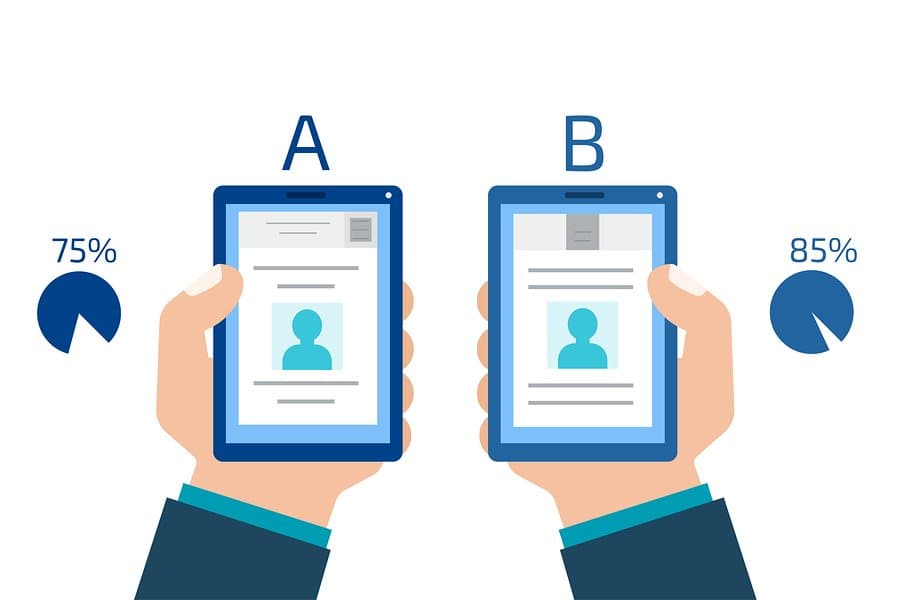
Microcopy is one of the easiest variables to test with A/B testing because:
- Zero implementation cost — you're changing a text string, not developing a feature.
- Speed — tests can conclude in days, not weeks.
- Measurable ROI — the change in conversion is easily attributable.
Tools: Tools like VWO, Optimizely, and LaunchDarkly (for feature flags with built-in A/B testing) are industry standards. You can also run simple custom tests in frameworks like Next.js with Edge Config.
A typical A/B test setup for a CTA button:
- Variant A: The current text
- Variant B: The new hypothesis
- Traffic Split: 50/50
- Primary Metric: Click-through rate on the button
- Secondary Metric: Completion of the subsequent flow (to avoid vanity metrics)
- Duration: Until statistical significance is reached (typically ~500-1,000 clicks per variant)
After the test: Don't just pick the winner. Understand *why* it won. If "Order Now" beat "Buy Now" by 15%, you've learned that your audience responds better to the idea of "ordering" than "buying." Apply that insight in other contexts.
Common Microcopy Mistakes
These are some of the most frequent issues we find during UX audits:
- Corporate Jargon. Using "Utilize" instead of "Use." "Authentication procedure" instead of "Sign in." Formal language makes everything feel heavier and less human.
- Cold, Robotic Tone in Emotional Moments. A typical payment confirmation might say, "Transaction successfully executed." It's cold. A warmer tone like, "Payment received! We're sending a confirmation to your email," makes a huge difference.
- Generic Errors Without a Solution. "An error occurred" is the worst offender: it doesn't say what went wrong or what to do. Always be specific and provide a next step.
- Forgetting Pluralization. "1 new messages" is a common sign of lazy development. Well-crafted microcopy handles singular vs. plural cases correctly ("1 new message" vs. "3 new messages").
- Vague, Non-Descriptive CTAs. "Discover," "Continue," and "Click Here" mean nothing without context. Better options are "Discover the course," "Continue to checkout," and "Click to book your spot."
Frequently Asked Questions
Are microcopy and UX writing the same thing?
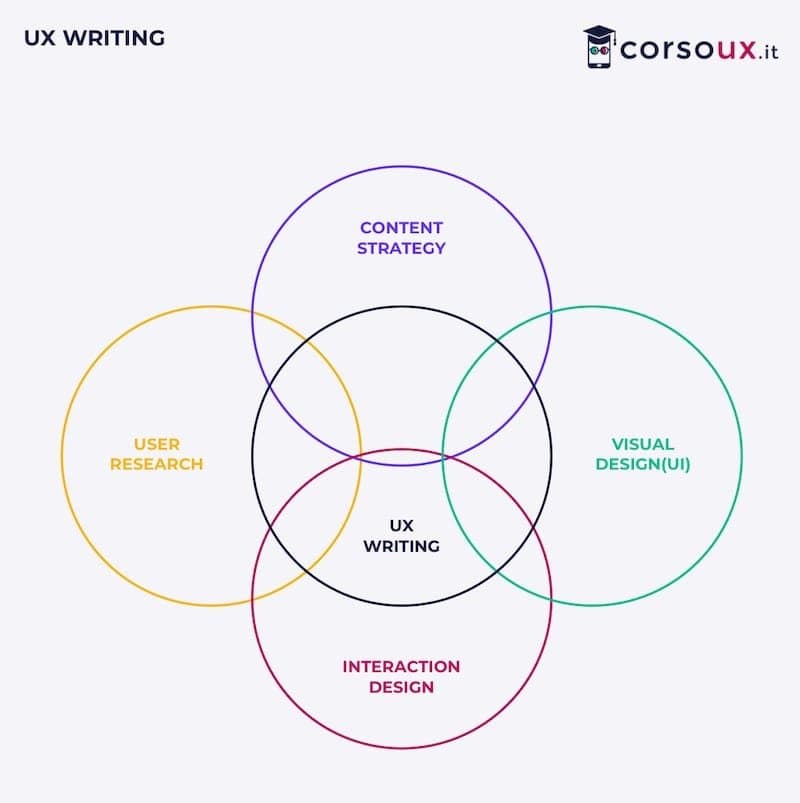
They are closely related but not identical. Microcopy is the term for the short, functional phrases inside an interface (buttons, errors, empty states). UX writing is the broader discipline that includes microcopy as well as naming, taxonomies, content strategy, and voice & tone guidelines. A UX writer produces microcopy, but they also do much more.
Who is responsible for microcopy in a team?
It depends on the team's maturity. In a startup without a dedicated UX writer, the designer or product manager often writes it—sometimes poorly. In mature companies, a dedicated UX writer or content designer collaborates with designers and product managers. The best teams also involve marketing for brand voice consistency and customer support for feedback on real user confusion.
Can I use AI to generate microcopy?
Yes, as a variant accelerator. An LLM can give you 10 alternatives for a button or an error message in 30 seconds, saving you brainstorming time. But the final decision must remain human: you know your audience, your brand voice, and the context of use. AI gives you options; you provide the judgment.
How do I measure the ROI of microcopy?
With A/B tests on CTA buttons (click-through rate), error messages (completion of the recovery path), and empty states (subsequent actions). Microcopy has a directly measurable ROI on these metrics. If changing three words increases conversion by 5%, you have the data to justify investing in a UX writer.
Are there good courses for learning microcopy?
Yes. Our comprehensive UX course includes a 6-hour module dedicated to UX writing and microcopy, with exercises on real-world cases. For self-study, the industry classics are "Microcopy: The Complete Guide" by Kinneret Yifrah and "Strategic Writing for UX" by Torrey Podmajersky.
Next Steps
Knowing how to write effective microcopy is one of the skills that most clearly distinguishes a senior designer from a junior one. You don't need to be a professional writer—you need a solid method and sensitivity to the user's context.
The complete UX Design course from CorsoUX includes hands-on microcopy exercises on real products: rewriting buttons, error messages, and onboarding flows. You'll graduate with concrete microcopy examples in your portfolio, ready to showcase your skills in job interviews and freelance proposals.
To learn more:
- UX Writing: What It Is and How to Start — The broader context of microcopy
- The UX Writer Role: Responsibilities and Salary — The professional career path
- Dark Patterns: 12 Deceptive Design Tricks — How NOT to use microcopy
- Nielsen's 10 Usability Heuristics — Fundamental principles that also apply to text