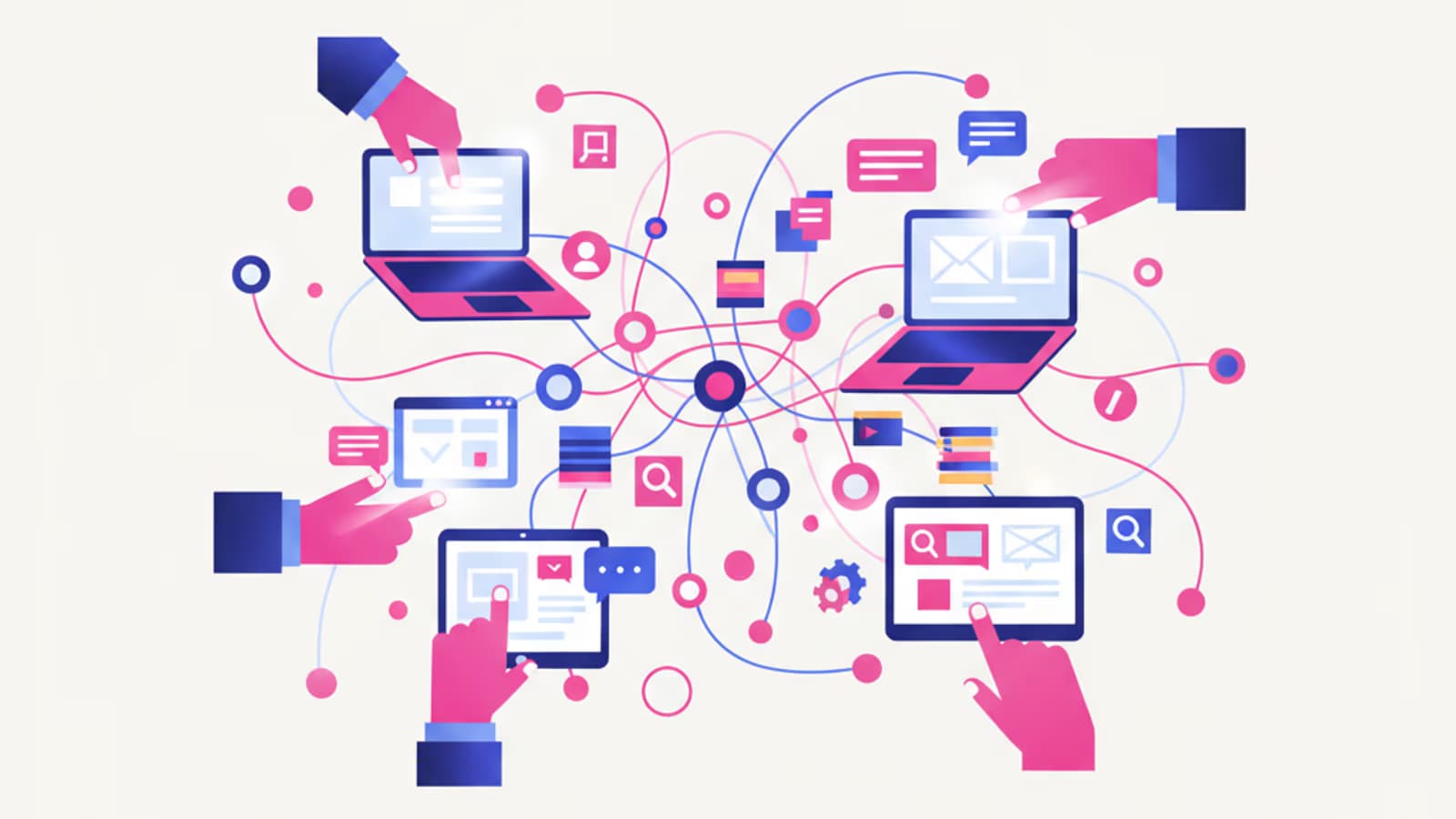
In the last couple of years, artificial intelligence has entered the workflow of digital product designers with a speed few expected. Generating twenty variations of a screen in seconds, summarizing hours of user interviews into a single page, turning a text prompt into a navigable wireframe—tasks that recently took days can now be done in a coffee break.
For UX/UI designers—or those aspiring to be—this raises an inevitable question: Will AI replace designers? The short answer is no. The long answer is more interesting: AI is changing which parts of the job you do by hand and which you delegate, shifting the designer's value from mechanical execution to strategic thinking. Those who master these tools work faster and dedicate more time to what truly matters: understanding people and deciding what to design and why.
In this guide, I'll show you which AI tools to use in each phase of the UX process—research, ideation, wireframing, UI, testing—with concrete examples of tool categories. And most importantly, I'll explain how to integrate them without turning off your brain, because AI is an accelerator, not a substitute for skill.
What you'll learn:
- How AI is concretely changing the role of the UX/UI designer
- Which AI tools to use for user research and data analysis
- How to generate ideas, wireframes, and interfaces with AI
- How AI supports usability testing and accessibility
- The limits of AI and the mistakes to avoid
- How to maintain critical thinking while speeding up your work
How AI is Reshaping the UX Designer's Role
Before we talk about tools, it's worth understanding what's really changing. Generative AI doesn't eliminate the phases of the design process; it compresses them. Repetitive, low-value tasks—rewriting notes, producing the tenth variation of a layout, generating placeholder text—become nearly instantaneous. The time this frees up is reallocated to high-value activities: defining the right problem, interpreting people's needs, and making trade-off decisions.
This reshapes the designer's profile. The speed at which you push pixels matters less and less, while the ability to ask the right questions, critically evaluate outputs, and provide direction matters more and more. AI is great at generating options; it's terrible at knowing which option is right for a specific context, audience, or business. That choice remains yours.
It also affects the skills required. Knowing how to write a good prompt, when to trust an output and when to redo it, and how to integrate AI into an orderly workflow have become professional skills in their own right. They don't replace UX fundamentals—in fact, they presuppose them. If you don't know what good information architecture is, AI will just help you produce bad information architecture faster.
AI Tools for User Research
Research is the phase where AI can save the most time without compromising the quality of thought, as it primarily involves processing large amounts of text.
Analyzing and Synthesizing Interviews
Transcribing and analyzing user interviews has always been one of the most time-consuming activities. Today, automated transcription tools and large language models (LLMs) can transform hours of recordings into clean transcripts, identify recurring themes, and group feedback by topic. You shift from manually listening and annotating to reviewing and validating an already-structured summary.
But be careful: AI tends to smooth over nuances. An ambiguous phrase, a hesitation, a tone of voice that contradicts the words—valuable signals for a researcher—are often lost in the summary. Use it for the first pass, but always go back to the source on critical points. If you want to dive deeper into the basics, start with our guide to user research.
Desk Research and Competitive Analysis
LLMs are excellent assistants for desk research: summarizing documents, comparing competitor features, and listing pros and cons. However, they are prone to errors and "hallucinations"—they can invent data with great confidence. Any factual information you use for design decisions must be verified at the source.
Generating Personas and Scenarios
AI can draft personas and user scenarios based on the data you provide. This is useful for avoiding the blank page, but there's a serious risk: if you build personas on AI-generated data instead of real research, you're designing for users who don't exist. Personas are only as valid as the data that supports them.
AI Tools for Ideation and Wireframing
This is where AI truly shines, because generating many alternatives quickly is exactly what's needed in the early stages.
Brainstorming and Divergent Thinking
In the early phases of a project, the value lies in producing many different ideas before converging. A conversational assistant is an excellent brainstorming partner: ask it for twenty different approaches to an onboarding flow, and it will propose twenty, allowing you to pick the ones with potential. You don't do this to get the right answer, but to break out of your mental patterns and see options you might not have considered on your own.
From Text to Wireframe
This is one of the most concrete innovations: several prototyping platforms now generate wireframes and navigable prototypes from a text prompt or a sketch. You can write "e-commerce checkout screen with order summary, payment methods, and discount code" and get a draft in seconds. Even Figma has integrated AI features to generate drafts and initial layout versions directly on the canvas.
The key point: these wireframes are raw material, not finished designs. They reflect statistically common patterns, not the specific needs of your project. They help you get started faster, not skip the thinking phase. The added value remains in deciding which structure makes sense for that particular problem.
AI Tools for UI and Visual Design
In the UI phase, AI works on two fronts: generating visual elements and accelerating repetitive work on components.
Image and Asset Generation
Image generators allow you to create custom illustrations, icons, photos, and backgrounds without resorting to stock libraries. This is incredibly useful for mockups and for quickly exploring visual directions. They must be used judiciously: stylistic consistency, usage rights, and alignment with the brand identity remain the designer's responsibility.
Components, Content, and Consistency
AI accelerates the production of microcopy, realistic placeholder text (much better than the classic lorem ipsum), and state variations of a component. But this is precisely where a key principle emerges: AI generates screens, not systems. The consistency between screens, the shared rules, and the long-term scalability come from a well-designed design system—something that requires high-level human decisions that no model can make for you.
Think of AI as a very fast assistant with no memory of the big picture. You need an architecture—colors, typography, spacing, components—within which that assistant can work. Otherwise, you'll get a hundred beautiful but inconsistent screens.
AI Tools for Testing and Accessibility
The evaluation phase also benefits from AI, especially for systematic checks.
Heuristic Analysis and Automated Checks
Tools exist that can analyze an interface and flag potential usability issues: weak visual hierarchy, insufficient contrast, or clickable areas that are too small. They are excellent for a first-pass review, a sort of automated check that catches the most obvious errors before you even involve real users.
Accessibility Audits
AI speeds up basic accessibility checks: verifying contrast ratios, the presence of alt text, and semantic structure. It's a great help, but it doesn't replace testing with real people, including people with disabilities. A tool can confirm that a contrast meets the 4.5:1 ratio, but it can't tell you if a flow is truly understandable for someone using a screen reader.
The Unbreakable Limit of Testing
Let's be clear: AI can simulate behaviors and generate hypotheses, but it cannot replace observing real users. People do unpredictable things, misunderstand in surprising ways, and get stuck where you least expect it. No statistical model can faithfully replicate this unpredictability. Usability testing with real users remains irreplaceable.
The Limits of AI (and Why Designers Remain Central)
Let's list the limits, because knowing them is what separates those who use AI with maturity from those who let it replace them.
- Hallucinations. Generative models produce false information with a confident tone. Every factual data point must be verified.
- Lack of context. AI doesn't know the business constraints, the product's history, or the real people behind the numbers. You do.
- Regression to the mean. Outputs reflect common patterns in the training data. They push towards the "already seen," not towards innovation.
- Ethical blindness. AI doesn't evaluate inclusivity, bias, or dark patterns. This responsibility is entirely human.
- No true empathy. It can imitate the language of empathy, but it can't feel it. And empathy is the heart of UX.
The common thread is this: AI optimizes execution, not understanding. The value of a UX designer was never about moving rectangles around quickly—AI does that better than you. It has always been about understanding people, defining the right problem, and making difficult choices. Today, those skills are worth more, not less.
How to Integrate AI Without Losing Critical Thinking
Here are a few practical principles for using AI like a professional:
Use AI to diverge, not to decide. Have it generate options, hypotheses, and variations. The selection and the decision remain yours.
Always verify the outputs. Treat every result like a draft from a talented but distracted junior colleague: useful, but needs to be checked.
Don't skip phases, compress them. AI helps you do research, ideation, and prototyping faster. It doesn't give you permission to skip them.
Learn the fundamentals first. To judge an AI's output, you need to know what a good output looks like. Without a solid foundation in UX, AI amplifies your mistakes instead of correcting them.
You remain responsible. AI doesn't sign off on the project, answer to the client, or take the consequences. You do. So the final decision is, and must remain, yours.
It's precisely this balance—leveraging AI as an accelerator while remaining the master of the design process—that we place at the center of our complete UX Design course. You first learn the fundamentals of the craft and then how to integrate tools, including AI, into a professional workflow. Because a powerful tool in the hands of someone who doesn't know how to design is still just a powerful tool.
In Summary
Artificial intelligence has changed the UX/UI designer's job by compressing repetitive tasks and shifting the value to design thinking. There's a useful AI tool for every stage of the process: interview synthesis and desk research in research, brainstorming and wireframe generation in ideation, visual assets and microcopy in UI, and heuristic and accessibility checks in testing.
But the honest message is this: AI is a tool, not a substitute. It hallucinates, lacks context, regresses to the mean, and has no empathy or ethical sense. The skills that truly matter—understanding people, defining the problem, making decisions—remain human. Those who learn the fundamentals of UX first and then supplement them with AI will work faster and better. Those who skip the fundamentals hoping AI will compensate are not designing; they are merely assembling.
Frequently Asked Questions
Will artificial intelligence replace UX designers? No. AI replaces certain repetitive and executive tasks, not the role itself. The core skills of a designer—understanding users, defining the right problem, making trade-off decisions, and critically evaluating solutions—remain human. Those who can use AI as an accelerator will become more competitive; those who confuse speed of execution with quality of design will not.
What AI tools should I learn first as a UX designer? Start with a general-purpose conversational assistant (for research, synthesis, and brainstorming) and the AI features integrated into your design tool, like those in Figma. They are applicable across the entire process and don't require changing your workflow. Then, specialize in image generators and heuristic analysis tools as needed.
Should I learn AI before or after the fundamentals of UX? After, or at most, in parallel. AI is only useful if you can judge its outputs, and to judge them, you need to know what good design looks like. Without a solid foundation, AI will amplify your mistakes instead of correcting them. Build your fundamental skills first, then supplement them with tools.