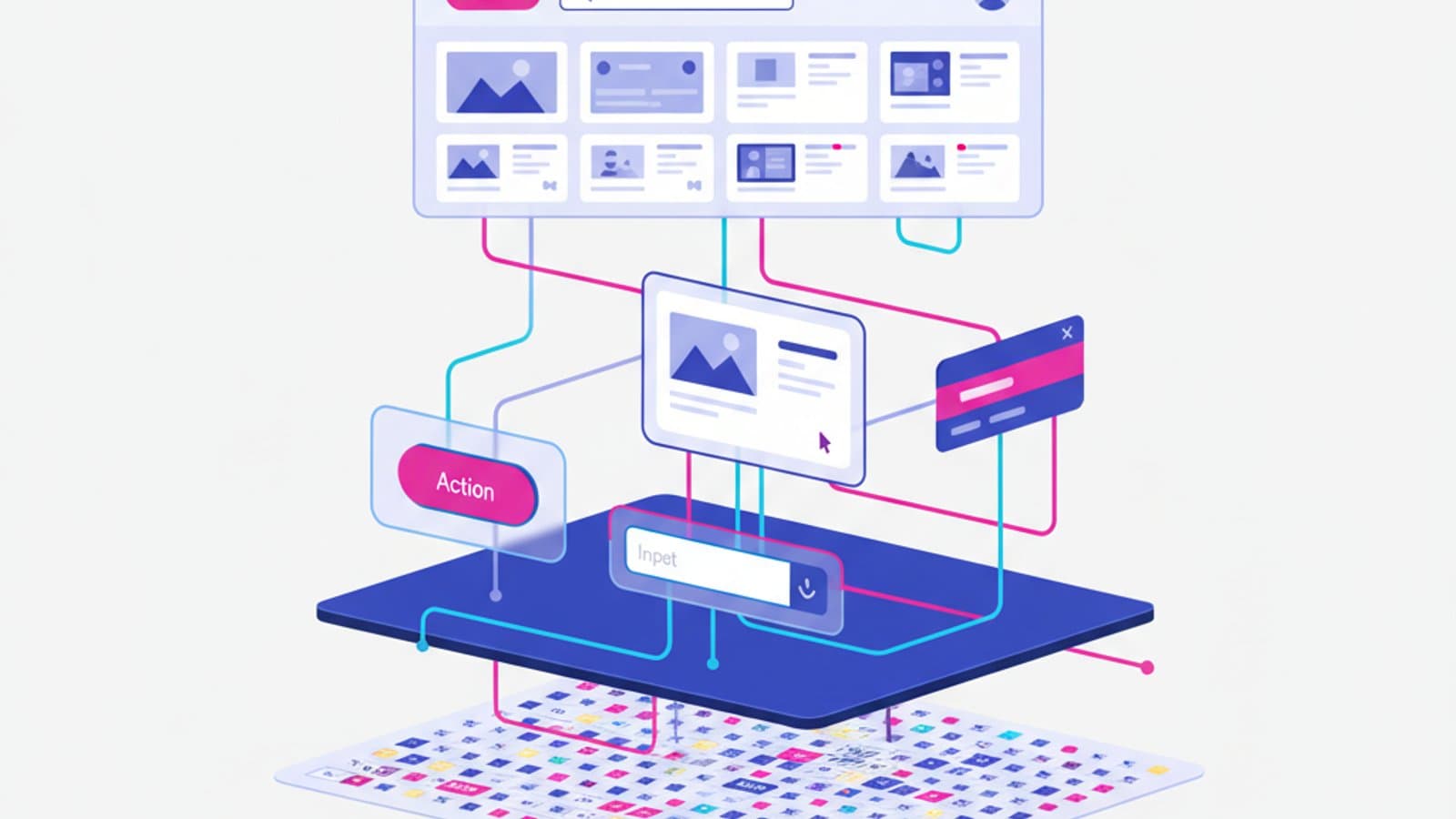
A Design System is a shared library of visual elements, components, and rules that ensures consistency as a digital product scales. It's the bridge between design and development, between concept and implementation, between "this page looks nice" and "the entire product speaks the same language".
Over the last decade, the design system has evolved from a luxury for Big Tech (Google Material, Apple HIG, Microsoft Fluent) to a market standard for any serious product team. Even a five-person startup today often starts with a minimalist design system, because the cost of building one is far less than the cost of refactoring everything as the product grows.
In this guide, I'll explain what a design system truly is, what it's made of, how to start building one without losing your mind, and which examples are the gold standard today.
What you'll learn:
- The difference between a design system, UI kit, and component library
- The three levels of a design system: tokens, components, and patterns
- How to start small (the "minimum viable design system" for a 5-person team)
- Tools and best practices with Figma variables and components
- 5 real-world examples to study (Material, Apple HIG, Polaris, Atlassian, Carbon)
- When you DON'T need a design system
What Is a Design System?
A Design System is much more than a component library. It's the combination of three things working in harmony:
- A shared language (tokens, conventions, naming, documentation)
- A library of reusable components (buttons, cards, inputs, navigation, dialogs)
- The rules for using them (when to use, when not to use, accessibility guidelines, implementation examples)
A design system is not a Figma file. It's a living product, versioned like code, continuously updated, documented, and governed by a team (or at least one person) that maintains its coherence over time.
Design System vs. UI Kit vs. Component Library
These three terms are often used interchangeably, but they are distinct:
- UI Kit = A Figma file with visual elements ready to be copied. It's static. Often sold as a template. It has no rules, no documentation, and doesn't evolve.
- Component Library = A technical library (e.g., in React, Vue, or Swift) of functional components. It focuses on code, not design documentation. It often exists without a formal design system.
- Design System = UI Kit + Component Library + Documentation + Governance. It has a single source of truth (tokens) that feeds both design and code. It has an owner. It evolves with versioning.
A Design System without a component library is just an illustrated book. A component library without a design system is inconsistent code. Without governance and documentation, both become obsolete in six months.
The 3 Levels of a Design System
A well-structured design system is organized into three hierarchical levels, from the most abstract to the most concrete.
Level 1: Design Tokens
Design tokens are the atomic variables of your visual language. They are small, reusable values: a color, a spacing unit, a typographic scale, an animation duration.
Here are some concrete examples:
{
  "color.primary.500": "#E6007E",
  "color.text.default": "#0A1F44",
  "color.text.muted": "#5C6C8C",
  "spacing.xs": "4px",
  "spacing.sm": "8px",
  "spacing.md": "16px",
  "spacing.lg": "24px",
  "radius.md": "8px",
  "font.size.body": "16px",
  "font.size.h1": "48px",
  "motion.duration.fast": "150ms"
}
Tokens are platform-agnostic: the same values can be consumed by Figma (as variables), CSS (as custom properties), iOS (as Swift colors), Android (as XML), and even email templates. A change to a token propagates everywhere.
Figma's introduction of Variables was a game-changer, providing a native way to implement design tokens. Today, any modern design system starts there.
Level 2: Components
Components are reusable interface elements built by consuming the tokens from Level 1. Think buttons, input fields, cards, tabs, and modals.
A well-built component has:
- Variants (e.g., primary / secondary / ghost for a button)
- States (default / hover / focus / active / disabled)
- Sizes (sm / md / lg)
- Slots or props for customizable content
- Native accessibility (aria-label, focus management, keyboard navigation)
A well-built button component in Figma will have all these variants pre-built and documented. A developer implementing that same button in React can then replicate the variants one-to-one without reinventing anything.
To learn more about Figma components and variants, read our Figma tutorial.
Level 3: Patterns
Patterns are recurring compositions of components that solve a specific interface problem. Examples include:
- Login form: label + input + "forgot password" link + primary button
- Product card: image + title + price + CTA
- Empty state: illustration + title + text + CTA
- Data table: header + rows + pagination + filters + sorting
Patterns don't live in the component library (they would be too specific) but in the design system's documentation. For example: "If you need a login form, copy this pattern, respecting these spacing and labeling conventions."
How to Build a Design System From Scratch
The most common mistake is trying to build a perfect and comprehensive system on the first attempt. A design system built this way is never finished, or worse, it's finished but never adopted. The right approach is iterative and pragmatic.
Step 1: Audit Your Existing Product
Before designing the new, take a snapshot of what you have. How many different colors are currently used in the product? How many button types? How many spacing variations? In real-world projects, the numbers are always shocking: 40+ shades of gray, 15 different buttons, 8 padding sizes. The audit reveals the extent of the chaos and justifies the investment.
Tools: Take screenshots of every screen and use Figma plugins like Design Lint or Brand Guardian to count styles automatically.
Step 2: Define Core Design Tokens
Don't start with 200 tokens. Start with the 30-50 tokens that cover 80% of use cases:
- 10-15 colors (primary, secondary, text, background, border, semantic: success/warning/error)
- 6-8 spacing units (4, 8, 12, 16, 24, 32, 48, 64px — a 4px multiplicative scale)
- 6-8 font sizes (12, 14, 16, 18, 20, 24, 32, 48)
- 4 border radii (none, sm, md, lg)
- 3-4 shadows
- 4-5 font weights (regular, medium, semibold, bold)
These tokens become Variables in Figma and custom properties in your CSS.
Step 3: Build the 10 Core Components
You don't need every component right away. Start with the 10 most-used components that cover 80% of your interfaces:
- Button
- Input (text, email, password)
- Textarea
- Select / Dropdown
- Checkbox
- Radio
- Card
- Alert / Banner
- Modal / Dialog
- Navigation (top nav)
Build these 10 in Figma as components with variants. Document each one with: when to use it, when not to use it, and composition examples. You can do this in 2 weeks of focused work.
Step 4: Centralize Your Documentation
Documentation should live where the team works. The most common options today are:
- Zeroheight — A dedicated tool that connects to Figma and exports beautiful documentation. Can be pricey (around $500/mo for a small team).
- Notion — Versatile and free for small teams. The most pragmatic choice for startups.
- Storybook — If you have a React/Vue component library, Storybook is the standard. It displays live components and provides automatic documentation.
- Figma + dedicated page — For small teams, a dedicated page in Figma with components and usage text is often enough.
Step 5: Drive Adoption and Governance
A design system that exists but isn't used is worse than having none at all, as it creates visual debt. Here are three tactics that work:
- Start with a pilot team — Don't force the DS on everyone at once. Choose one team and support them for 2-3 sprints.
- Celebrate wins — When a DS component reduces an implementation from 3 days to 3 hours, share that success.
- Create a dedicated channel (e.g., in Slack or Discord) for questions, feature requests, and bug reports.
5 Top Design System Examples to Study
These are the design systems we recommend every student explore to understand what great work looks like:
1. Material Design (Google)
The most famous, influential, and comprehensive. Google Material is the reference design system for Android and all Google products. Exceptional documentation, video tutorials, open-source code, and an official Figma kit. Learn from: documentation structure, component hierarchy, elevation and shadow system.
2. Apple Human Interface Guidelines (HIG)
Not a classic component library, but prescriptive guidelines on how an iOS/macOS/visionOS app should behave. Less copy-paste, more design philosophy. Learn from: rigor in rules, clarity of exceptions, focus on human interaction.
🔗 https://developer.apple.com/design/human-interface-guidelines/
3. Shopify Polaris
A design system for third-party developers building on Shopify. Incredibly detailed documentation, usage examples, and explanations for every decision. Learn from: how to write documentation for designers, content guidelines, and accessibility docs.
🔗 https://polaris.shopify.com/
4. Atlassian Design System
The system behind Jira, Confluence, and Trello. Very robust, geared towards complex B2B products. It has excellent guidelines on patterns (not just components). Learn from: how to manage a large-scale design system, versioning, and contribution models.
5. IBM Carbon
IBM's enterprise design system, completely open source. Multi-framework (React, Angular, Vue, vanilla). Learn from: the scientific approach to token selection, modularity, and multi-brand support (Carbon can serve IBM Cloud, Watson, and others with custom themes).
🔗 https://carbondesignsystem.com/
When You DON'T Need a Design System
No tool is a silver bullet. You don't need a design system if:
- You're a static landing page. A three-page marketing site doesn't need a design system. A Figma file with shared styles is sufficient.
- You're a 1-2 person team for the next 6 months. A DS is an investment that pays off as the team scales. For two people, a weekly sync meeting is cheaper than maintaining a DS.
- The product is highly experimental. If you're rapidly prototyping product hypotheses, a formal DS will slow you down. Use simple design tokens and existing UI kits (like Untitled UI or Tailwind UI).
- The brand is changing every 3 months. If your brand isn't stable, don't build a DS based on colors and fonts that will change. Stabilize the brand first.
The signal that you need a design system is this: when two people working on the same product design two different buttons without realizing it. At that moment, chaos has begun, and it's cheaper to invest in a system than in continuous fixes.
The Modern Design System Toolkit
The modern workflow for a design system spanning Figma and code typically involves these tools:
- Figma (with Variables and Components) — for the design and the source of truth for tokens
- Tokens Studio for Figma — a free plugin to export tokens to JSON/CSS/Swift/etc.
- Style Dictionary (by Amazon) — an open-source tool to transform JSON tokens into any output format (CSS, iOS, Android)
- Storybook — for documenting React/Vue/Svelte components with interactive examples
- Chromatic — for visual regression testing of components
- Zeroheight — for visual documentation aimed at non-technical stakeholders
Frequently Asked Questions
How long does it take to build a design system?
A minimum viable version (30 tokens + 10 components + basic documentation in Notion) can take 2-3 weeks of focused work for a senior designer. A comprehensive version (50+ components, all patterns, full documentation, code integration, governance) can take 3-6 months for a dedicated team of 2-3 people. The mistake is to think of it as a project with a deadline: a design system is a product that evolves forever.
Can a design system exist without developers?
Yes, design systems purely for designers exist (often called "design-only design systems"). They are shared Figma libraries with tokens, components, and patterns used as a source of truth by multiple designers. They are useful in agencies working on different projects, but for a real product, the maximum value comes when the DS connects design and code with the same tokens.
Is Atomic Design still relevant?
Brad Frost's Atomic Design (atoms → molecules → organisms → templates → pages) was highly influential from 2013-2018 and remains an excellent teaching metaphor. However, in practice, few teams strictly use its nomenclature today. Modern teams prefer more pragmatic categories like tokens, components, and patterns. Reading the book is still valuable for understanding systems thinking.
How do I get developers involved in the design system?
The best way is to build the DS together from day one. Invite one or two senior developers to the audit workshops and token definition sessions. Ask them to implement the first 10 components alongside the designers. If a DS is handed down "from above" by the design team, it will be ignored. If it's built collaboratively, it will be adopted naturally.
Does a design system affect SEO?
Indirectly, yes—significantly. A well-made DS enforces accessibility by default (every component respects WCAG from birth), optimized performance (lightweight components, cache-friendly CSS), and correct semantic HTML. These are all factors Google rewards. A DS also improves Core Web Vitals and the time it takes to release new pages, which are modern SEO signals. To learn more about accessibility, read our WCAG 2.2 guide.
Next Steps
Building design systems is one of the most in-demand UX skills on the market. Designers who can build, document, and govern a DS are among the highest-paid seniors, commanding salaries upwards of $150,000 in the US market (£70,000+ in the UK) because their work scales: a good DS saves a team 30-40% of their design and development time on every new feature.
The complete UX Design course by CorsoUX includes a dedicated module on design systems. You'll build a complete DS from scratch for a real-world case study, integrate Figma with code, and learn professional governance and documentation. You'll graduate with a complete design system in your portfolio, built with enterprise-level methods and ready to be showcased in senior-level interviews.
To get started now: