Usability testing is the most direct and powerful user research method: you observe a real user interacting with your product and measure whether they can complete tasks, where they get stuck, and what frustrations they encounter. From Nielsen Norman Group in the '90s to today, it remains the gold standard of applied UX research.
This article is a pillar guide to usability testing: the main types (moderated vs. unmoderated, lab vs. remote, qualitative vs. quantitative), how many participants you really need (referencing Nielsen's data), real-world costs in 2026, the most popular tools, common mistakes, and when NOT to run a usability test. Below, you'll find links to more specific guides for each methodology.
What Is Usability Testing?
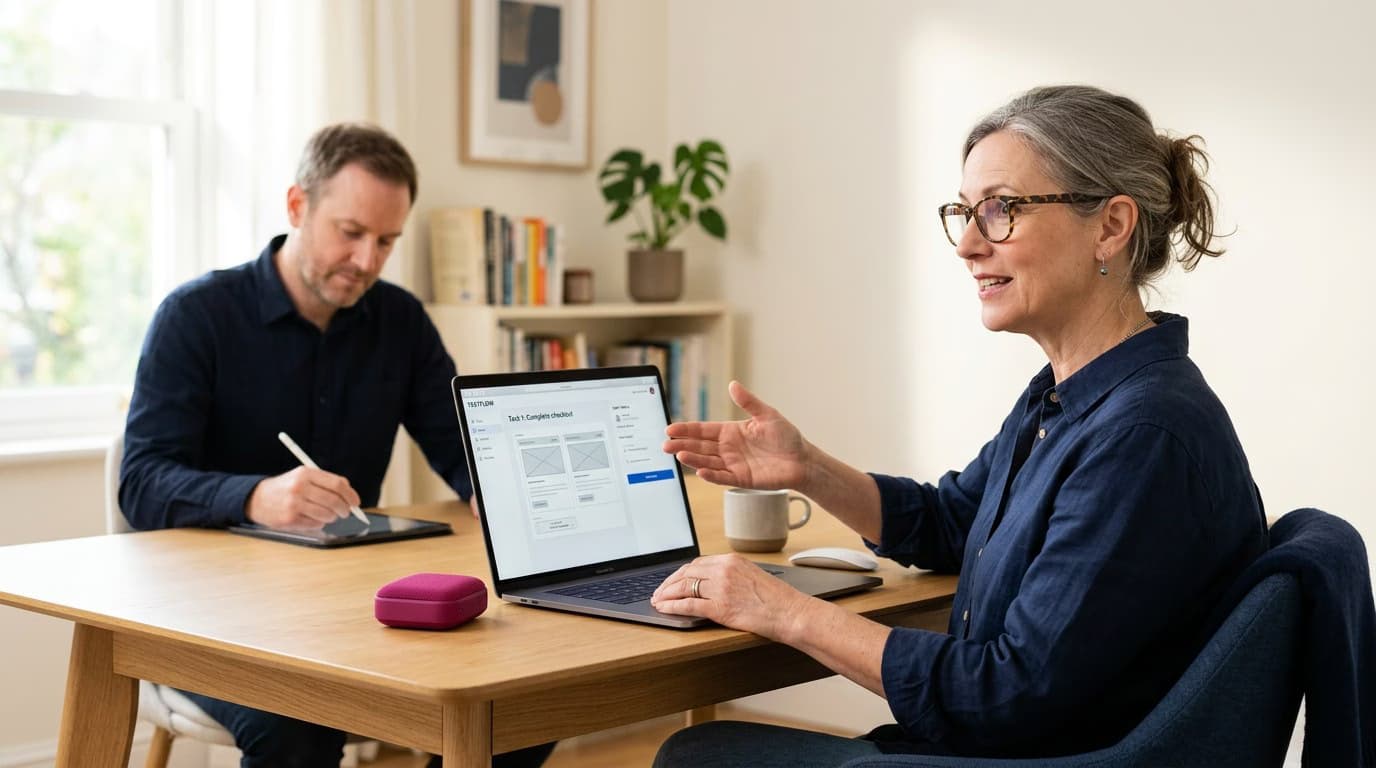
A usability test is a structured session where:
- A target participant uses the product (or prototype)
- A moderator (optional) assigns them specific tasks
- An observer collects data: task completion, time, errors, and comments from the user thinking aloud
The output is a series of actionable insights: what works, what doesn't, and which priority issues need to be fixed.

The 4 Main Types of Usability Tests
1. Moderated Testing (Lab or Remote)
A moderator guides the session, asks follow-up questions, and manages the tasks. It's the richest format for insights but also the most expensive. 5-8 one-hour sessions can take 1-2 weeks of work.
When to use it: For complex problems, early-stage prototypes, and strategic design decisions.
2. Unmoderated Testing (Asynchronous)
The user performs tasks alone using tools like Maze, Lyssna, or UserTesting. The system records their screen and voice. It's faster but less in-depth.
When to use it: For validating mature prototypes, quick-checking flows, and A/B testing alternatives.
3. Guerrilla Testing
Informal tests conducted in coffee shops, libraries, or at events. They last 10-15 minutes with participants recruited on the spot. The cost is zero, but the quality of feedback can vary.
When to use it: For quick sanity checks, early iteration cycles, and validating ideas during brainstorming.
4. A/B Testing (Split Testing)
You compare two versions of a product with real users in a live environment to measure which one performs better. It's quantitative, not qualitative: it tells you *which one wins*, but not *why*.
When to use it: For continuous optimization of existing flows, specific decisions (button text, CTA placement), and validating quantitative hypotheses.
How Many Users Do You Need?
This is the most common question. The short answer: 5 users for a qualitative moderated test, according to the classic 2000 study by Nielsen Norman Group.
The mathematical logic: with 5 users, you'll uncover about 85% of the usability problems. Adding a 6th to 10th user reveals fewer and fewer new issues (a curve of diminishing returns). It's better to invest in multiple rounds with 5 users each than in a single round of 15.
Exceptions:
- Quantitative tests (A/B tests, statistical significance): require a minimum of 100-500 users per variant.
- Multiple user segments: test 5 users per segment, not 5 total. If you have 3 segments, you'll need 15 users.
- Tests on mature products: 8-10 users may be needed because the remaining issues are more subtle.
Real-World Costs in 2026
Cost ranges for one round of remote moderated testing (5 participants):
- DIY (In-house): $0-$500 (recruiting from an email list, using an internal moderator, and Zoom).
- Mid-tier Agency: $1,500-$3,500 (£1,200-£2,800) (using a recruiting agency, a senior moderator, and dedicated tools).
- Premium Lab/Agency: $5,000-$15,000+ (£4,000-£12,000+) (physical lab, specialized recruiting, full report with video highlights).
For unmoderated testing (Maze, Lyssna, UserTesting):
- Self-recruited: $100-$500 total (incentives of $20-$50 per participant).
- Using a tool's panel: $30-$80 per participant.
The 6 Most Popular Tools in 2026
- Maze: A favorite for unmoderated testing on Figma prototypes. Great for A/B testing user flows.
- Lyssna (formerly UsabilityHub): For unmoderated tests, five-second tests, and preference tests.
- UserTesting: A large, expensive panel for premium, at-scale research.
- Lookback: Excellent for remote moderated testing with high-quality session recordings.
- Hotjar / Microsoft Clarity: For heatmaps and session recordings of real users.
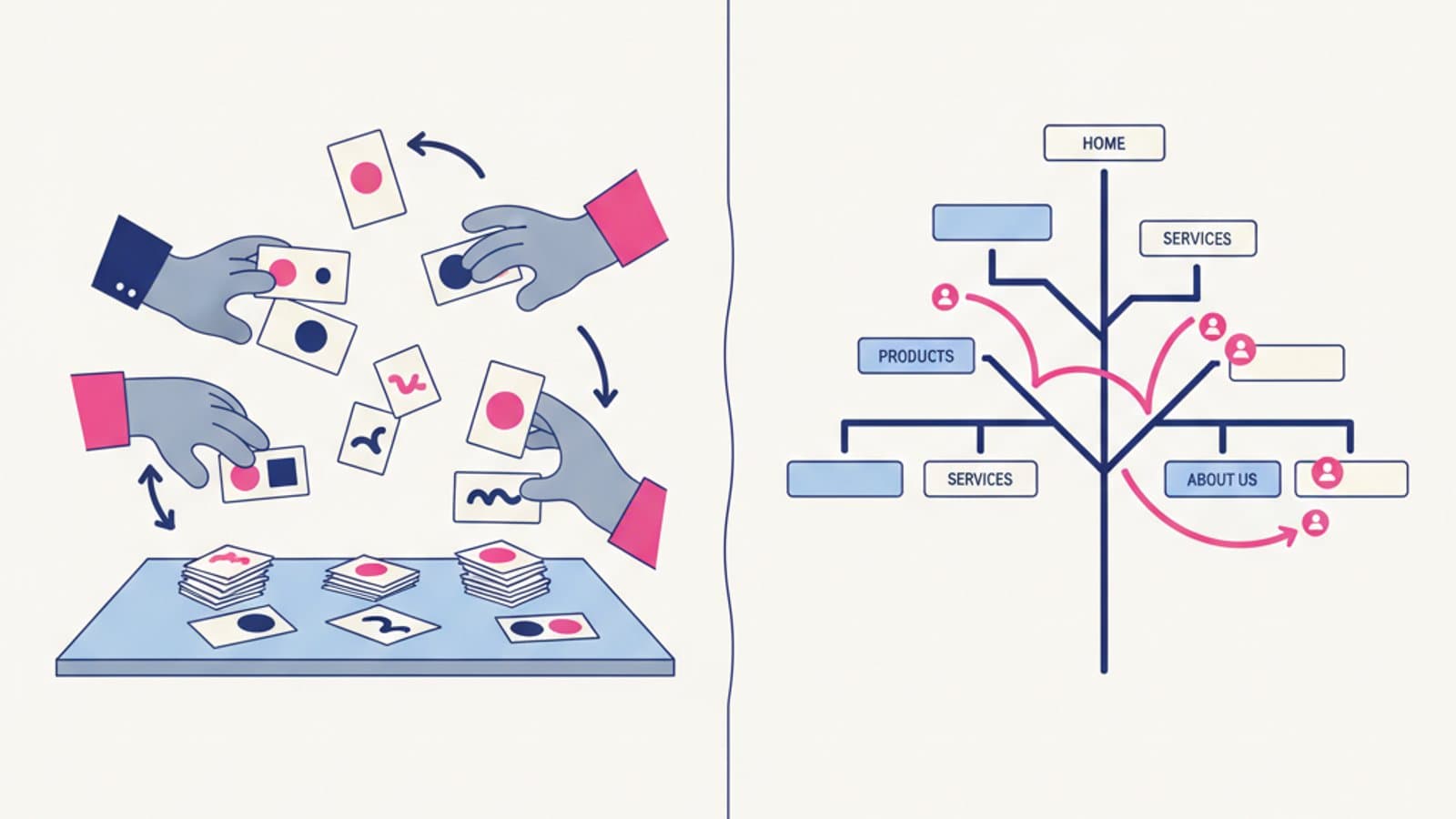
- Optimal Workshop: Suite for card sorting, tree testing, and five-second tests (see our guide).
6 Essential Best Practices
1. Write tasks as scenarios, not instructions. Bad: "Click the registration button." Good: "You're looking for an online UX course. You've landed on our site. Try to sign up for the course that seems best for you."
2. Use the think-aloud protocol. Ask the user to verbalize their thoughts as they perform the task. This is the gold of qualitative research.
3. Don't help during the task. If the user gets stuck, let them stay stuck and observe. Helping them contaminates the data.
4. Measure both success and time. "Did they complete the task?" + "in how much time?" + "with how many errors?" gives you three dimensions of the problem.
5. Test prototypes, not just finished products. The earlier you test, the cheaper the fix. Testing at the idea stage costs $1; fixing in production costs $100.
6. Iterate in rapid cycles. One round per week with 4 users is better than one round per month with 15.
5 Common Mistakes to Avoid
1. Testing the wrong users. Recruiting friends or colleagues who are not your target audience will invalidate your results.
2. Writing leading tasks. "Find the X button" suggests where to look. "Sign up for the course" lets the user explore freely.
3. Confusing preference with usability. "Which version do you prefer?" is a preference test, not a usability test. They are different things.
4. Not analyzing the results. Running 5 tests without translating the findings into fixes is just cargo culting.
5. Expecting statistical significance from qualitative tests. 5 users give you insights, not statistical significance. For that, you need A/B tests.
When NOT to Do Usability Testing
- When you already have a backlog of 100 support tickets telling you what's wrong. Fix those first.
- When the problem is strategic (Are we building the right product?) and not tactical (Is it built right?). You need Jobs to be Done research, not usability testing.
- When the product is at the idea stage without a prototype. Conduct user interviews first.
- When you have less than a week to implement a fix. The results will arrive too late.
Frequently Asked Questions (FAQ)
Should I pay participants?
Almost always, yes. The 2026 standard in the US is $25-$60 for a 30-60 minute session. In the UK, it's around £20-£50. Without a monetary incentive, recruiting is 5x slower and participants are less representative of your target audience.
Can I moderate a test as a junior?
Yes, it's a skill you learn by doing. Start by observing 2-3 sessions with a senior researcher, then moderate one yourself while they observe. After 5-10 independent sessions, you'll be operational.
How many tasks per session?
Aim for 4-6 tasks for a 60-minute session. More than 8 and the user will get fatigued. Fewer than 3 and you might not uncover enough insights.
Is remote testing as valid as in-lab?
For most projects, yes. An in-person lab provides more non-verbal cues (body language, micro-expressions) but costs 5-10x more. For 80% of projects, remote testing is sufficient and faster.
Does A/B testing replace usability testing?
No, they are complementary. Usability testing finds problems before launch (qualitative). A/B testing optimizes after launch (quantitative). You need both in the product lifecycle.
Next Steps
Usability testing is at the heart of a UX Researcher's work. The User Research Course by CorsoUX includes 9 chapters with 62 lessons covering interviews, moderated and unmoderated tests, A/B testing, data analysis, and insight synthesis. A 1:1 mentor reviews every exercise. Try the first lessons for free.
To dive deeper into specific methodologies, check out our guides on card sorting and tree testing, eye tracking, a practical guide to A/B testing, tools for unmoderated testing, and preference testing.