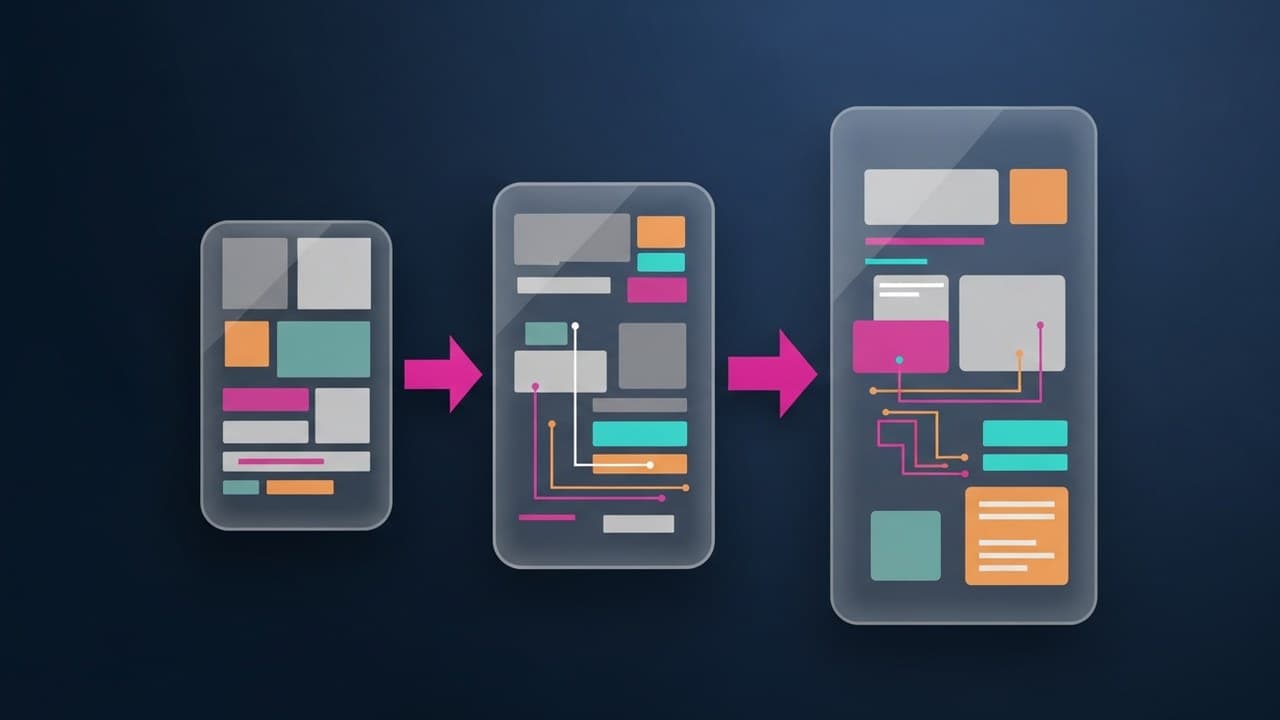
A user flow is a diagram that visualizes the complete path a user takes through a digital product to accomplish a specific goal. It's one of the most technical and operational tools in the UX designer's toolkit. Unlike a customer journey map (which is strategic and cross-channel), a user flow is precise, focused on a single task, and used directly in the product development process.
In this article, we'll cover what a user flow is, how it differs from a user journey and task flow, the 5 steps to create one, common mistakes to avoid, the most popular tools in 2026, and a checklist to validate your work before handing it off to design.
What Is a User Flow
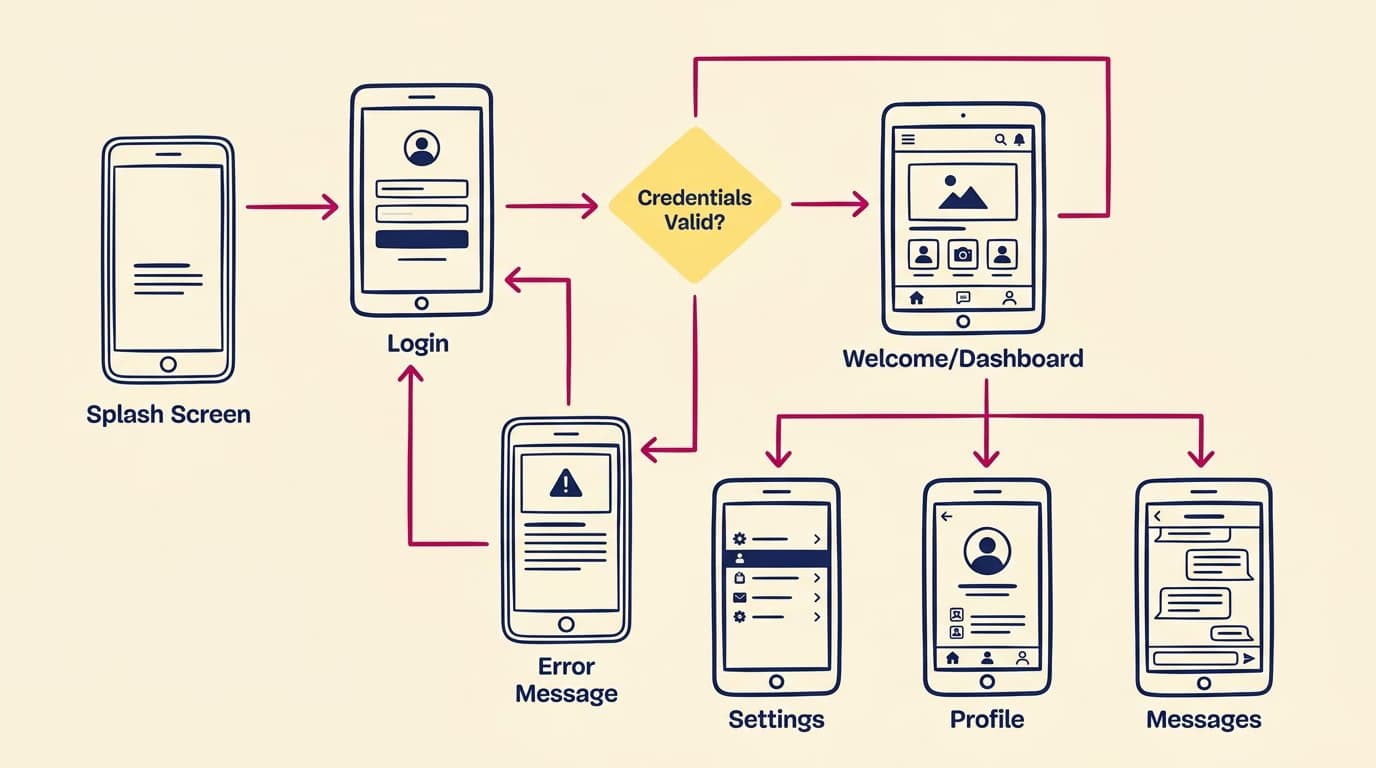
A user flow is a flowchart that shows:
- The screens the user navigates (represented as rectangular boxes or miniature wireframes)
- The actions they take on each screen (represented by arrows connecting the boxes)
- Decision points with multiple branches (represented as diamonds)
- The entry and exit points of the flow
A classic example: an e-commerce checkout user flow shows the path from Cart → Shipping Form → Payment Form → Confirmation → Thank You Page. Each step has alternative exits (e.g., cancel, save for later, log in).

User Flow vs. User Journey vs. Task Flow
These three concepts are often confused. Here's the difference:
User Journey: A strategic, high-level view. It's cross-channel (offline + online), covers multiple touchpoints, and spans the entire customer lifecycle from awareness to loyalty. Scope: Hours or days.
User Flow: An operational view within a single digital product, from a specific entry point to a goal. It shows alternative paths and branches. Scope: 10-30 minutes of interaction.
Task Flow: A linear view showing only the "happy path"—the simplest sequence without branches—to complete a single task. It's a subset of a user flow.
In practice, the journey defines product strategy, the user flow defines the interaction architecture, and the task flow informs the wireframes for each step. They are used in sequence.
When to Create a User Flow
Always, before you start on wireframes. Creating wireframes without a clear user flow is like building a house without a blueprint.
More specifically, a user flow is critical in three scenarios:
- Designing new features: To understand how screens connect before you start drawing them.
- Redesigning existing flows: To identify drop-off points and opportunities for optimization.
- Aligning with developers: The user flow is the shared document between designers and developers that maps out all states and edge cases.
How to Build a User Flow in 5 Steps
Step 1 — Define the user's objective. Don't just aim for "the checkout flow." Be specific: "The user flow for a B2C customer purchasing a $50 product on a mobile device, starting from a category page and ending at the order confirmation." The more specific you are, the better.
Step 2 — Identify entry and exit points. Where does the user start (homepage? email? push notification? deep link?) and where do they end (order confirmation? payment error? cart abandonment?). These are the boundaries of your flow.
Step 3 — List the intermediate screens. What touchpoints exist between the entry and exit? For checkout, this could be: Cart, Login (optional), Shipping, Payment, Review, Confirmation.
Step 4 — Map out the decisions. Where does the user have multiple options? Typical decision points include: Guest vs. Login, PayPal vs. Credit Card, New Address vs. Saved Address. Each decision is a diamond with two or more branches.
Step 5 — Add error states and edge cases. What happens if the credit card is declined? If the connection drops? If the product goes out of stock during checkout? These details are what separate an "okay" flow from a robust one.
The 5 Most Common Mistakes
1. Designing screens before the flow. An estimated 70% of design rework stems from flows that weren't clarified upfront.
2. Ignoring error states. "Let's just design the happy path" is often followed by weeks of rework when developers ask, "But what happens if this fails?"
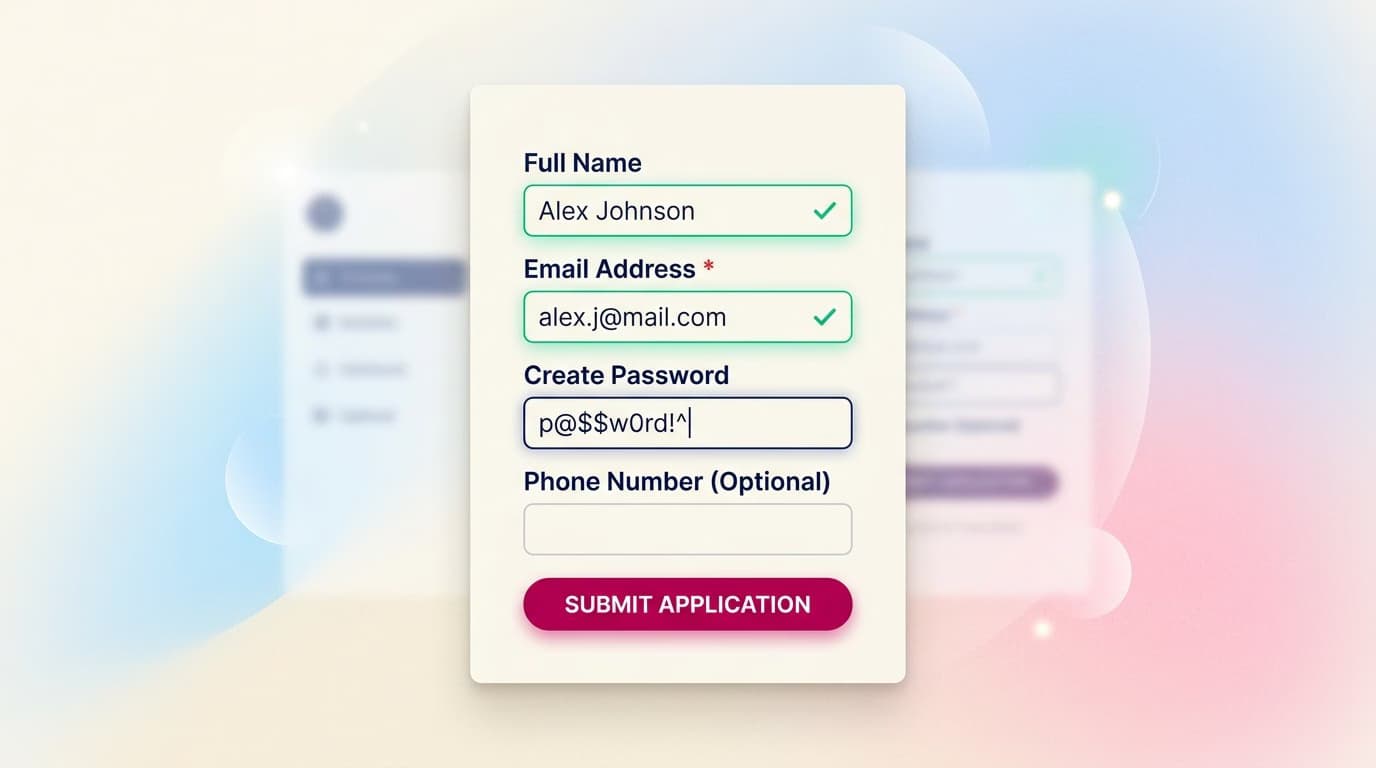
3. Creating overly abstract flows. A box labeled "Payment" isn't enough. The flow must specify fields, validation rules, and loading states.
4. Confusing user flows with information architecture. A user flow is temporal (a sequence of actions), while IA is structural (a hierarchy of content). They are two different things.
5. Not updating them when the design changes. A user flow is a living document. If it's out of sync with the product, it's worse than not having one at all.
Recommended Tools for 2026
- FigJam (Figma): Native to Figma, excellent for remote workshops, and integrated with design files. Best for teams already using Figma.
- Whimsical: A designer favorite for user flows. It's fast to set up and produces professional-looking diagrams.
- Miro: Similar to FigJam but more oriented toward large-scale workshops and collaboration.
- Lucidchart: A classic diagramming tool that integrates with Google Workspace, great for technical documentation.
- Overflow: A niche tool specifically for creating user flows from actual screen designs. A premium option.
User Flow Validation Checklist
Before moving on to wireframes, your user flow is ready if:
- ✅ It has a clearly defined entry point and exit point.
- ✅ Every decision point has all branches covered (including "go back").
- ✅ Error states are mapped for every critical step.
- ✅ Loading and success states are explicitly shown.
- ✅ Developers can understand it without needing clarification.
- ✅ The Product Manager recognizes each step as part of the requirements.
If any of these are missing, the flow isn't ready.
Frequently Asked Questions
How many user flows does an app need?
Typically, you need one for each major user goal. An average e-commerce app might have 8-15 user flows (e.g., signup, login, browse, search, add to cart, checkout, manage account). For simpler apps, 4-6 may be enough.
Are mobile and desktop user flows the same?
Never. Mobile often requires more steps, as long forms are broken into multiple screens and navigation patterns differ. Always create separate flows for each platform if your product is cross-platform.
Do I need to be a senior designer to create one?
No, it's one of the most democratic tools in UX. Junior designers, PMs, and developers can all contribute. What takes experience is knowing which edge cases need their own branch and which can be deferred past v1.
Is a user flow the same as a sitemap?
No. A sitemap shows the static structure of pages (hierarchy). A user flow is dynamic (a temporal sequence of actions). A sitemap answers "What exists on the site?" while a user flow answers "How does a user move through it?"
Can I skip user flows if I use Figma prototypes?
Only for very small projects. For anything complex, the user flow is still a valuable high-level document. It's readable without opening Figma and easily shareable with non-design stakeholders.
Next Steps
Creating user flows is a core skill for any Interaction Designer. The Interaction Design Course at CorsoUX covers 8 chapters with 50 lessons, from flow principles to Figma prototyping with auto-layout. A 1:1 mentor reviews every exercise. For a complete path from research to design systems, check out the Complete UX Design Course.
To dive deeper into related concepts, read our guides on how to build effective wireframes, information architecture, and the customer journey map.