Who decides where the checkout button goes, what the error message sounds like when the password is wrong, or how many steps it takes to change a shipping address? Not a graphic designer, not a developer, not the product manager. Those decisions come from the work of a UX Designer: the professional who shapes how people experience digital products and services, putting the user at the center of every choice.
In this article we'll cover, without the fluff, what a UX Designer actually does on a working day, what skills are required, which tools they use, how much they earn in the US, UK and remote markets today, and how to break into the profession from scratch.
What you'll learn:
- The UX Designer's exact role in a product team
- The 5 areas of daily work (research, IA, interaction, UI, writing)
- The hard and soft skills required in 2026
- The standard tools of the industry
- How much junior, mid and senior UX Designers earn in the US, UK and remote jobs
- The recommended path to becoming one, with or without a degree
The UX Designer's role in a product team
A UX Designer doesn't draw pretty screens: they decide how a product behaves. They work upstream of visual design and downstream of research. Their output isn't an image — it's a design decision backed by data.
In a typical product team (product manager, developers, UI/UX designers, QA, content) the UX Designer is the bridge between what users want and how the team will build it. They take part in discovery workshops, run interviews, translate insights into flows, prototype solutions, test them and iterate before a single line of code is written.
The Nielsen Norman Group defines the role as "the sum of the activities that make a product useful, usable, and desirable" (What is UX Design?). The operational part of that sum is what a UX Designer does every day.
UX Designer, UI Designer, Product Designer: the difference
Three titles that are often used interchangeably but aren't synonyms:
- UX Designer: works on research, flows, information architecture, interaction. The "how it works".
- UI Designer: works on visual language, components, typography, color, states. The "how it looks".
- Product Designer: a more senior figure who covers both areas and takes part in product decisions. The default title at US tech companies (Airbnb, Stripe, Meta, Notion) and increasingly across Europe and the UK.
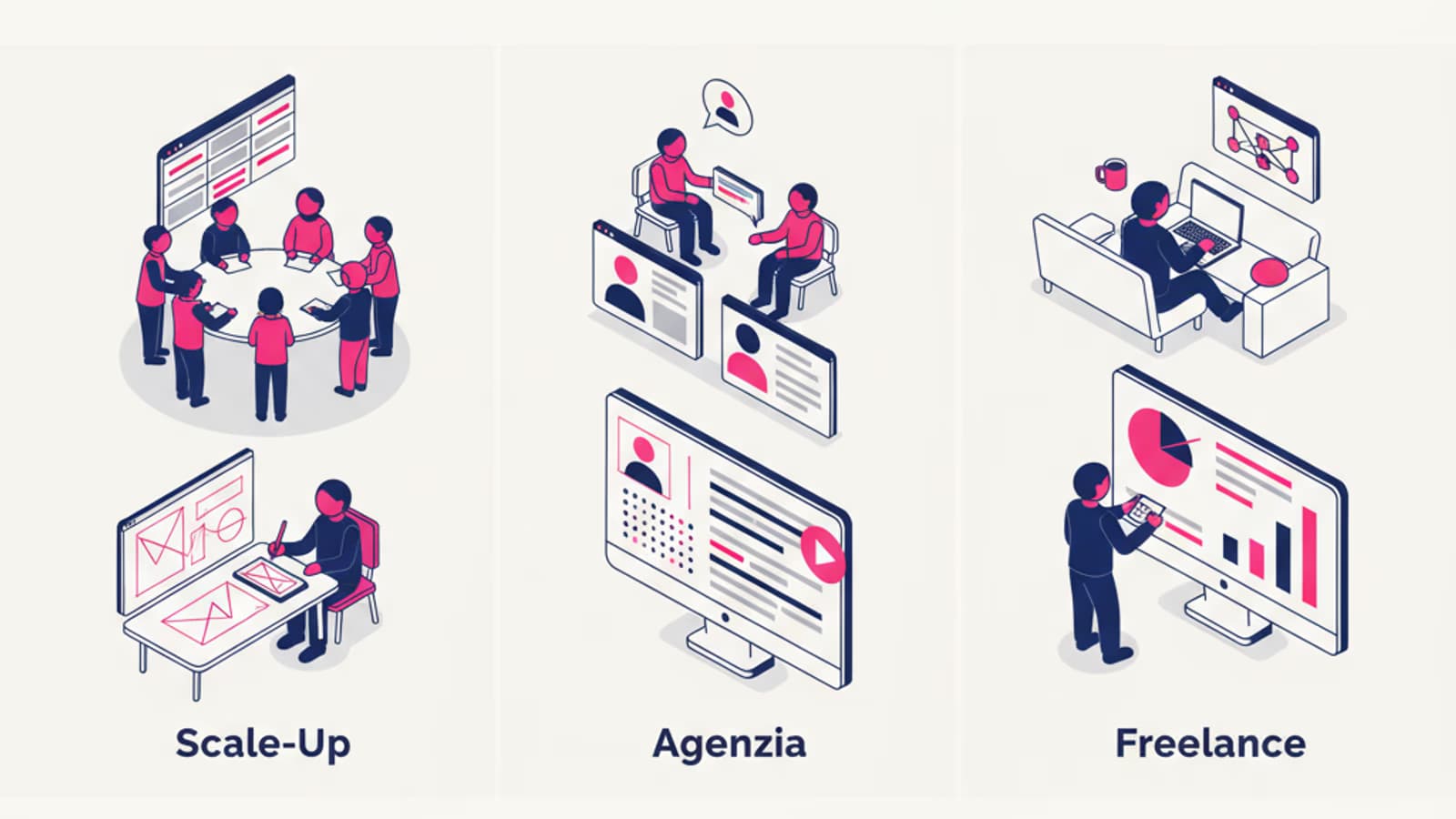
In well-staffed companies the roles are split; in smaller teams and startups a single designer often covers all three. Being comfortable with both UX and UI is therefore a concrete advantage on the market — especially outside of major tech hubs.
The 5 areas of daily work
A UX Designer's work breaks down into five major areas that interleave throughout the same week.
1. User research
Research is the starting point of any design decision. It means talking to users, observing them, collecting quantitative and qualitative data, and translating it into actionable insights.
Typical activities:
- In-depth interviews with target users (1:1, 45–60 minutes)
- Usability tests, moderated and unmoderated, on prototypes or live products
- Competitor analysis to see how others solve the same problem
- Surveys to validate hypotheses at scale
- Product data analysis (analytics, heatmaps, session recordings)
- Creating personas, journey maps and empathy maps
User research can take 40–50% of a UX Designer's time in the early phases of a project. During maintenance it drops to 15–20%.
2. Information architecture
After research comes the moment to organize the content. How do you structure the menu? How many hierarchy levels are needed? Where does feature X sit in the flow? Information architecture (IA) answers these questions.
Concrete techniques: card sorting (asking users to group content), tree testing (validating navigation), building sitemaps and user flows. A well-crafted IA reduces clicks to complete a task, lowers bounce rates, and makes internal search less necessary.
3. Interaction design
This is the heart of the craft: designing how the user interacts with the system. Every button, every transition, every error message is an interaction design decision.
The main deliverables are wireframes (low fidelity) and interactive prototypes (high fidelity) built in Figma. On top of those come behavior specs: what happens if the user clicks here? What does the system show on error? How does it behave offline?
4. Visual and UI design
Once the interaction is defined, it needs to be dressed in pixels: typography, color, grids, components, states (hover, focus, disabled, loading), mobile and desktop variants. In smaller teams this is often handled by the same UX Designer — which is why mastering Figma at an advanced level is a market prerequisite.
The design system is the strategic deliverable of this phase: a shared library of components that guarantees consistency at scale and accelerates development.
5. UX writing
Words are interface. The difference between a "Buy now" button and a "Complete purchase" button can shift e-commerce checkout conversion by 5–10%. UX writing covers microcopy, error messages, labels, empty states, confirmations and CTAs.
It's a discipline that's becoming its own specialization at large tech companies, but in most product teams it still falls under the UX Designer's responsibility. Read our guide to UX Writing to go deeper.
A typical week in the life of a UX Designer
A real week at a mid-sized SaaS company, to give you a concrete picture:
- Monday: 2 hours reviewing analytics data from the feature shipped the week before. 1 hour sync with the PM. 2 hours wireframing the next feature.
- Tuesday: 4 user interviews of 45 minutes. Transcript clustering and insight extraction in the afternoon.
- Wednesday: Co-design workshop with stakeholders (3 hours). Prototyping the resulting flow in Figma.
- Thursday: Moderated remote usability tests (5 participants × 30 min). Findings synthesis.
- Friday: Design handoff to engineers, design system component review, documentation.
Not every week is this balanced. Discovery phases are dominated by research, delivery phases by pure design work, release phases by QA and handoffs.
Skills required in 2026
Hard skills:
- Mastery of Figma (components, auto-layout, variants, interactive components, libraries)
- Qualitative and quantitative user research methods
- Knowledge of usability heuristics and accessibility principles (WCAG 2.2 level AA as a baseline)
- Basics of HTML and CSS to communicate with developers
- Reading product metrics (conversion rate, retention, funnels, drop-off)
- Familiarity with design systems (Material, Fluent, HIG, Carbon)
Soft skills:
- Communication and the ability to defend your decisions with data
- Critical thinking and problem framing
- Genuine empathy for users (not the slide-deck buzzword)
- Ability to work in cross-functional teams (engineering, business, marketing)
- Flexibility to pivot when data disproves the initial hypothesis
According to the LinkedIn Jobs on the Rise report, UX Designer and Product Designer roles remain among the fastest-growing digital jobs in the US and UK markets, particularly in fintech, healthtech and e-commerce. The US Bureau of Labor Statistics projects employment of web and digital designers to grow 8% through 2032, faster than the average for all occupations (BLS OOH).
Tools of the trade
The standard toolbox of a UX Designer in 2026:
- Design and prototyping: Figma (de facto standard), FigJam for whiteboarding
- User research: Maze, Lookback, UserTesting, Dovetail for synthesis
- Analytics: Google Analytics 4, Mixpanel, Amplitude, Hotjar for heatmaps
- Collaboration: Notion or Confluence for documentation, Linear or Jira for tickets
- Accessibility: Stark, Contrast, axe DevTools
Figma alone covers about 80% of day-to-day design work. If you're starting out and can only master one tool, learn Figma deeply first.
How much does a UX Designer earn (US, UK, remote)
Salary data pulled from Glassdoor, Levels.fyi, LinkedIn Salary Insights and Built In in 2025:
United States (base salary, USD):
- Junior (0–2 years): $70,000 – $95,000
- Mid (2–5 years): $95,000 – $135,000
- Senior (5+ years): $135,000 – $180,000
- Staff / Principal: $180,000 – $260,000+ (big tech, with RSUs and bonuses often pushing total comp beyond $350k)
United Kingdom (base salary, GBP):
- Junior (0–2 years): £30,000 – £42,000
- Mid (2–5 years): £42,000 – £65,000
- Senior (5+ years): £65,000 – £95,000
- Lead / Principal: £95,000 – £140,000
London-based roles typically sit 15–25% above the national average, and US big tech (Google, Meta, Apple, Airbnb) pays significantly more than the ranges above when stock is included. Freelance day rates range from $400–$600 for juniors up to $1,000–$1,500 for senior specialists. Remote-first companies with global hiring — like GitLab, Automattic, Zapier — have compensation bands that often reach or exceed the US figures regardless of location.
How to become a UX Designer
There is no single path. The two most common are:
- Long academic route: a degree in Design, HCI, Cognitive Science or related fields. 3–4 years. Good if you're 18 and already know what you want to do — but not required.
- Career switcher route: an intensive online course + portfolio building. 6–12 months of serious study. This is the typical path for people coming from graphic design, marketing, development or an unrelated profession.
The real entry requirements according to 2025 US and UK job listings:
- A portfolio with 2–3 complete case studies (not screens — full case studies with problem → research → decisions → outcome)
- Mastery of Figma
- Knowledge of user research methods
- A recognized certification or a documented training path
- Professional-level English for documentation and cross-team communication
A degree is "preferred but not required" in roughly 65% of US/UK job listings. The portfolio matters far more.
Common mistakes beginners make
The mistakes we most often see in aspiring UX Designers:
- Skipping research: jumping straight to drawing screens without talking to a single user. The result is elegant solutions to non-existent problems.
- Confusing UX with UI: building a portfolio of only pretty screens with no process behind them.
- Not measuring anything: claiming "I improved the experience" without data to back it up has no value.
- Chasing perfection on the first project: 3 imperfect case studies beat 1 perfect one that's never finished.
- Ignoring accessibility: a design that's not accessible in 2026 isn't a professional design.
Frequently asked questions
How long does it take to become a UX Designer from scratch?
With a dedicated full-time path, it takes 6–8 months to reach a hireable junior level; part-time, 10–14 months. The deciding variable isn't time: it's the amount of real practice you accumulate and the quality of the portfolio you build along the way.
Do you need a degree to work as a UX Designer?
No. The market looks at your portfolio first, experience second, education third. A recognized certification and a strong portfolio open more doors than a degree without concrete projects.
Do you need to know how to code?
You don't need to build the product yourself. But you do need to understand what's feasible to communicate effectively with engineers. Knowing the basics of HTML, CSS and responsive design principles makes you a more effective and more hireable designer.
Are UX Designer and Graphic Designer the same thing?
No. A graphic designer works on static visual communication (brochures, logos, illustrations); a UX Designer designs interactive systems where every decision has consequences on user behavior. The skills overlap on the visual plane, but the working method is fundamentally different.
Can you work remotely as a UX Designer?
Yes — it's one of the most remote-friendly digital professions. In 2025 roughly 70% of US tech job listings offered at least hybrid arrangements, and a significant share allowed full-remote. Fully-distributed companies like GitLab, Automattic and Zapier hire globally and pay accordingly. Remote UX Designer roles from US companies for international candidates are common and generally pay in USD.
Next steps
If this article has convinced you that UX Design is the career you want to build, the next steps are simple:
- Read our guide how to become a UX Designer for a step-by-step path
- Study Nielsen's usability heuristics — they're the common language of the craft
- Start getting familiar with Figma
If you want a structured path with a personal mentor, certification and placement support, the CorsoUX Complete UX Design course covers all 5 areas described in this article with 200+ hours of lessons, reviewed exercises and unlimited 1:1 calls with senior mentors.