When a client asks for "an audit of our site," they often don't know what to expect. A serious UX audit isn't a list of opinions or a brain-dump of "things we could improve." It's a structured investigation that starts from specific questions, combines different methods, and produces a document with identified problems, supporting evidence, prioritization, and concrete recommendations.
This article explains how to run a professional UX audit in 2026: the questions to answer, the methods to combine, how to organize the evidence, how to prioritize problems, and how to present findings to non-technical stakeholders.
What you'll learn:
- What separates a serious UX audit from a well-argued opinion
- The 7 steps of a structured UX audit
- The 4 core methods to combine
- How to prioritize the problems you find
- How to communicate findings to different audiences
What a UX audit is
A UX audit is a systematic evaluation of a digital product from the user experience angle. The output isn't an aesthetic judgment ("I like it / I don't") — it's a structured document containing:
- Identified problems, each with a clear description and supporting evidence
- Severity rating (how bad each problem is)
- Estimated impact (how many users are affected and what the business consequences are)
- Recommendations (what to do to fix each issue)
- Suggested priority (fix first vs. can wait)
UX audits are typically run in three situations:
- Before a major redesign, to understand where to start
- When metrics are slipping (conversion drop, rising abandonment, support tickets piling up) and you need to know why
- On a rolling cadence (every 6–12 months) in mature teams, as continuous UX hygiene
A proper audit takes 1–3 weeks of focused work. "One-hour audits" are almost always superficial.
The 7 steps of a UX audit
Step 1: define questions and scope
Before evaluating anything, know what you're trying to learn. Don't "audit the site" — ask specific questions:
- Why did checkout completion drop 15% last quarter?
- Where are users getting stuck in the onboarding flow?
- What problems are power users hitting in daily dashboard use?
The more specific the question, the more useful the audit. Scope it down: not the whole product, but precise sections.
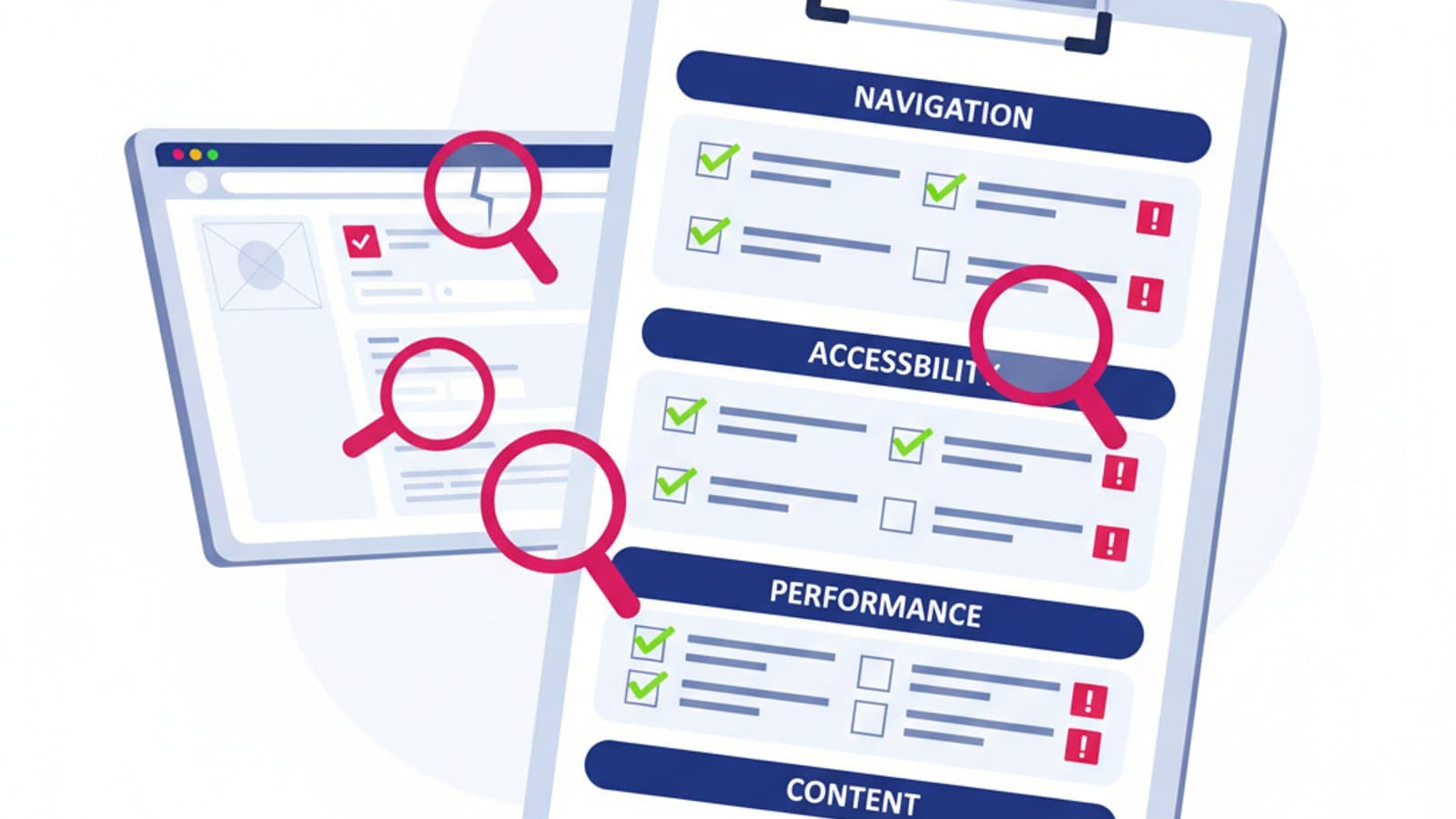
Step 2: heuristic evaluation
The cheapest, fastest way to surface obvious problems. Use Nielsen's 10 heuristics as a checklist and systematically evaluate the sections in scope. Document every violation with a screenshot, a note, and a severity score (1–4, minor to catastrophic).
An experienced evaluator produces 30–50 identified issues in 2–3 days for a mid-complexity product. Many of them are quick wins.
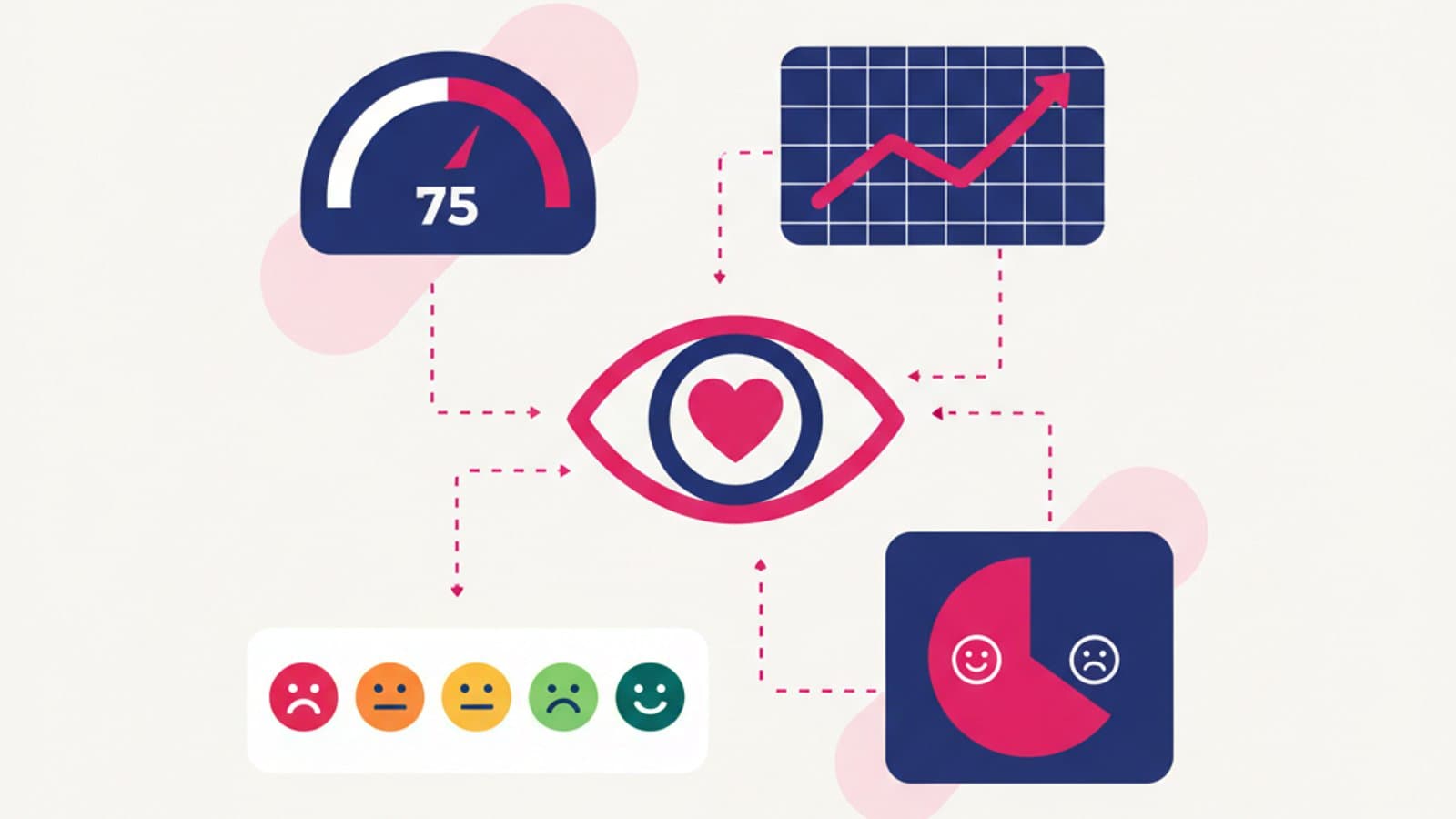
Step 3: quantitative data analysis
If the product is live, analytics already contain evidence. Look at:
- Conversion funnel: where do users drop off?
- Bounce rate by page: which pages repel visitors?
- Session recordings (Hotjar, Microsoft Clarity, FullStory): what are users silently struggling with?
- Heatmaps: what's being clicked, what's being ignored?
- Internal search: what are they looking for that they can't find?
- Customer support: which questions keep coming back?
Data tells a different story from gut feel. Teams who "already know the problems" are routinely contradicted by the numbers.
Step 4: lightweight usability testing
A solid UX audit includes at least 3–5 moderated sessions with real target users. No lab required — 5 thirty-minute sessions on Google Meet will surface problems heuristics never catch.
Give concrete tasks: "buy a product and reach the confirmation screen," "find your last invoice," "add a new user to your team." Watch where they stall, what they say, where they hesitate.
Step 5: qualitative feedback analysis
App store reviews, social comments, support tickets, user chat logs. Pull everything into one doc and look for recurring themes. Even a small sample (30–50 pieces of feedback) surfaces clear patterns.
Step 6: synthesis and prioritization
You now have 50–100 problems identified across different methods. Too many to present as a flat list. Synthesize:
- Group by theme (checkout, navigation, forms, etc.)
- Cluster similar issues (if the same problem shows up in 5 different methods, it's a big one)
- Prioritize with a severity × impact matrix:
- High severity, high impact: fix now
- High severity, low impact: fix when possible
- Low severity, high impact: bundle with related work
- Low severity, low impact: decide if it's worth it
Step 7: report and presentation
The final UX audit report should contain:
- Executive summary (1 page): the 5–7 most important problems with their business impact
- Context and methodology: what you analyzed and how
- Problem list grouped by area, with severity, evidence, and recommendation
- Remediation roadmap: quick wins (weeks) vs. major fixes (months)
- Appendices: screenshots, notable session recordings, quotes from usability sessions
The presentation isn't a static document — it's a 1–2 hour workshop with stakeholders where you walk through problems, show the evidence, answer questions, and arrive at shared decisions.
The 4 methods to combine
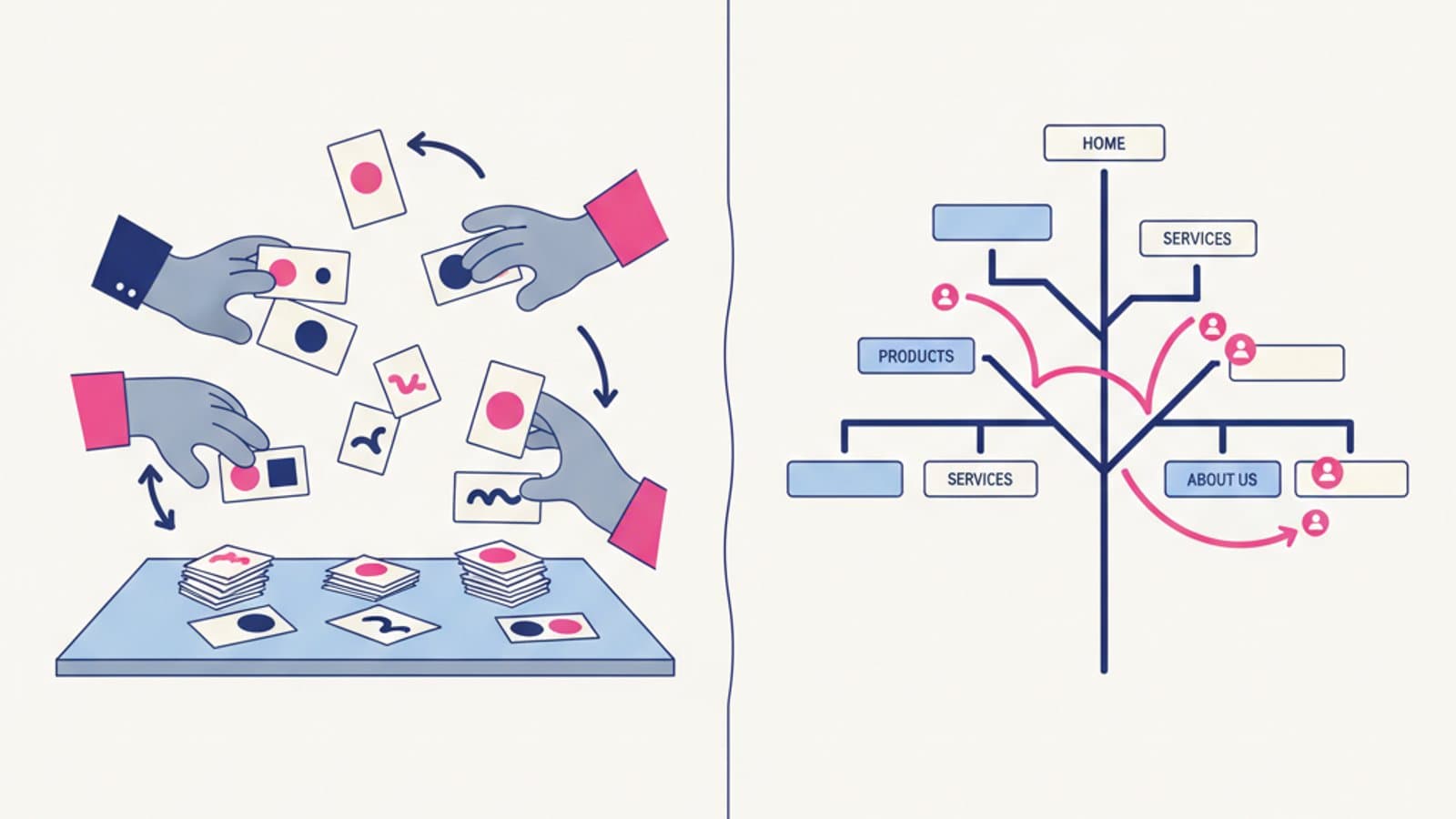
A serious UX audit combines at least 3–4 methods to triangulate findings.
1. Heuristic evaluation
The most efficient method for surfacing obvious issues. Based on Nielsen's heuristics. Cost: low. Time: 2–5 days for a mid-sized product.
2. Moderated usability testing
The most reliable way to find real-world problems. 5–8 participants from the actual target audience. Cost: medium-high. Time: 1–2 weeks including analysis.
3. Quantitative data analysis
Analytics, session recordings, funnel analysis. Cost: low (if the product is already tracked). Time: 2–4 days.
4. Content audit
Review of copy, terminology, voice and tone, and textual accessibility. Particularly useful for content-heavy products. Cost: low. Time: 2–5 days. Read how to test your content.
The combination is what makes it work: a problem surfaced by heuristic evaluation, confirmed by analytics, and observed in a usability test is a rock-solid finding. A problem surfaced in only one method needs further verification.
How to prioritize the problems
Three useful frameworks.
Severity × Impact matrix
As described above. Simple, fast, and easy to communicate to non-technical audiences.
RICE (Reach, Impact, Confidence, Effort)
Intercom's feature prioritization formula, equally applicable to UX fixes:
RICE Score = (Reach × Impact × Confidence) / Effort
- Reach: how many users are affected per quarter
- Impact: how much it matters to them (scale 0.25–3)
- Confidence: how sure you are about the numbers (scale 0.5–1)
- Effort: person-months to fix
Higher RICE score, higher priority.
ICE (Impact, Confidence, Ease)
A simplified version of RICE. Three scores from 1 to 10; the average guides priority. Faster but less rigorous.
How to communicate the findings
A UX audit is only useful if it drives decisions. Three audiences with different needs.
To the product team (designers, PMs, engineers)
Format: a detailed list in Notion, Confluence, or Linear — each problem with evidence, severity, recommendation, and a link to the fix in the backlog. It has to be actionable: who does what, by when.
To business stakeholders (C-level, decision makers)
Format: a 15–20 slide deck focused on the highest-impact problems, estimated revenue cost in lost conversions, and a remediation plan. It has to be persuasive: here's why the investment pays off.
To the client (for third-party audits)
Format: a formal PDF document plus a 60–90 minute live presentation with space for discussion. The document should stand alone — the client has to be able to re-present it internally without you in the room.
Frequently asked questions
How much does a professional UX audit cost?
In the US and UK in 2026, a serious UX audit from a consultancy typically runs $5,000–$30,000 (£4,000–£24,000) depending on product complexity and depth. Senior UX consultants in Silicon Valley and London often bill $200–$350 per hour. An in-house audit "only" costs team time — but senior team time isn't free either.
Is a UX audit different from a usability test?
Yes. A usability test is one of the methods inside a complete UX audit. The audit also includes heuristic evaluation, data analysis, feedback review, and content audit. A standalone usability test is a partial audit.
How long should a serious UX audit take?
1–3 weeks for a mid-complexity product. Less than 5 days is probably superficial; more than a month risks losing urgency and relevance.
Can I audit my own product or do I need an outside firm?
Both work. In-house: context, speed, lower cost. External: fresh perspective, independence, less bias toward past decisions. Many mature teams do both: regular internal audits plus an external audit every 12–18 months.
How do I present negative findings to the people who designed the product?
With empathy and rigor. Present problems as objective evidence (usability recordings, analytics data, user quotes) rather than opinion. Include "what's working" alongside "what isn't" — an audit isn't an attack. Propose constructive solutions, not just criticism.
What severity rating should I use?
Nielsen's 4-level scale is the industry standard:
- Minor: cosmetic annoyance only
- Medium: obstructs the user, but they can still complete the task
- Serious: the user can't complete the task
- Catastrophic: completely blocks the product
Next steps
UX auditing is a cross-cutting skill — useful for designers, product managers, researchers, and startup founders alike. To go deeper:
- Study the usability heuristics at the heart of every audit
- Read up on user research methods that feed into the audit
- Learn how to test your content as part of the audit
In CorsoUX's Interaction Design course we teach UX auditing as a structured practice with exercises on real products, supervised by senior mentors who run professional audits every day.