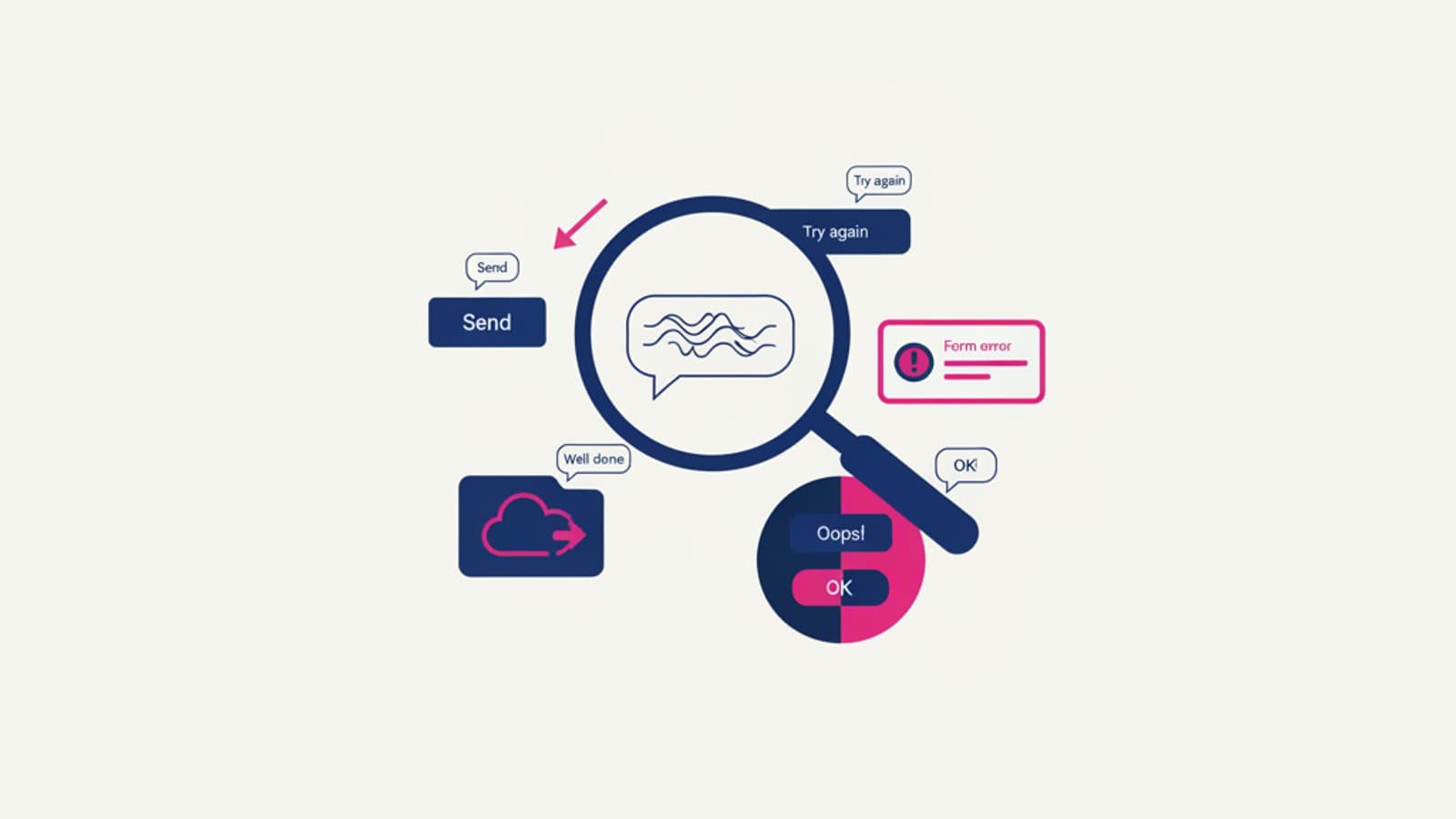
A piece of copy can look perfect to the designer who wrote it, the copywriter who reviewed it, the product manager who approved it — and still be incomprehensible to 70% of real users. The gap between "sounds clear" and "is clear" isn't an opinion: it's measurable. Content testing is how you measure it, and in 2026 it's part of every serious product team's workflow.
This article covers 7 practical methods for testing interface content, each with its sweet spot, cost, and limits. Picking the right one for the question you're asking is what separates a data-driven content strategy from an opinion-driven one.
What you'll learn:
- Why testing content isn't optional in 2026
- The 7 core methods: when and how to use them
- How to build a continuous content testing workflow
- The most common mistakes in content testing
- How to integrate content testing into the design process
Why test content
Three concrete reasons content testing has become a non-negotiable part of mature UX Writing and UX Design practice.
1. Text is the first interaction
Before clicking a button, the user reads something. Text precedes almost every action: labels, CTAs, error messages, confirmations. If the text is wrong, the rest of the design doesn't work.
2. Internal opinions are systematically wrong
People who work on a product every day are immersed in its vocabulary, internal logic, and conventions. They lose the perspective of a new user. A team "evaluating" its own copy is systematically less critical than a test with real users — typically by 30–50%.
3. The cost of fixing is high
A wrong piece of copy caught after launch costs 10–100× more than one caught in the design phase. It means release updates, communications, extra customer support load. Testing early is much cheaper.
The 7 content testing methods
1. Cloze Test
What it is: a comprehensibility test where you remove every 5th word from a passage and ask users to fill in the gaps. The percentage of correct answers measures how "predictable" — and therefore comprehensible — the text is.
When to use it: to evaluate the general comprehensibility of a long text (onboarding, help text, policy).
Limits: it doesn't measure global meaning, only the ability to infer missing words. See the full guide to the cloze test.
2. Highlight Test
What it is: you show users a piece of text and ask them to highlight (in different colors) the parts that reassure them and the parts that confuse them or raise doubts.
How it works:
- Pick an onboarding copy, policy, or product description
- Ask 10–15 target users to read it
- Give them two colors: green for "clear and reassuring," red for "confusing or doubtful"
- Analyze the patterns: which words or sentences get the most red?
When to use it: for copy that needs to reassure or persuade — checkout flows, sensitive data requests, legal policies.
Strength: it surfaces immediately where the text loses the user emotionally.
3. Comprehension Test
What it is: you show the user a piece of text, then ask 3–5 comprehension questions ("What should you do after reading this?", "Which of these options is correct?"). You measure the rate of correct answers.
When to use it: for guided content (tutorials, instructions, policies) where accurate comprehension matters.
How to score it: above 80% correct across 30+ participants = comprehensible. Below 60% = rewrite.
4. Five-Second Test (for visible copy)
What it is: you show the user a screen for exactly 5 seconds, then hide it and ask: "What did you see? What do you remember? What do you think this product does?"
When to use it: for homepages, landing pages, screens with primary headlines and sub-headlines. The test checks whether the key message lands in the first 5 seconds of attention.
Tool: Lyssna (formerly UsabilityHub) has a dedicated five-second test template.
5. Preference Test on copy variants
What it is: you show two or three variants of the same copy and ask users which they prefer and why. It's a classic preference test applied to language.
When to use it: when picking between stylistic alternatives (formal vs. informal tone, long vs. short sentence, benefit vs. feature in the headline).
Limits: it measures stated opinion, not real behavior. For important decisions, combine it with a behavioral A/B test (see #7). For more, read the guide to preference testing.
6. Task-based Usability Test
What it is: you give the user a concrete task ("try to change your password") and observe whether they can do it using the interface. The test automatically includes copy testing, because the user has to read to figure out where to go.
When to use it: for validating whole flows where copy is part of the wayfinding system. The most complete method, and also the most expensive.
Limits: it's slow (5–8 sessions of 45 minutes) and requires moderation. But it's the only one that truly measures user behavior against the copy.
7. Behavioral A/B Test
What it is: on a live product, you show copy version A to 50% of users and version B to the other 50%. You measure conversions, completions, click-through. The best-performing variant wins.
When to use it: for important decisions on products with enough traffic. You get 95% confidence on which copy produces better real-world behavior.
Limits: it needs significant volume (thousands of exposures per variant), testing infrastructure (Optimizely, GrowthBook, VWO), and weeks for statistically solid results. For the details, read the A/B testing guide.
How to pick the right method
Three questions to decide:
What stage of design is your copy at?
- Exploratory (early drafts): five-second test, highlight test
- Convergence (variants chosen): cloze test, comprehension test, preference test
- Final validation (before launch): usability test, A/B test
How important is the decision?
- Small (a tooltip, a label): quick preference test with 10 people
- Medium (page headline, main CTA): cloze or comprehension test with 30–50 people
- Large (full onboarding, checkout, policy): usability test + follow-up A/B test
What resources do you have?
- Low (limited time and budget): highlight or preference test with your own network
- Medium: cloze or comprehension test with a panel
- High: full usability test + behavioral A/B test
Building a content testing workflow
Mature teams integrate content testing into a continuous workflow, not as one-off events. A typical cycle:
- Content draft: the writer produces the first version
- Internal review: the team (designer, PM, engineers) gives feedback
- Quick test (required before release): preference test or five-second test with 10–15 people
- Implementation: the copy ships in the product
- Monitoring: behavioral metrics are tracked (conversion, abandonment, support tickets)
- Iteration: if the data flags problems, back to step 1
This cycle doesn't add weeks to the process — it adds hours, in exchange for much more solid decisions.
Common mistakes in content testing
1. Testing only after release
"Ship it and then check the data" is a legitimate strategy for small hypotheses, but for critical copy (onboarding, checkout) it's too late: the cost of fixing is much higher than the cost of testing earlier.
2. Samples that are too small
A 5-person test gives you signals, not certainty. For important decisions you need at least 30–50 participants.
3. Off-target participants
Testing an app for seniors with 20-year-olds is a classic mistake that invalidates the results entirely.
4. Ignoring the qualitative analysis
The numbers are only half the story. The reasons participants give are just as valuable, often more so. Don't just count — read and cluster by theme.
5. Not iterating
You run a test, find problems, but then don't ship the changes "for lack of time." A test is useless if it doesn't produce real changes to the copy.
Frequently asked questions
Do I have to test every single piece of copy?
No. Test the critical copy (onboarding, checkout, key system errors, policies) and the high-impact copy (primary CTAs, landing headlines). The rest can be written with best practice and reviewed after the fact.
How much does content testing cost?
It varies widely. A quick preference test on Lyssna runs $50–$150. A full usability test with an external panel runs $1,500–$5,000 in the US/UK market. A behavioral A/B test needs tooling infrastructure ($300–$1,000/month for platforms like Optimizely or VWO) but costs nothing per participant.
Does content testing matter for B2B products?
Yes, maybe more. B2B products typically lean on technical language that can shut out less expert users, and the downstream effects of bad copy (abandonment, support requests) are more expensive in B2B contexts.
Can I run content testing without a dedicated UX Writer?
Absolutely. The methods in this article are accessible to anyone — designers, product managers, content marketers. Content testing isn't a "specialist" skill but a baseline practice.
How do I combine content testing and visual design testing?
On important tests, combine them: copy exists in a visual context. A full usability test checks both together. For quick focused tests, you can isolate the copy (cloze, highlight) or the visual (five-second test on layouts without final text).
What metrics should I track after shipping new copy?
Depends on the context. For a CTA: click-through rate. For onboarding: flow completion rate. For an error message: recovery rate from the error. For help text: reduction in support tickets on that topic. Always at least one measurable metric tied to the copy.
Next steps
Content testing is the discipline that separates data-driven UX Writing from opinion-driven UX Writing. To build it into your workflow:
- Read the full guide to the cloze test for the most specific method
- Study the principles of UX Writing that testing helps validate
- Dig into behavioral A/B testing for final validation
In CorsoUX's UX Writing course we teach every content testing method with hands-on exercises, integrated into the real interface-writing workflow.