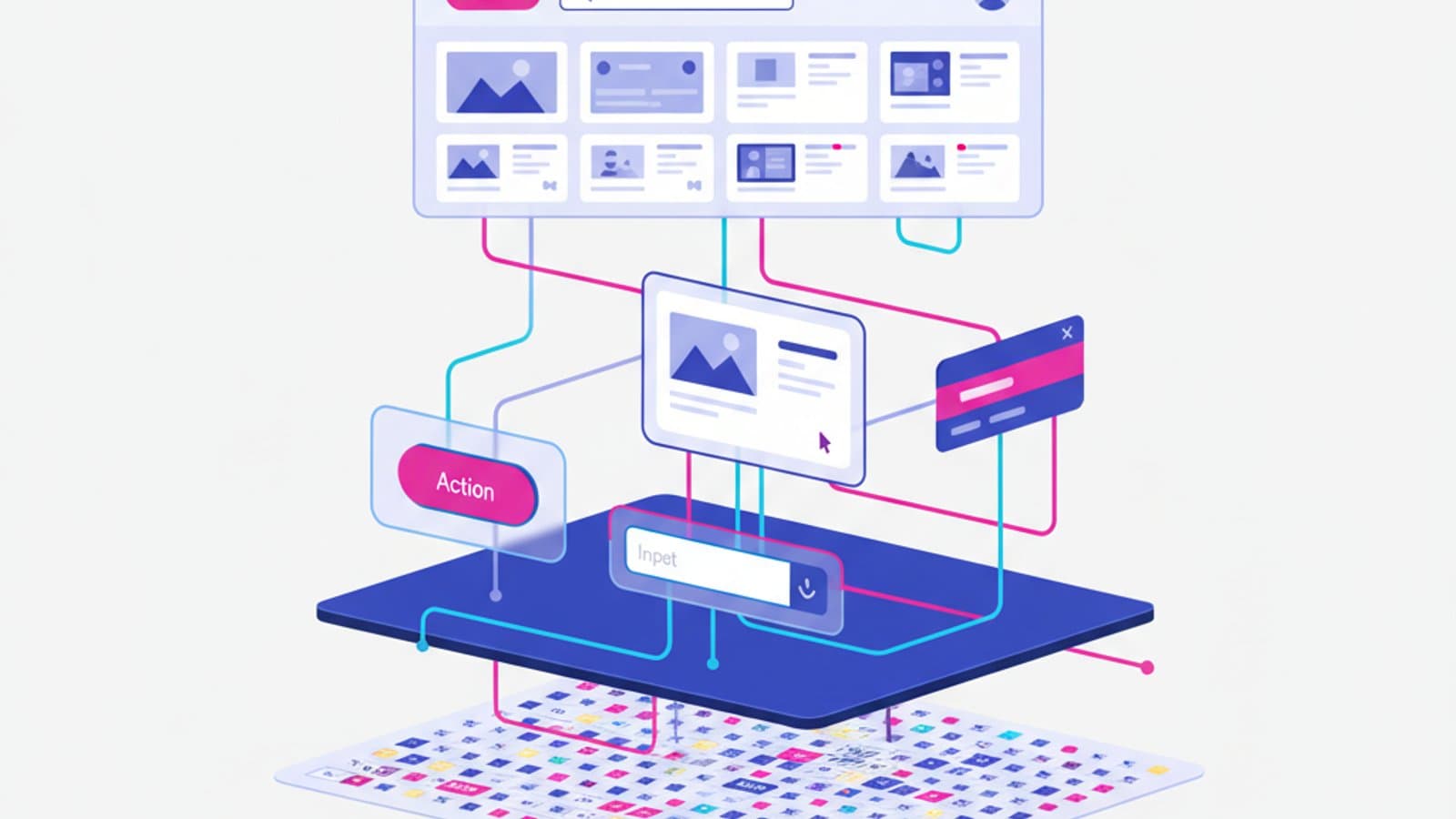
Interaction Design (IxD) is the operational heart of UX Design. While user research answers "what to build", interaction design answers "how should it behave when the user touches it". It's the discipline that turns insights into wireframes, flows, prototypes, and behavioral specs — everything between product strategy and engineering implementation.
This complete guide covers what Interaction Design is in 2026, its typical methods and deliverables, the standard tools, the Interaction Designer's role in modern product teams, US and UK salaries, and how to build a career in the field.
What you'll learn:
- What Interaction Design is and how it differs from UX and UI
- Mental models: the foundational concept of the craft
- The 6 canonical steps from idea to prototype
- The tools of the trade in 2026
- The role and salaries in the US and UK
- How to become an Interaction Designer
What Interaction Design is
Interaction Design (IxD) is the discipline that designs how humans interact with digital products. The term was coined in the early 1990s by Bill Moggridge, founder of IDEO, and has since become one of the main components of User Experience.
While user research provides the what (the user's needs) and visual design provides the aesthetic how (colors, typography, finished components), Interaction Design provides the functional how: flows, states, feedback, transitions, behaviors, conditional logic.
On a mature product team the Interaction Designer is the person who:
- Turns research into structural decisions
- Designs the user flows
- Produces wireframes and interactive prototypes
- Specifies every state (loading, error, empty, etc.)
- Collaborates with engineers to implement interactions correctly
Mental models: the foundational concept
The most important concept in Interaction Design is the mental model, popularized by Don Norman in The Design of Everyday Things (1988). The idea: the user builds a mental model of how your product "works" based on past experiences with similar products. Your design can either align with that model or contradict it.
Classic example: when you see a floppy-disk icon you know it means "save", even though you probably haven't used a floppy disk in 20 years. The mental model "that's the save action" is so entrenched it survives its own anachronism.
Design implications:
- Respect existing mental models when you can: don't invent new gestures or patterns just to be original.
- If you must innovate, do it sparingly: one innovation at a time, and only when it delivers real value.
- Signal explicitly when your product behaves unusually: don't count on the user's intuition.
A good interaction designer keeps a mental library of standard patterns (from OS conventions, reference apps, and public design systems) and applies them with judgment. Originality comes later, and only where it's warranted.
The 6 canonical steps of Interaction Design
The typical process from problem to prototype breaks down into 6 steps.
1. Research analysis
Start from user research insights. Who the user is, what they're trying to achieve, where they get stuck today. If you don't have research, you're not doing interaction design — you're guessing.
2. Information architecture
Organize the content. Which sections, how they group, how users navigate. If the product is complex, this is where you do content audit and card sorting.
3. Sitemap
Visualize the overall structure. Every box is a page or an area; lines show hierarchical relationships. The sitemap gives the team the bird's-eye view.
4. User flow
While the sitemap shows "what's there", the user flow shows "how users traverse" the system to complete a goal. Draw one flow per key task: sign-up, purchase, search, share.
5. Grayscale wireframes
Translate the user flow into concrete wireframes. No colors, no final fonts, no finished images: just structure, hierarchy, and placeholder content. Wireframes are where design takes shape while staying easy to iterate.
6. Usability testing
Don't wait until the design is "finished" to test it. A clickable prototype of your wireframes tested with 5 people reveals ~85% of the major issues — long before fixing them becomes expensive. See the user research guide for testing methods.
These 6 steps are sequential but iterative: after testing you go back and revise wireframes, potentially the user flow, until the design holds up under real use.
Tools of the trade in 2026
One tool dominates: Figma. In 2026 more than 90% of product teams in the US and UK use Figma as their base layer. It includes:
- Figma (design): wireframes, prototypes, components, design system, handoff
- FigJam: collaborative whiteboard for workshops, flows, card sorting, critique
- Figma Slides: design presentations
Alongside Figma, complementary tools for specific jobs:
- Optimal Workshop for formal card sorting and tree testing
- Maze for unmoderated remote prototype tests
- Whimsical for quick sitemaps and flowcharts
- Miro for larger workshops (a FigJam alternative)
- Notion / Confluence for decision documentation
Sketch and Adobe XD still exist but are in decline. Framer is growing as an alternative for designers who want to integrate real code into the design process. ProtoPie and Origami Studio still have a niche for complex native micro-interactions.
What an Interaction Designer ships
What an interaction designer produces day to day:
- Flow diagrams: how the user moves between states
- Wireframes: the structure of every key screen
- Clickable prototypes: a navigable Figma prototype that can be tested
- Behavioral specs: what happens in each scenario (loading, error, success)
- Decision documentation: why one approach was chosen over another
- Critique sessions: presenting designs to the team for feedback
- Engineering handoff: clear implementation instructions
A senior interaction designer spends a significant share of their time outside Figma: in meetings, workshops, and writing. Pure design is 30-50% of the typical day, not 100%.
The Interaction Designer's role on the team
On a structured 2026 product team the Interaction Designer sits between the Product Manager (who decides what to build and when) and engineers (who build it). Daily counterparts:
- Product Manager: alignment on priorities, features, time constraints
- UX Researcher: sharing insights and validating hypotheses
- Visual/UI Designer: handing off wireframes into final design (in many US and UK orgs these two roles are combined under "Product Designer")
- Front-end engineers: discussing feasibility, reviewing implementation
- UX Writer: defining microcopy inside wireframes
IxD isn't a solo role. The best interaction designers build bridges between disciplines — they don't "throw files over the wall and disappear".
Interaction Designer salaries in the US and UK in 2026
US Interaction / Product Designer salaries 2026 (Levels.fyi, Glassdoor, BLS):
- Junior (0-2 yrs): $90-120k base
- Mid (2-5 yrs): $125-165k base
- Senior (5-8 yrs): $165-215k base, $240-330k total comp at big tech
- Staff / Principal (8+ yrs): $215-300k base, $360-500k+ total comp
UK Interaction / Product Designer salaries 2026 (Glassdoor UK, LinkedIn Jobs on the Rise):
- Junior: £40-55k
- Mid: £58-80k
- Senior: £85-115k
- Lead / Principal: £115-155k+ at London tech companies
In the US and UK many Interaction Designers carry the title "Product Designer" because pure IxD roles are less common than the generalist role. The title isn't always indicative of the actual work. For the full UX salary picture read the 2026 guide.
How to become an Interaction Designer
The typical path:
- User research fundamentals: without understanding how to gather insights, you can't translate them into design
- Advanced Figma fluency: components, variants, auto-layout, interactive components, prototyping
- Knowledge of standard patterns: read the public design systems (Material, Apple HIG, IBM Carbon, Shopify Polaris)
- Cognitive principles: Gestalt psychology, Nielsen's heuristics, Hick's law
- Build a portfolio with 2-3 end-to-end case studies: problem → research → flows → wireframes → prototypes → tests
For the detailed roadmap read how to become a UX Designer.
Frequently asked questions
What's the difference between Interaction Design and UX Design?
UX Design is the umbrella: it includes user research, information architecture, interaction design, visual design, and UX writing. Interaction Design is one of the disciplines under that umbrella, focused on how the user interacts with the system (flows, wireframes, prototypes, behaviors). In many US and UK companies the two terms are used interchangeably and wrapped into the title "Product Designer".
Does an Interaction Designer need to code?
No, but they need to understand what's feasible. Knowing HTML, CSS basics, and the limits of common front-end frameworks makes the designer far more effective when collaborating with engineers. There's no need to ship production code.
Is Figma the only tool for Interaction Design?
In 2026, essentially yes. Other tools exist (Sketch, Framer, ProtoPie, Origami Studio for specific cases) but Figma covers 90% of the daily work. Learning Figma deeply matters more than knowing five tools at half-mast.
How long does it take to become an Interaction Designer?
From zero: 9-15 months of serious study plus practice to reach a hireable junior level. From an adjacent background (graphic design, engineering, research): 6-10 months. From UX generalist with 2-3 years of experience: 3-6 months of focused work.
Will AI replace the Interaction Designer?
AI tools are automating some execution (first-draft wireframes, pattern suggestions, microcopy). What stays irreplaceable is the ability to make strategic choices, understand user context, and defend decisions to stakeholders. The role will evolve, not disappear.
Can I specialize in Interaction Design without being great at visual design?
Yes, and it's one of the more strategic paths in 2026. Mature teams have dedicated Visual Designers working on pure visual, leaving the Interaction Designer to focus on structure and behavior. Being strong on one side and passable on the other often beats being mediocre at both.
Next steps
Interaction Design is one of the most in-demand and best-paid roles in UX. To build your path:
- Study the foundational methods in the user research guide
- Dig into information architecture, which precedes any wireframe
- Learn to build effective wireframes in Figma
- Master the usability heuristics for evaluating your own designs
CorsoUX's Interaction Design module is one of our four core tracks, with senior mentors who review every exercise and guide you through building a portfolio of complete case studies.