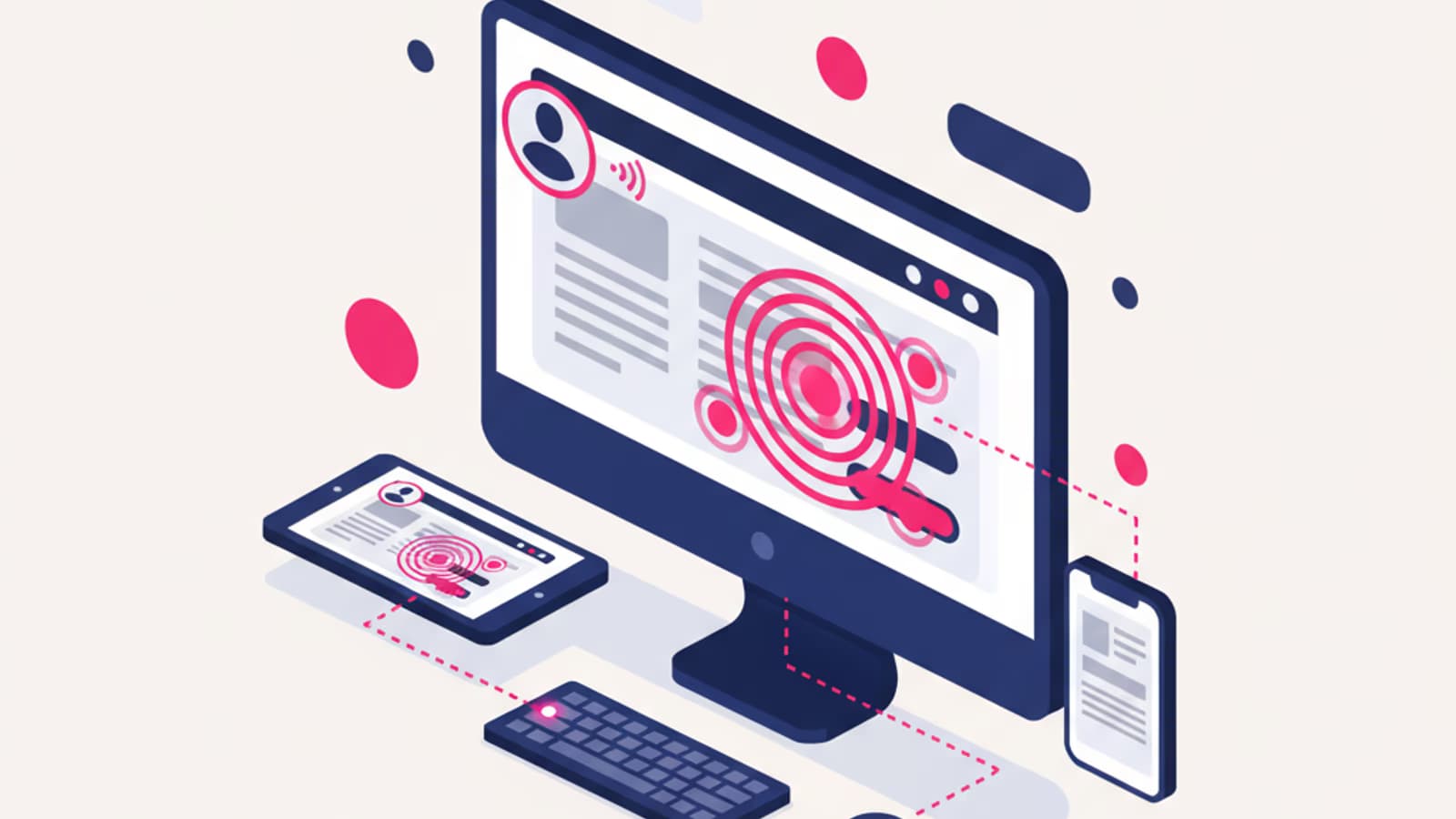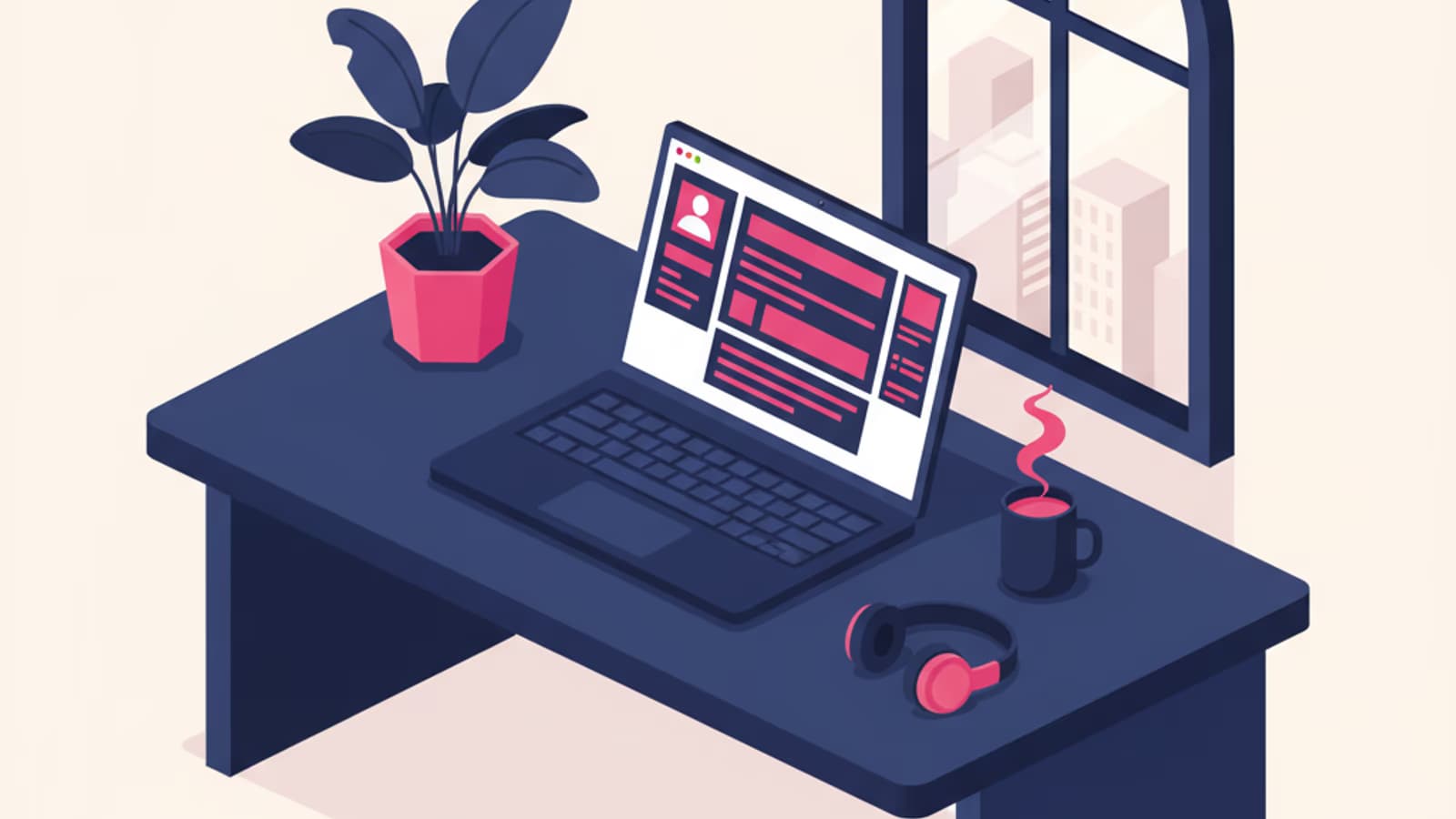
More than 45% of US and UK listings for UX Designers in 2025 offered at least a hybrid setup, and a significant share were fully remote — per BLS and Glassdoor data on design and tech roles. The digital design craft is among the most compatible with working from home, but the "work wherever, whenever" promise hides a more nuanced reality: without a routine, the right tools, and clear rules with your team, remote becomes pure frustration.
This article doesn't sell you the dream of working in your pyjamas on a beach chair in Bali. It tells you how remote actually works in 2026 for a UX Designer in the US and UK: typical day, collaboration stack, contract types, real pros and cons — and what separates a remote setup that holds up from one that collapses into daily bureaucracy.
What you'll learn:
- Why design remote works better than many other remote jobs (and where it breaks)
- The hour-by-hour typical day of a remote UX Designer
- The essential collaboration stack and how to use it
- Employee, contractor, LLC/Ltd: which is right for you
- The 5 mistakes that ruin the remote experience and how to avoid them
Why remote design works
Four structural reasons why digital design was almost born remote:
- The deliverable is digital. A Figma file doesn't need to be printed, shipped, or assembled. A remote designer ships exactly the same output as one in the office.
- Synchronous collaboration is discontinuous. Design work alternates between solitary focus (deep work) and fast exchanges (reviews, critique, pairing). Neither requires daily physical presence.
- The tools are cloud-native. Figma, Miro, Notion, Slack, and Loom were built for distributed teams. Multiplayer presence in Figma is often more effective than two people sitting at the same screen.
- Time zones become an advantage. Working with a team in another time zone means a few hours of absolute silence for deep work and a concentrated meeting window. For many designers it's the ideal setup.
And where does it break? Mainly in two spots: onboarding junior designers (a junior needs to see how seniors actually work, and doing it only over Zoom is less effective) and some discovery phases with non-technical stakeholders (co-design workshops where the physical dynamics of a whiteboard with sticky notes are still hard to beat for certain contexts).
The typical day of a remote UX Designer
A real week of a mid-level designer at a US scale-up with a team distributed across New York, Austin, and London. Times in the designer's local zone.
8:30 – 9:00 — Laptop open, coffee, quick scan of Slack (asynchronous messages left by colleagues in other time zones overnight). No meetings in the first hour, on principle.
9:00 – 10:30 — Deep work block #1. Ninety minutes for the most cognitively demanding activity of the day: typically new-flow design or research synthesis. Slack muted, notifications off.
10:30 – 11:00 — Daily stand-up with the product team. 15–20 minutes max, video on, structured speaking order.
11:00 – 12:30 — Async work: reviewing a design system PR opened by a colleague, responding to comments on a Figma file, documenting decisions.
12:30 – 13:30 — Lunch break, mandatory walk. If you skip the walk, the second half of the afternoon is worse.
13:30 – 15:00 — Synchronous meetings concentrated here: reviews with the product manager, stakeholder presentations, occasional user interviews.
15:00 – 16:30 — Deep work block #2. Shorter than the first but extremely valuable. Prototyping, UI refinement, prepping materials for tomorrow's review.
16:30 – 17:30 — Collaboration window with US West Coast colleagues just coming online. Pairing in Figma, async questions that become sync when useful.
17:30 — Wrap-up. Not a "symbolic" wrap-up: close Slack, shut the laptop, put it on charge. When "home" and "office" share the same walls, the boundary between them is one you set — and one you have to enforce.
Not every week is this orderly. Discovery phases have more user interviews; delivery phases have more solo work; release weeks have more reviews and handoff. But the "deep work / meeting / deep work / collaboration" rhythm remains the skeleton that works.
The essential collaboration stack
Six tools that cover 95% of a remote designer's work. Actually mastering them matters more than swapping them out every two months.
Figma — where the team "meets"
Not just the design tool. Figma is the remote team's whiteboard: where you show work in real time, leave async comments, run critiques, prototype together. The multiplayer cursor feature looks trivial on the surface but it changes how you work — it's like having someone next to you without the friction of physical presence.
Figma skills to master for an effective remote setup:
- Fluent components, variants, and auto-layout
- Shared cross-team libraries
- Branching to manage parallel changes to the design system
- Prototypes with interactive components
- Comments as a primary async channel, not a fallback
Slack — sync and async channel in one
The Slack hygiene rules of a mature remote team:
- Public channels over DMs: anything the team can read, should be readable.
- Threads over new messages: one message = one topic, replies go in the thread.
- Emoji reactions as confirmation: a 👀 means "read, thinking about it", a ✅ means "done".
- Status that reflects real state: "deep work" counts as a closed door.
- Async as default: reply within 4 working hours, not 4 minutes.
FigJam (or Miro) — for workshops
Discovery workshops, retrospectives, card sorting, affinity mapping, kick-offs. Every team workshop has its shared board, and the board stays as an archive.
Loom — the video note that replaces the meeting
The most underrated remote design feature. Instead of calling a 30-minute meeting to explain a design decision, you record a 4–5 minute Loom walking through Figma, drop it in the thread, and whoever needs to watch does it when they can. Result: meeting canceled, 30 minutes given back to everyone.
Notion (or Confluence) — the team memory
Process documentation, design decisions (ADRs), personas, research findings, design principles. The maturity test of a remote team: when a new person joins, how long does it take them to become productive reading only the documentation? A week is excellent, a month is normal, "there's no documentation" is a red flag.
Linear (or Jira) — the tickets
Where design tasks live. Every design task has its ticket with a link to Figma, a description, and acceptance criteria. It's the bridge to engineering.
Contracts: W-2, contractor, EOR
Three typical setups, each with concrete pros and cons for US and UK designers.
W-2 employee (US) / PAYE (UK)
The safest setup. Full employment with your company: in the US, W-2 with health insurance, 401(k), PTO, stock options; in the UK, PAYE with pension, holidays, statutory sick pay, and — at senior roles — RSUs. 2026 typical ranges per BLS and Glassdoor data: mid $95–130k · £45–62k, senior $130–175k · £62–88k.
When it makes sense: early career, situations that require stability, or a desire not to handle your own taxes and benefits.
Independent contractor / LLC / Ltd company
The setup preferred by many mid–senior designers who want flexibility and higher gross rates. In the US, you contract as a 1099 independent or through an LLC/S-Corp; in the UK, as a sole trader or via a Ltd company (watch IR35). You handle your own taxes, health insurance, pension, and PTO.
Typical rates: $90–180/hr in the US and £450–900/day in the UK, depending on seniority and niche. Downsides: no employer-sponsored benefits, quarterly taxes, stricter paperwork, exposure to dry spells.
When it makes sense: 4+ years of experience, specialist skills you can sell on the open market, and tolerance for risk.
Employer of Record (EOR)
A more recent setup: you work for a company that doesn't have a legal entity in your country, and a third party (Deel, Remote, Oyster, Velocity Global) formally employs you as a local employee on their behalf. The contract is local, payroll is local, compliance is handled by the EOR, but your "real boss" is the overseas company.
Typical salary: slightly below direct contracting but with W-2/PAYE-level stability. Downsides: you depend on an intermediary, and not every team fully treats EOR employees as "full members".
When it makes sense: you want the best of both worlds — stability plus access to overseas companies — and the company is willing to pay the 10–20% EOR premium.
To dig deeper into how to negotiate these setups, read the complete guide to UX salaries in the US and UK.
The 5 mistakes that ruin the remote experience
After years of direct observation and stories from designers now working remote, the five patterns that destroy work-from-home quality.
1. No dedicated workspace
Working from the living room couch or the kitchen table is doable for 2 weeks. By 2 months your back hurts, by 6 months you no longer tell home from work. A dedicated corner, even a small one, with a real chair and a real monitor changes everything. It's not a luxury, it's a work tool — and in most cases a tax-deductible one if you contract independently.
2. Elastic hours
"I work when I'm inspired" is the recipe for never clocking out. Effective remote designers have stricter hours than their in-office colleagues, not looser. Clear start and stop times, protected lunch breaks, untouchable weekends. Without boundaries, remote becomes burnout.
3. Too much Slack presence
Being reactive 12 hours a day isn't professionalism, it's anxiety. Mature remote teams encourage replies within 2–4 working hours, not within 4 minutes. If you feel compelled to answer every ping immediately, the problem is either the team's culture or yours — either way it needs addressing.
4. Zero human contact outside work
The remote designer who never leaves the house reaches burnout in 6–12 months. Coworking, gym, favorite café, offline hobbies: anything that forces you to talk to non-colleagues every day. It isn't a "wellness tip": it's a requirement for staying productive.
5. Ignoring your team's onboarding
When you join a new remote team, the first month is for reading documentation, asking questions, and learning the team's unwritten habits. Those who jump straight into "producing" without investing in onboarding become the isolated designer who doesn't understand how decisions get made.
Frequently asked questions
Can I start my UX career fully remote?
It's hard. The fully remote first UX job exists but is rare in the US and UK: most companies prefer to train juniors in person for the first 6–12 months. Hybrid (2–3 days in the office) is much more common as a first job. After 2 years of experience, fully remote becomes much more accessible.
How much more does a remote US/UK designer earn?
Remote designers based in tier-2 cities and working for SF/NY companies often keep the higher salary without the high cost of living — it's the main economic advantage of remote. For the same seniority, switching from a local employer in a smaller city to a remote role for a major hub company can mean a 20–50% pay bump according to Glassdoor salary data.
Is English required for remote?
For the US and UK markets, obviously yes — but if you're reading this in English, you're already there. The real multiplier is written communication: remote teams depend on clear, concise written messages, Looms, and docs. Working on that alone can unlock more offers than any additional Figma tutorial.
Do I need an LLC or Ltd company to work remote?
Only if you work as an independent contractor. As a W-2/PAYE employee of a company (even fully remote), you don't need anything: your contract is identical to that of an in-office colleague, only the location changes.
How many hours do you actually work remotely?
The same as an office job, if done right. The "you work more remotely" myth often hides a personal time-management problem rather than a feature of remote. A mature remote designer doesn't work more hours — they work more focused, so they get more done in the same hours.
Next steps
If remote interests you and you're entering the field now:
- Aim first for a hybrid role for 1–2 years, then move to fully remote
- Learn Figma really well — it'll be your office
- Invest in written communication: clear async writing is the top remote skill
- Study asynchronous collaboration frameworks (Basecamp, GitLab, Automattic — their public handbooks are gold mines)
Our complete UX Design course is taught 100% remotely with 1:1 mentorship — a good test, incidentally, for figuring out if remote is right for you before you start working.