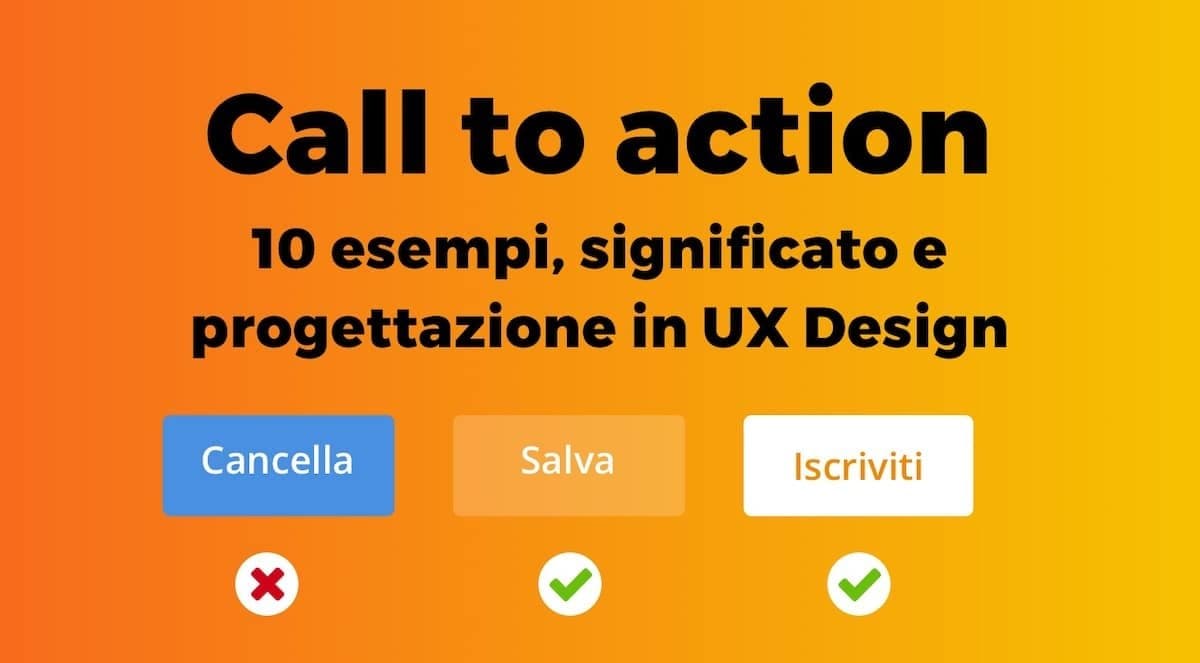
A call to action (CTA) is the moment the page stops explaining and starts asking the user to do something. It's the last fraction of a second before a conversion — a signup, a purchase, a download, a contact. Everything before it exists to set up this moment, and the CTA's design can double or halve a page's conversion rate on the same traffic and content.
This article is a practical guide to designing CTAs that actually work: visual design principles, copy, behavior, common mistakes, and how to test whether your CTA is pulling its weight.
What you'll learn:
- What a CTA really is — more than a button
- The 10 design principles of an effective CTA
- How to write CTA copy (UX writing for buttons)
- Color psychology and page placement
- 7 real CTA examples from top US and UK products
- How to measure whether a CTA is working
What a CTA is
A call to action is any interface element that explicitly invites the user to perform a specific action. In practice it's almost always a button, but it can also be a text link, a clickable card or an entire section.
Its value is measured in conversion rate: out of 100 people who see it, how many click. That number drives the economics of any product that depends on conversion (e-commerce, SaaS, lead generation, newsletters).
A CTA isn't a graphic element. It's a micro-moment of design, copywriting and behavior stitched together.
The 10 principles of an effective CTA
1. One primary CTA per screen (two max)
The cardinal sin of landing pages: 5 different buttons, each asking for something different. The user doesn't know where to go, and the result is that they go nowhere. One page, one primary CTA, maybe one secondary with clearly lower visual priority.
2. Maximum visual contrast
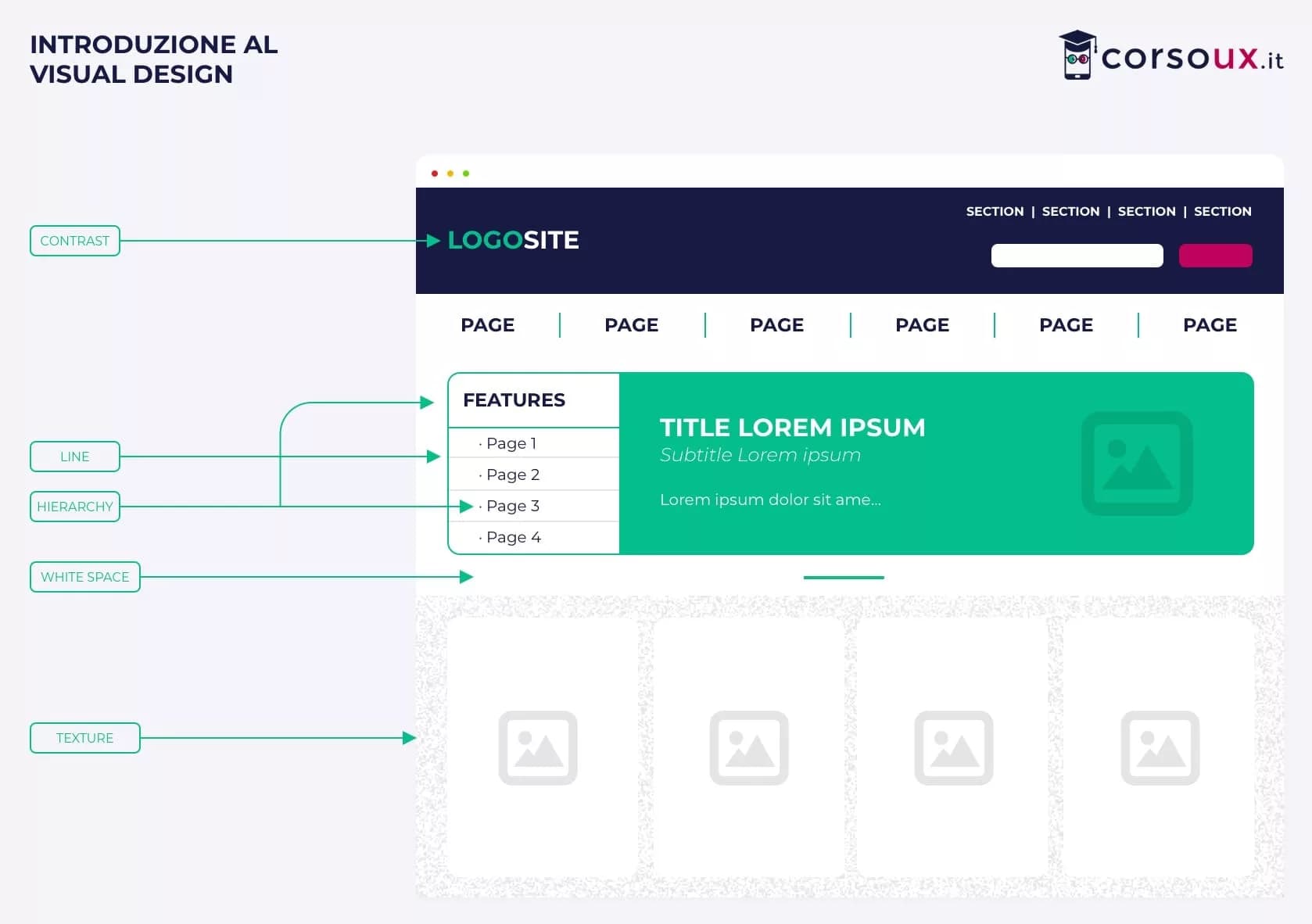
The CTA has to dominate visually. Strong brand color (not anonymous gray), high contrast with the background, generous size. The practical rule: if I strip everything from the page and leave only the CTA, it should still be instantly recognizable as "the place to click".
3. Predictable placement
Primary CTAs on a landing page work best when they're:
- Above the fold, visible without scrolling
- At the end of a section, after a clear promise
- At the very bottom of the page, for the users who read everything
Every page's scroll heatmap suggests where to add further CTAs: where users naturally pause, drop a prompt.
4. Copy that describes the benefit, not the action
"Click here" is the worst possible CTA. "Download the PDF" is better. "Download the free beginner's guide" is better still. The copy should say what happens after the click, not what the user does.
Bad example: "Submit"
Good example: "Start for free"
Better: "Start for free — no credit card required"
5. Remove frictional copy
Words that spike anxiety lower conversion: "buy", "subscribe", "purchase now" carry more emotional weight than "try free", "explore", "start". Where the business allows it, prefer low-pressure copy.
6. Hover state and click feedback
The button has to react visually to mouse hover and click (active state). Without visual feedback, a percentage of users assume the system didn't register the click and click again.
7. Touch-friendly size
On mobile, the minimum recommended touch target is 44×44 pt (Apple Human Interface Guidelines) or 48×48 dp (Material Design). Smaller buttons produce frequent mis-taps and frustration. It's also a WCAG 2.2 AA requirement for target size (Level AA, 2.5.8).
8. Icons complement — don't replace — text
An icon next to the text speeds up recognition (an arrow → means "next"). An icon alone, without text, is a puzzle for new users and breaks assistive-tech labeling.
9. Visibility across devices and states
The CTA has to stay visible and clickable in dark mode, in mobile landscape, with the on-screen keyboard open, with the browser URL bar visible. These configurations are often skipped during QA.
10. Instant feedback on the next action
Clicking a CTA and waiting 5 seconds for anything to happen is an abandonment multiplier. Add an immediate loading state on click and use animation to reassure the user the system is responding.
UX writing for CTAs
The text on a button is often the single highest-ROI element in your entire product. One word changed can move conversion 5–20%.
Verbs that work
Direct imperative verbs outperform future or conditional ones:
- Strong: Download, Try, Start, Book, Join, Get
- Weak: Go, Visit, Explore, Learn about, Check out
The "verb + benefit" structure
A classic formula that consistently performs:
[Imperative verb] + [specific benefit to the user]
- "Download the 2026 SEO guide"
- "Start free for 14 days"
- "Book a call with a mentor"
First person vs. second person
The research is split. Some A/B tests show that first-person buttons ("Start my free trial") convert better than second-person ones ("Start your free trial") or plain imperatives ("Start free trial"). It's context-dependent: test before deciding.
Reassurance copy
Adding a reassurance line next to the button lowers anxiety:
- "Start for free" + microcopy: "No credit card required"
- "Book a demo" + "30 minutes, no commitment"
This supporting microcopy can lift conversion 10–30% on high-friction CTAs.
Color psychology in CTAs
The color of a primary button doesn't follow a universal rule ("red converts best") but a principle: it has to contrast sharply with the rest of the design and stay consistent with the brand palette.
In general:
- Warm colors (red, orange, magenta): grab attention, associated with urgency and action
- Cool colors (blue, green): communicate trust and calm, associated with professionalism
- Muted or too-neutral colors: the CTA disappears and the design looks indecisive
The point isn't picking "the magic color." It's standing out from the rest of the page. A green button on a green-palette site has less contrast than a blue button on a black-and-white site. Also check that your button still hits WCAG 2.2 AA contrast (4.5:1 for text, 3:1 for UI components) — a hard legal requirement under the ADA and Section 508 for any public-facing US product.
7 real CTA examples that work
1. Duolingo — "Start learning"
Simple, imperative, benefit-oriented. Bright green button against a white background and the illustrated mascot. It doesn't ask you to register — it promises to start teaching you.
2. Stripe — "Start now"
Two words, strong brand purple, positioned top-right in the navbar (always visible). The absence of frictional copy ("sign up", "register") matches Stripe's technical audience: developers who want to jump to the code.
3. Notion — "Get Notion free"
Copy that kills the barrier immediately ("free") and specifies the action ("get"), not "register". The flat black button has maximum contrast on the white homepage.
4. Airbnb — "Start your search"
One large search field with a prominent circular button. The CTA lives inside a form, not as a standalone button. The user doesn't decide "whether" to use the product — they decide "what" to search for.
5. Spotify — "Get Spotify Free"
The dual CTA ("Free" and "Premium") is handled through visual hierarchy: "Free" in a standard button, "Premium" in a primary brand-colored one. Low-intent users have a path; high-intent users have a more valued one.
6. Basecamp — "Give Basecamp a try"
Long, conversational copy in Basecamp's house style. The button feels like a personal invitation, not a commercial command. Tone matches brand perfectly.
7. Linear — "Start building"
Two words. No "free" or "demo" promise. It's a CTA for a specific audience (developers, tech teams) who already know what to expect. Textbook simplicity.
Common mistakes that kill conversions
Five mistakes we see repeatedly:
1. "Click here" CTAs
The only reason this copy still exists is inertia. It doesn't explain what happens, communicates no benefit, and contributes nothing to SEO. Ban it.
2. Too many competing CTAs
"Sign up / Learn more / Download / Contact us / Buy" all in the same viewport. Users don't know where to go, so they go nowhere.
3. CTA hidden below the fold
If your primary CTA requires a scroll to be seen, you're losing the 30–50% of visitors who never scroll past the first screen.
4. Generic copy
"Learn more" is generic. "See how we cut customer acquisition cost 40%" is specific. The second converts significantly better.
5. Not testing
The CTA is the highest-ROI element to test. If you're not running A/B tests on your CTAs, you're leaving conversions on the table.
How to measure CTA effectiveness
Three key metrics:
1. Click-through rate (CTR)
The percentage of users who click the CTA compared to those who see it. It depends on visibility, copy and context. A CTR above 3–5% on a B2B landing page is good; above 10% is excellent.
2. Conversion rate
The percentage of visitors who complete the final action (purchase, signup, download). It captures the combined effect of the CTA plus the whole page.
3. Post-click bounce rate
If the CTA sends users to a page they then abandon, the problem isn't the CTA anymore — it's the gap between expectation and reality. Always measure what happens after the click.
Frequently asked questions
What's the best color for a CTA?
There is no universal best color. What matters is contrast with the rest of the page and consistency with the brand palette. An orange button on a blue site works. A blue button on a blue site doesn't.
How many CTAs should a page have?
One primary, optionally one clearly differentiated secondary. Beyond 2 simultaneous CTAs you start to see overall conversion drop. Landing pages with many competing CTAs convert worse than focused ones.
"Buy now" or "Start free"?
"Start free" almost always wins in early funnel stages because it has lower friction. "Buy now" makes sense when the user is close to the decision and you want to create urgency. It depends on where they are in the customer journey.
Do CTAs always have to be buttons?
No. They can be text links for secondary actions, clickable cards, entire sections. The button is the most explicit form, suited to primary actions.
How much text should a CTA have?
Typically 2 to 5 words. Under 2 the message gets too generic. Over 5 it becomes hard to scan. Supporting microcopy under the button can extend the message without overloading the button itself.
Next steps
The call to action is one of the most testable, highest-impact elements of any web page. To keep going:
- Dig into A/B testing to measure the effect of your changes
- Read the UX writing guide to write better button copy
- Study the Gestalt psychology principles that apply to CTA design
If your CTA is working hard but the page around it isn't converting, the problem usually lives upstream — in the headline, the promise, or the proof. Fix the frame first, then sweat the button.